
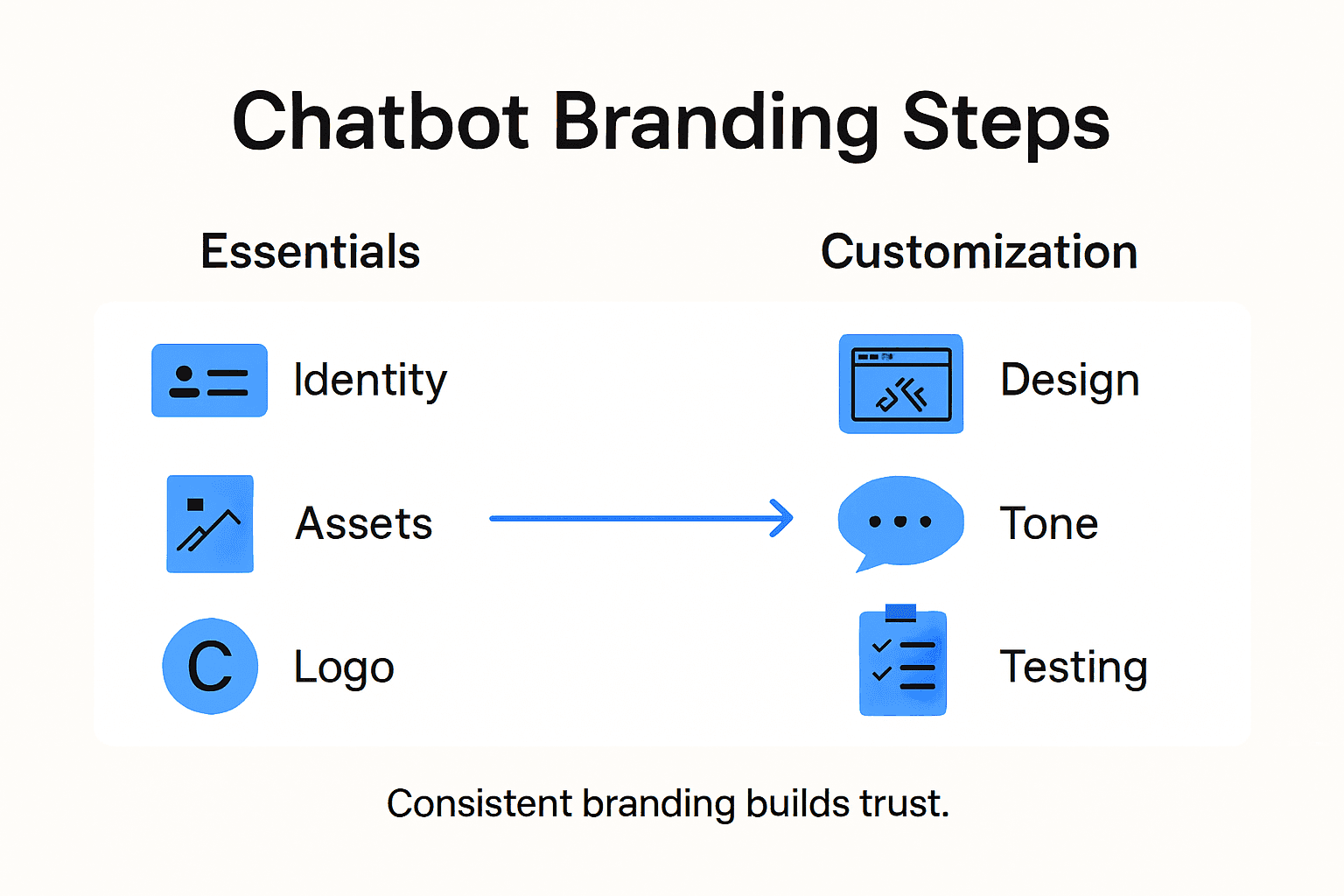
Most american consumers now expect consistent brand experiences across every digital touchpoint, including support chats. For e-commerce managers, missing the mark on a chatbot’s look or tone can erode customer trust in seconds. Knowing how to align your chatbot’s style and messaging with your business identity is no small task. This practical guide highlights the critical steps to create a support chatbot that truly feels like part of your brand, from audit to real customer testing.
Table of Contents
- Step 1: Assess Your Brand Identity And Assets
- Step 2: Set Up Chatbot Basics On ChatPirate.io
- Step 3: Customize Design To Match Your Brand
- Step 4: Personalize Messaging And Tone
- Step 5: Test Branding Across Real Customer Chats
Quick Summary
| Key Point | Explanation |
|---|---|
| 1. Understand Your Brand Identity | Conduct a brand audit to clarify your visual and verbal assets, establishing a foundation for your chatbot’s personality. |
| 2. Customize Chatbot Appearance | Use your brand’s logo, color palette, and typography to create a visual identity that resonates with your customers. |
| 3. Define Messaging and Tone | Develop a messaging guide that outlines preferred language, tone, and emotional nuances to maintain brand consistency. |
| 4. Test with Real Users | Implement a testing strategy using analytics, focus groups, and feedback to refine your chatbot’s performance and alignment with your brand. |
| 5. Iterate Based on Feedback | Continuously improve the chatbot by analyzing interactions and making adjustments, ensuring it meets customer expectations and reflects your brand’s voice. |
Step 1: Assess your brand identity and assets
Before diving into chatbot branding, you need a crystal clear understanding of your existing brand identity. This assessment will serve as the foundation for creating a chatbot that genuinely reflects your company’s personality and values.
Start by conducting a comprehensive brand audit that examines your current visual and verbal assets. Research shows that articulating clear identity traits significantly influences consumer perception. Gather all your brand materials including logos, color palettes, typography, messaging guidelines, and previous communication examples. Document the core elements that define your brand voice such as whether you sound professional, friendly, technical, or conversational.
Map out your brand’s personality traits by creating a detailed profile. Are you authoritative and precise? Warm and approachable? Innovative and cutting edge? These characteristics will directly inform how your chatbot communicates. Analyze your existing customer communication channels to understand the tone and language that resonates most with your audience. Review email exchanges, social media interactions, and customer support transcripts to identify your most effective communication patterns.
Pro Tip: Create a one-page “brand personality cheat sheet” that distills your brand’s core identity traits to serve as a quick reference guide when designing your chatbot’s communication style.
Here’s a summary of essential brand identity elements and how they influence your chatbot’s personality:
| Brand Element | Impact on Chatbot | Example in Use |
|---|---|---|
| Logo | Sets visual recognition | Bot avatar displays company logo |
| Color Palette | Creates brand consistency | Chat window matches brand colors |
| Voice/Tone | Shapes communication style | Bot greets in a friendly manner |
| Messaging | Guides response authenticity | Answers mirror brand values |
Step 2: Set up chatbot basics on ChatPirate.io
Now that you understand your brand identity, it is time to start building your support chatbot using ChatPirate.io’s straightforward platform. Your goal is to configure a chatbot that seamlessly represents your brand and provides exceptional customer support.
Begin by logging into ChatPirate.io and navigating to the chatbot creation dashboard. When setting up your initial chatbot configuration, focus on defining clear instructions and structuring your bot’s core logic. Start by selecting a unique name for your chatbot that reflects your brand personality. Consider how this name will appear to customers and ensure it sounds professional and approachable. Upload your brand logo and choose a color palette that matches your existing visual identity to create a consistent visual experience.
Next, craft your chatbot’s initial instructions and training data. Input your company’s key information, frequently asked questions, and preferred communication style. This step is crucial for ensuring your chatbot sounds authentic and provides accurate information. Pay special attention to training your bot with real customer interaction examples to help it understand context and nuance. Review the training data carefully to confirm that the responses align with your brand voice and communication standards.
Pro Tip: Start with a minimal viable chatbot and iteratively improve its performance by analyzing customer interactions and feedback rather than trying to create a perfect bot in your first attempt.
Step 3: Customize design to match your brand
With your chatbot’s basic configuration complete, it is time to transform its appearance into a seamless extension of your brand identity. The visual design of your chatbot plays a critical role in creating a consistent and engaging user experience.

Anthropomorphic design features can significantly influence users’ perceptions and emotional responses to your chatbot. Begin by uploading your brand logo and selecting a color palette that precisely matches your existing visual materials. Pay close attention to details like chat window background, message bubbles, and interaction buttons. Choose typography that mirrors your brand’s communication style whether that means clean and modern or warm and approachable.
Navigate through ChatPirate.io’s design customization options to fine-tune your chatbot’s visual elements. Ensure that every visual touchpoint reflects your brand’s personality. This includes selecting an appropriate avatar or chat interface icon that represents your brand. Consider the emotional response you want to evoke when customers interact with your chatbot. Are you aiming for a professional corporate feel or a friendly conversational approach? Your design choices should communicate these nuanced brand attributes clearly and consistently.
Pro Tip: Test your chatbot’s design with a small group of customers or team members to gather feedback on how well the visual design represents your brand and creates a positive user experience.
Step 4: Personalize messaging and tone
Now that your chatbot looks the part, it is time to give it a voice that truly represents your brand. Your chatbot’s messaging and tone are the core elements that will determine how customers perceive and interact with your virtual support representative.
Research on tone-aware chatbots reveals sophisticated techniques for aligning dialog style with brand personality. Start by creating a comprehensive messaging guide that outlines your brand’s communication style. Are you direct and technical? Warm and empathetic? Playful and creative? Define specific language parameters including preferred word choices, sentence structures, and emotional undertones. Consider creating a list of approved phrases and another of words or expressions to avoid. This will help maintain consistency across all automated interactions.
Within ChatPirate.io’s customization settings, input your specific messaging guidelines. Program response templates that reflect your brand voice while providing flexible frameworks for handling diverse customer inquiries. Pay attention to nuances like how you want the chatbot to handle error messages, express empathy, or inject subtle humor. The goal is to create a conversational experience that feels authentic and aligned with your brand personality. Remember that your chatbot is not just a tool but an extension of your customer service team.
Pro Tip: Create a small matrix of typical customer scenarios and draft sample responses to help calibrate your chatbot’s tone before full deployment.
Step 5: Test branding across real customer chats
With your chatbot configured and styled, the critical phase of real-world testing begins. This step will help you validate whether your carefully crafted brand personality translates effectively in actual customer interactions.
Robust frameworks for evaluating chatbot interactions can provide comprehensive insights into user experience and emotional responsiveness. Start by implementing a staged rollout strategy that allows you to monitor and analyze initial conversations. Use ChatPirate.io’s analytics dashboard to track key metrics such as user sentiment, response accuracy, and engagement levels. Pay close attention to how customers react to your chatbot’s tone and language choices. Look for patterns in customer feedback that indicate whether the bot sounds authentic and aligned with your brand personality.
Conduct both quantitative and qualitative assessments of your chatbot’s performance. Collect direct user feedback through short surveys immediately after chat interactions. Review conversation transcripts to identify moments where the chatbot’s messaging feels natural versus artificial. Be prepared to make iterative adjustments to your communication guidelines based on real customer interactions. Remember that effective branding is an ongoing process of refinement and adaptation.
Pro Tip: Create a small focus group of loyal customers who can provide detailed feedback on your chatbot’s communication style before full deployment.
Before launching, compare key testing and feedback methods for chatbot branding effectiveness:
| Testing Method | Data Collected | Business Benefit |
|---|---|---|
| Analytics Dashboard | Sentiment, engagement, accuracy | Identifies strengths and weak spots |
| Focus Groups | In-depth feedback on tone | Calibrates user experience |
| Surveys | Instant post-chat opinions | Reveals satisfaction drivers |
| Transcript Reviews | Real conversation examples | Spots unnatural responses |
Elevate Your Brand with a Custom Chatbot That Truly Connects
Branding your support chatbot is essential for creating an engaging customer experience that reflects your business personality and values. The article highlights key challenges such as aligning your chatbot’s tone, messaging, and visual design with your brand identity while ensuring consistent and authentic communication. If you want to overcome these hurdles and provide instant, accurate responses that resonate with your customers ChatPirate.io offers the perfect solution. Our AI-powered platform lets you build and customize chatbots with ease so your chatbot becomes a natural extension of your brand voice and style.
With features like seamless branding customization including avatars logos and color palettes plus training your chatbot with your real company content you can ensure every interaction feels genuine and supportive. Plus our analytics dashboard and human handoff capabilities help you continuously improve customer satisfaction and engagement. Ready to create a branded chatbot that delights your customers and drives business growth?
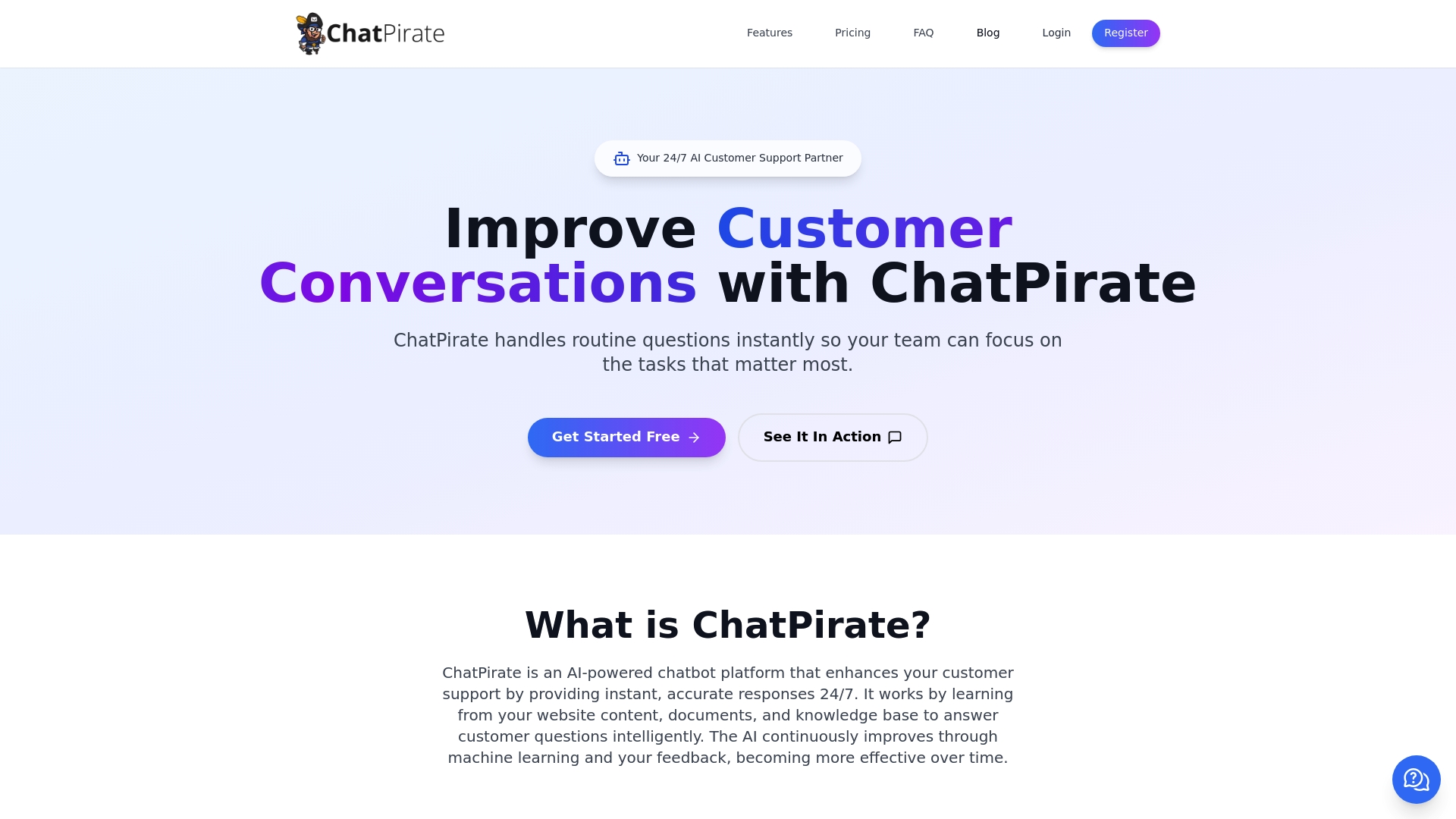
Explore how ChatPirate.io’s user-friendly platform can transform your customer support into a consistent brand experience. Visit ChatPirate.io to start your free trial now and see how easy it is to build a personalized chatbot that matches your unique brand identity. Don’t wait to deliver faster stronger support that your customers will trust and appreciate.
Frequently Asked Questions
How do I assess my brand identity before creating a support chatbot?
To assess your brand identity, conduct a comprehensive brand audit that examines your visual and verbal assets. Gather all relevant materials like logos, color palettes, and messaging guidelines, and document the core elements of your brand voice.
What steps should I follow to set up my chatbot on ChatPirate.io?
Start by logging into ChatPirate.io and navigating to the chatbot creation dashboard. Define clear instructions, select a unique name, upload your brand logo, and input your company’s key information, including frequently asked questions and preferred communication style.
How can I customize the design of my chatbot to match my brand?
Customize the design of your chatbot by uploading your brand logo and selecting a color palette that aligns with your existing visual materials. Adjust the chat window background and message bubbles to create a cohesive, branded user experience.
What messaging guidelines should I create for my chatbot?
Create a comprehensive messaging guide that outlines your brand’s communication style, including preferred word choices and emotional undertones. Incorporate specific response templates that reflect your brand’s voice, ensuring consistency across all automated interactions.
How can I analyze the performance of my chatbot after deployment?
Analyze your chatbot’s performance by implementing a staged rollout strategy and using analytics tools to track metrics such as user sentiment and engagement. Collect direct user feedback through surveys post-chat and review conversation transcripts to identify areas for improvement.
What should I do if my chatbot’s tone does not resonate with users?
If your chatbot’s tone does not resonate, be prepared to make iterative adjustments based on real customer interactions. Gather feedback regularly and use it to refine your messaging guidelines and response templates until you find a tone that feels authentic and engaging.
Leave a Reply