
Over 60 percent of American shoppers expect instant answers to their online questions. For e-commerce businesses, the pressure to deliver rapid, accurate support while controlling costs is greater than ever. Adopting AI chatbot automation promises to ease the strain by handling repetitive queries and freeing your team for complex cases. This practical guide shares straightforward steps for North American store owners who want faster response times and lower support expenses using smart chatbot solutions.
Table of Contents
- Step 1: Assess Current Support Needs
- Step 2: Select and Integrate ChatPirate Chatbot
- Step 3: Train Chatbot with Store Content
- Step 4: Customize Branding and Responses
- Step 5: Test and Launch Automated Support
- Step 6: Monitor Performance and Optimize
Quick Summary
| Key Insight | Explanation |
|---|---|
| 1. Assess Support Needs | Understand your current customer service to identify automation opportunities for efficiency. |
| 2. Choose the Right Chatbot | Ensure the chatbot integrates seamlessly with existing systems and meets specific business needs. |
| 3. Train with Relevant Data | Collect and prepare detailed data to improve the chatbot’s ability to respond accurately to customer queries. |
| 4. Customize Brand Experience | Align the chatbot’s tone and appearance with your branding for a more authentic customer interaction. |
| 5. Monitor and Optimize Performance | Regularly analyze chatbot metrics and user feedback to identify areas for improvement and enhance performance. |
Step 1: Assess Current Support Needs
Assessing your e-commerce support needs sets the foundation for effectively implementing an AI chatbot solution. Your goal is to understand your current customer service landscape and identify strategic automation opportunities.
Start by mapping out your existing customer interaction channels and analyzing the volume, complexity, and frequency of support requests. Systematic reviews demonstrate that chatbots significantly enhance customer service interactivity and information richness. Review your customer support tickets and categorize them into repeatable, rules-based interactions that could be automated. Focus on scenarios like order tracking, shipping inquiries, product information requests, and basic troubleshooting that consume substantial support team time.
Consider conducting a quick customer survey or analyzing support team feedback to pinpoint precise pain points. AI chatbots excel at automating repetitive tasks while reducing customer wait times and improving overall responsiveness. Track metrics like average response time, ticket resolution rate, and customer satisfaction scores to establish a baseline for measuring chatbot performance.
Pro tip: Create a prioritized list of support interactions ranked by frequency and complexity to guide your initial AI chatbot deployment strategy.
Step 2: Select and Integrate ChatPirate Chatbot
Selecting and integrating the right AI chatbot for your e-commerce platform is critical to enhancing customer support and engagement. Your objective is to choose a solution that seamlessly connects with your existing systems and meets your specific support requirements.
Methodical chatbot integration requires analyzing user needs and ensuring compatibility with existing digital ecosystems. Start by evaluating ChatPirate against your specific e-commerce platform requirements. Look for key features like platform compatibility, customization options, and the ability to handle complex conversational commerce tasks. Modern e-commerce chatbots emphasize human-like accuracy, ease of creation, and seamless system integration. Consider your technical capabilities most businesses can leverage no-code integration options that do not require extensive programming skills.
Review ChatPirate’s integration methods carefully. Most e-commerce platforms support direct API connections or plugins that enable quick deployment. Check your website builder WordPress, Shopify, Wix, or Webflow for native integration capabilities. Verify the chatbot can connect with your customer relationship management system to provide comprehensive support tracking and personalization.
Pro tip: Request a demo or free trial to test the chatbot’s performance within your specific e-commerce environment before full implementation.
Here’s a quick summary of chatbot integration factors and their business outcomes:
| Integration Factor | Description | Business Impact |
|---|---|---|
| Platform Compatibility | Supports major e-commerce platforms | Fast, seamless deployment |
| Customization Options | Branding, conversation style, avatars | Consistent brand experience |
| API & Plugin Availability | Direct connections and prebuilt plugins | Reduces technical complexity |
| CRM Integration | Links to customer data and history | Enables personalized support |
| No-Code Implementation | Setup without deep programming knowledge | Widens access for businesses |
Step 3: Train Chatbot with Store Content
Training your AI chatbot with precise store content is crucial for creating a responsive and intelligent customer support system. Your goal is to transform raw data into a powerful conversational tool that understands your business intricacies.

Training an AI chatbot requires systematically collecting and preparing store-related data including product details, customer purchase history, and support transcripts. Begin by gathering comprehensive information from your product catalogs, existing customer interaction logs, and frequently asked question databases. Focus on compiling detailed product descriptions, pricing information, shipping policies, and common customer inquiry patterns. Utilize machine learning models that can parse and understand the nuanced language specific to your e-commerce environment.
Upload your curated content directly into the ChatPirate training interface. Ensure you include variations of potential customer questions to help the AI understand context and intent. Review and validate the chatbot responses to confirm accuracy and relevance. Pay special attention to technical specifications, size charts, color options, and other product-specific details that customers frequently request.
Pro tip: Create a diverse training dataset by including both successful and challenging customer interactions to help the AI develop more robust and adaptive response capabilities.
Step 4: Customize Branding and Responses
Customizing your AI chatbot’s branding and responses transforms a generic support tool into a unique extension of your e-commerce brand. Your objective is to create a conversational experience that feels authentic and aligned with your company’s voice and customer expectations.
Personalized chatbot interactions significantly improve customer attitudes and loyalty by leveraging customized language style and problem-solving approaches. Begin by defining your brand’s communication personality. Determine whether your tone is professional and direct, friendly and conversational, or technical and precise. Adjust the chatbot’s language settings to match this style consistently across all interactions. Select color schemes, font styles, and avatar designs that reflect your brand’s visual identity within the ChatPirate interface.
The anthropomorphic verbal design of chatbots plays a crucial role in enhancing perceived product personalization and customer engagement. Configure response templates that incorporate your brand specific terminology and communication nuances. Test different variations to ensure the chatbot sounds natural and authentic while maintaining your core brand messaging. Pay attention to greeting styles, resolution language, and the overall conversational flow to create a seamless customer experience.
Pro tip: Conduct periodic user experience testing to validate that your chatbot’s customized responses genuinely resonate with your target customer demographic.
Step 5: Test and Launch Automated Support
Testing and launching your AI chatbot is a critical phase that determines the effectiveness of your automated customer support strategy. Your goal is to ensure a smooth, reliable, and user friendly experience that meets your customers expectations.
Chatbot testing is essential to verify functionality, performance, and reliability across different interaction scenarios. Begin by developing a comprehensive test plan that covers multiple customer interaction scenarios. Create test cases that simulate realistic customer inquiries, including complex questions, edge cases, and potential misunderstandings. Evaluate the chatbots natural language processing capabilities by presenting varied communication styles and technical support requests. Pay close attention to response accuracy, conversation flow, and the ability to handle unexpected user inputs.
Structured testing reduces potential issues such as misinterpretations or technical glitches that can negatively impact customer satisfaction. Implement a phased launch approach by first introducing the chatbot during off peak hours or to a limited customer segment. Monitor key performance indicators including response time, resolution rate, and customer feedback. Configure fallback mechanisms that smoothly transfer complex queries to human support agents when the AI cannot provide a satisfactory resolution. Continuously collect user feedback and performance metrics to drive iterative improvements.
Pro tip: Establish a continuous improvement protocol that includes weekly performance reviews and monthly comprehensive assessments to keep your chatbot learning and adapting effectively.
Step 6: Monitor Performance and Optimize
Monitoring and optimizing your AI chatbot’s performance is an ongoing process that ensures your automated support system continues to deliver exceptional customer experiences. Your objective is to transform raw interaction data into actionable insights that drive continuous improvement.
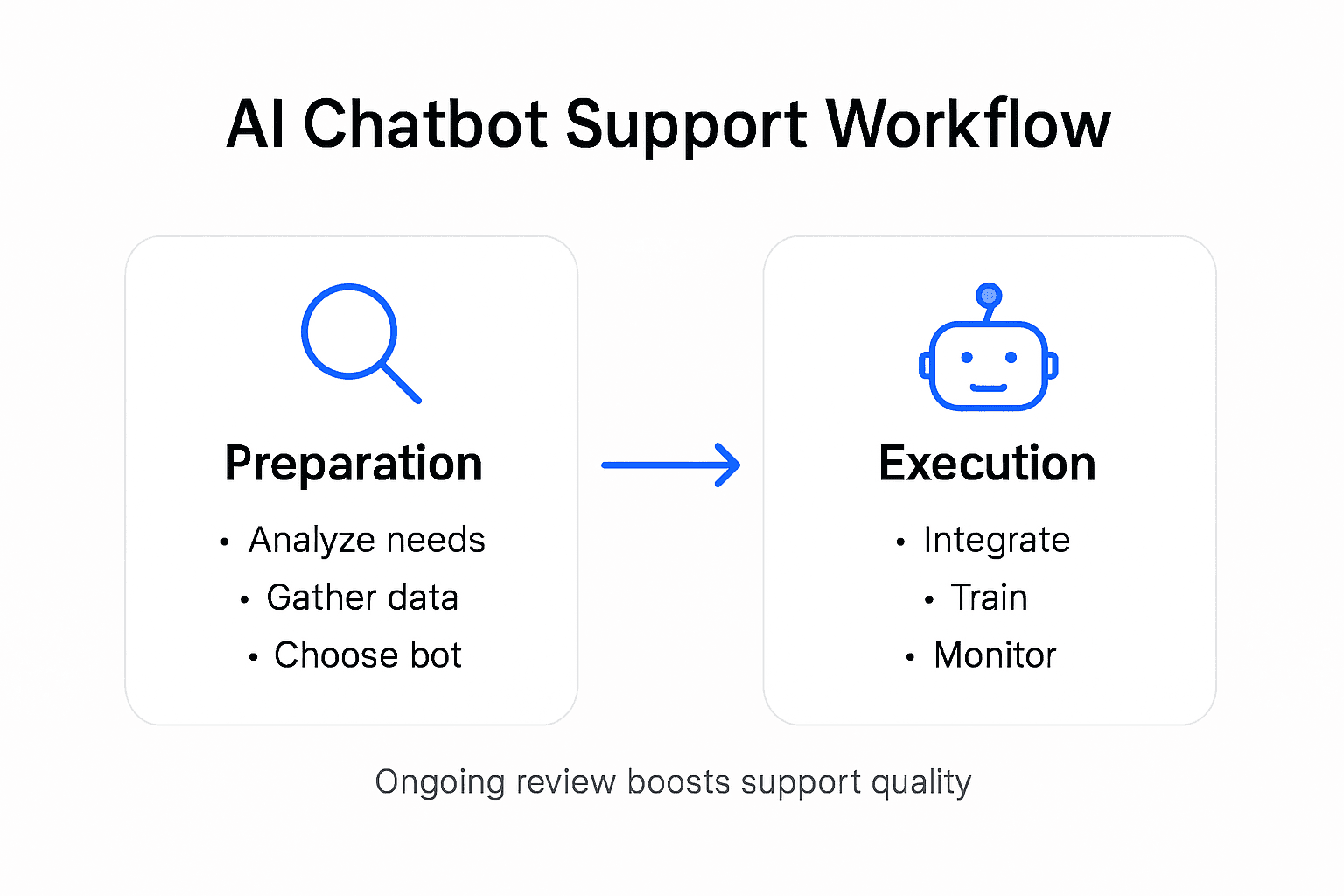
Ongoing monitoring using advanced NLP tools and sentiment analysis enables personalized and empathetic responses that enhance customer satisfaction. Leverage ChatPirate’s analytics dashboard to track key performance metrics such as response accuracy, user engagement rates, conversation completion percentages, and customer sentiment scores. Pay attention to nuanced interaction details like resolution time, user satisfaction ratings, and the frequency of human agent handoffs.
Comprehensive conversation analysis integrates numerical metrics with linguistic evaluation to identify precise improvement opportunities. Regularly review conversation transcripts to understand context where the chatbot struggles or misinterprets user intent. Use these insights to refine training data, adjust response templates, and expand the chatbot’s knowledge base. Implement a structured feedback loop that allows continuous learning and adaptation, ensuring your AI support tool becomes more intelligent and responsive with each interaction.
Pro tip: Schedule monthly deep-dive analysis sessions to review comprehensive performance reports and identify strategic optimization opportunities that can significantly enhance your chatbot’s effectiveness.
The following table highlights key performance metrics to monitor your chatbot’s effectiveness:
| Metric | What It Measures | Why It Matters |
|---|---|---|
| Response Accuracy | Correct answers given | Ensures reliable user support |
| Resolution Rate | Issues resolved automatically | Measures chatbot effectiveness |
| User Engagement Rate | Number of active interactions | Indicates user adoption and trust |
| Human Handoff Frequency | Transfers to human agents | Reveals AI knowledge gaps |
| Customer Sentiment | Satisfaction from interactions | Tracks user experience quality |
Transform Your E-Commerce Support with AI Chatbots Today
Many e-commerce businesses face the challenge of managing high volumes of repetitive customer inquiries while maintaining fast and personalized support. As highlighted in the article, automating support with AI chatbots can reduce response times, improve customer satisfaction, and free your team to address complex issues. Key pain points such as integrating chatbots without technical hurdles, customizing responses to fit your brand, and continuously optimizing performance are critical to a successful deployment. ChatPirate.io offers a powerful solution designed to address these exact needs by providing easy-to-integrate, AI-powered chatbots that learn directly from your store content and customer interactions.
With ChatPirate, you will benefit from:
- Seamless setup on platforms like Shopify, WordPress, Wix, and Webflow without coding
- Customizable branding to reflect your unique voice and enhance customer engagement
- Advanced analytics and human handoff features ensuring continuous support quality
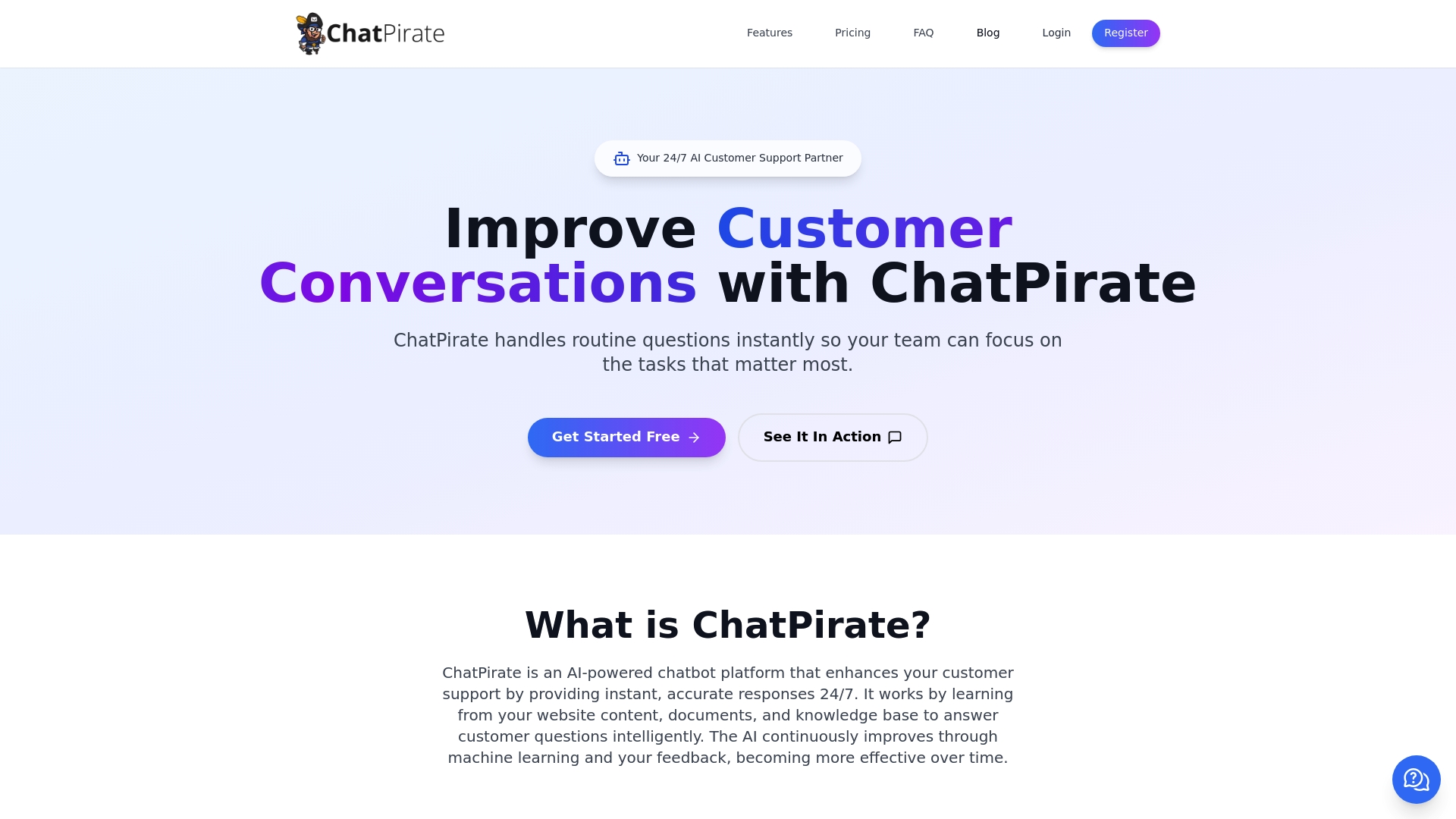
Start automating your e-commerce customer support now by exploring ChatPirate’s AI chatbot solutions. Experience how our platform can save you time and money while delivering smarter, faster, and more satisfying customer experiences that grow your business.
Frequently Asked Questions
How do I assess my current support needs before implementing an AI chatbot?
Start by mapping out all customer interaction channels and analyzing support request patterns. Review support tickets to identify common issues that can be automated, focusing on tasks like order tracking and basic troubleshooting.
What factors should I consider when selecting an AI chatbot for my e-commerce platform?
Evaluate the compatibility of the chatbot with your existing systems, looking for features like no-code integration, customization options, and the ability to handle complex queries. Prioritize solutions that provide a seamless experience and allow easy integration into your e-commerce platform.
How can I effectively train my AI chatbot with store content?
Begin by gathering comprehensive information from your product catalogs, customer interactions, and frequently asked questions. Upload this data into the chatbot’s training interface, including variations of customer inquiries to improve context understanding.
How do I customize my chatbot’s branding and responses?
Define your brand’s communication style and ensure the chatbot reflects this in its tone and language. Adjust visual elements like colors and avatars to match your brand identity and test response templates for natural, authentic interactions.
What steps should I take to test and launch my AI chatbot?
Develop a test plan that simulates various customer inquiries to check the chatbot’s performance and response accuracy. Start with a phased launch during off-peak hours, monitor key performance indicators, and be ready to transfer complex inquiries to human agents if necessary.
How do I monitor and optimize my AI chatbot’s performance?
Regularly track performance metrics like response accuracy and customer sentiment using the analytics dashboard. Conduct monthly deep-dive analysis sessions to gather insights and refine your chatbot’s training data and response patterns for continuous improvement.
Leave a Reply