
Over 60 percent of American e-commerce businesses report that slow customer service leads to lost sales. In the competitive online market, support managers know every minute counts when addressing customer requests. Learning how to enhance your support workflows with chatbots enables your team to deliver consistent, immediate responses, uncover hidden inefficiencies, and raise customer satisfaction while lightening the load on your staff.
Table of Contents
- Step 1: Assess Current Customer Support Workflows
- Step 2: Integrate and Configure AI Chatbot Solution
- Step 3: Customize Chatbot Responses for Consistency
- Step 4: Monitor Customer Interactions for Quality
- Step 5: Analyze Feedback and Optimize Automation
Quick Summary
| Key Insight | Explanation |
|---|---|
| 1. Assess Your Current Workflows | Analyze existing customer support processes to identify inefficiencies and potential improvements before implementing chatbots. |
| 2. Integrate an AI Chatbot Solution | Choose and configure a chatbot that meets your specific organizational needs, enhancing support interactions across various channels. |
| 3. Customize Responses for Consistency | Develop a response library that reflects your brand’s voice while ensuring accuracy and variety in chatbot communication. |
| 4. Monitor Interactions for Quality | Regularly review chatbot performance metrics to maintain high support quality and identify areas for improvement. |
| 5. Analyze Feedback for Optimization | Continuously collect and analyze user feedback to refine the chatbot’s effectiveness and adapt to changing customer expectations. |
Step 1: Assess Current Customer Support Workflows
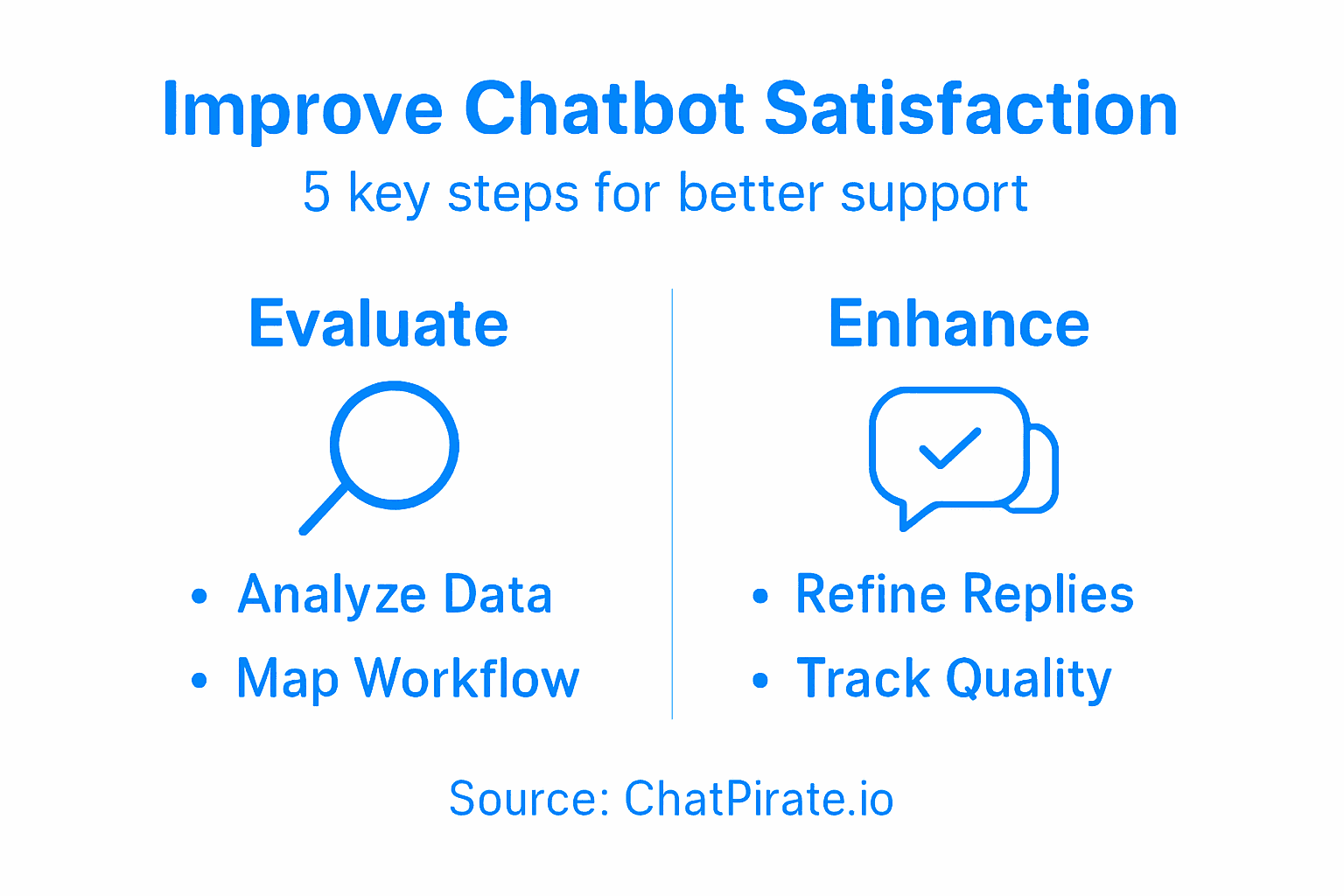
To optimize your customer support strategy using chatbots, you first need to conduct a comprehensive analysis of your existing support workflows. This critical step allows you to identify bottlenecks, inefficiencies, and opportunities for improvement before implementing an AI-powered solution.
Start by collecting and analyzing your customer interaction data. Advanced clustering techniques can help you understand user intents and sentiment patterns across your support channels. Review customer service records, chat transcripts, email interactions, and phone support logs to gain a holistic view of how customers currently engage with your support team. Look for common questions, frequent pain points, average response times, and resolution rates.
Make sure to map out your entire customer support journey from initial contact to final resolution. Document each touchpoint, interaction type, and the current human resources involved. This workflow mapping will reveal where chatbots can most effectively augment or replace manual processes. Understanding query complexity helps configure AI systems that can handle routine inquiries while seamlessly transferring more nuanced requests to human agents.
Pro Tip: Create a visual workflow diagram to help your team easily understand current support processes and identify potential automation opportunities.
Step 2: Integrate and Configure AI Chatbot Solution
Once you have assessed your current customer support workflows, it is time to integrate and configure an AI chatbot solution that will transform your customer service experience. This crucial step involves selecting the right technology and tailoring it precisely to your organization’s specific needs and communication patterns.
Begin by implementing microservices architecture that allows for flexible and scalable chatbot deployment. Choose a platform that supports advanced natural language processing capabilities, enabling your chatbot to understand complex customer intents and provide contextually relevant responses. Focus on solutions that offer robust intent recognition, sentiment analysis, and seamless human agent handoff mechanisms. These features ensure your chatbot can handle routine inquiries efficiently while escalating more nuanced interactions to human support staff.
Configuration is key to creating an intelligent and responsive chatbot. Train your AI system using existing customer interaction data, focusing on common questions, support tickets, and typical communication patterns. Personalized AI assistance strategies can significantly improve customer satisfaction by enabling more natural and empathetic interactions. Integrate your chatbot across multiple channels including website, mobile app, and messaging platforms to provide consistent and accessible support.
Pro Tip: Test your chatbot thoroughly with diverse scenarios and continuously monitor its performance metrics to refine its responses and improve accuracy.
Here’s a summary of key business benefits enabled by AI chatbot integration:
| Benefit | How Chatbots Deliver It | Impact on Support Teams |
|---|---|---|
| Faster Response Times | Immediate automated replies | Reduces manual workload |
| Consistent Messaging | Predefined response styles | Strengthens brand reliability |
| 24/7 Availability | Continuous service presence | Improves customer satisfaction |
| Data-Driven Insights | Analytics on interactions | Informs process improvement |
Step 3: Customize Chatbot Responses for Consistency
Customizing your chatbot’s responses is critical for creating a seamless and professional customer support experience. Your goal is to develop a communication style that reflects your brand’s unique voice while maintaining accuracy and reliability across all interactions.

Context-aware response techniques help you create more nuanced and intelligent conversational patterns. Start by developing a comprehensive response template library that covers common customer inquiries. These templates should include variations in language to prevent robotic repetition while preserving core messaging consistency. Analyze your existing customer communication records to identify typical conversation flows, frequent questions, and preferred language styles specific to your customer base.
Work closely with your support team to refine chatbot language models. Natural language processing strategies enable you to build conversational paths that sound natural yet remain professionally consistent. Implement sentiment analysis tools to help your chatbot detect emotional nuances and adjust responses accordingly. Create multiple response variations for each interaction type to prevent monotonous exchanges while maintaining a uniform communication standard. Regularly review and update your response templates based on customer feedback and changing communication trends.
Pro Tip: Create a comprehensive style guide for your chatbot that outlines acceptable language, tone, and response structures to maintain consistent communication across all customer interactions.
Step 4: Monitor Customer Interactions for Quality
Monitoring your chatbot’s customer interactions is crucial for maintaining high-quality support and continuously improving your automated communication strategies. By systematically tracking and analyzing conversation performance, you can identify areas of improvement and ensure your chatbot meets customer expectations.
Advanced NLP monitoring techniques enable you to gain deep insights into customer interactions. Implement comprehensive analytics tools that track key performance metrics such as response accuracy, resolution rates, customer sentiment, and conversation duration. Pay close attention to intent recognition accuracy and emotional tone to understand how effectively your chatbot is addressing customer needs. Regularly review conversation logs to identify patterns of customer frustration, misunderstandings, or repeated queries that might indicate gaps in your chatbot’s knowledge base or response strategies.
User satisfaction analysis methods provide critical insights into your chatbot’s performance. Develop a systematic approach to collecting and analyzing customer feedback, including post-interaction surveys, sentiment scoring, and direct user comments. Set up automated alerts for conversations that trigger negative sentiment indicators, allowing your support team to quickly intervene and understand the root causes of customer dissatisfaction. Create a continuous improvement cycle where insights from monitoring directly inform updates to your chatbot’s response templates, conversation flows, and overall interaction design.
Pro Tip: Create a weekly review process that includes a comprehensive analysis of chatbot interaction data to identify trends, potential improvements, and opportunities for enhancing customer experience.
Step 5: Analyze Feedback and Optimize Automation
Analyzing customer feedback is the key to transforming your chatbot from a basic automated system into an intelligent, responsive support tool. By systematically evaluating user interactions, you can continuously refine your chatbot’s performance and ensure it meets evolving customer expectations.
Multi-layer feedback analysis techniques provide powerful insights into your chatbot’s effectiveness. Implement advanced sentiment and semantic analysis tools that go beyond simple satisfaction scores. Break down customer interactions into granular components such as intent recognition accuracy, emotional tone, response relevance, and resolution speed. Pay attention to subtle nuances in communication patterns that might reveal deeper insights about user experience and potential areas for improvement.
Continuous feedback loop strategies enable dynamic chatbot optimization. Develop a structured approach to collect quantitative and qualitative feedback through multiple channels including post interaction surveys, direct user comments, and automated sentiment tracking. Use machine learning algorithms to identify recurring themes, unexpected user queries, and performance gaps. Create a responsive improvement framework where insights directly inform updates to your chatbot’s knowledge base, conversation flows, and response templates. Regularly validate these improvements through controlled testing and comparative performance metrics.
Pro Tip: Implement a quarterly comprehensive review process that not only analyzes chatbot performance but also involves cross functional teams to provide diverse perspectives on potential improvements.
Below is a comparison of feedback analysis methods for chatbot optimization:
| Method | Approach | Key Advantage |
|---|---|---|
| Sentiment Scoring | Automated emotion detection | Reveals user satisfaction |
| Semantic Analysis | Parses conversation meaning | Identifies response gaps |
| Post-Interaction Surveys | Direct user comments | Uncovers experience issues |
| Machine Learning Theme Mining | Detects trends automatically | Spots recurring problems |
Elevate Customer Satisfaction with AI Chatbots Tailored to Your Needs
The article highlights common challenges like slow response times, inconsistent messaging, and difficulty handling complex queries that reduce customer satisfaction. If you are looking to transform your customer support workflows and implement AI-driven chatbots that deliver faster responses and consistent, brand-aligned communication then ChatPirate.io offers the perfect solution. Our platform enables you to quickly deploy customizable AI chatbots that learn from your website content and knowledge bases to provide instant, accurate answers 24/7 with seamless human handoff when needed.
Key benefits you gain include:
- Immediate replies that reduce customer wait time
- Personalized conversational styles matching your brand voice
- Scalable automation that grows with your business
- Deep analytics to monitor and optimize chatbot quality continuously
Experience how easy it is to enhance your support strategy by visiting ChatPirate.io and unleashing powerful AI chatbots designed to boost satisfaction and reduce operational costs now. Get started with simple integration on popular platforms like WordPress and Shopify and turn every customer interaction into a positive experience. Don’t wait to improve your support team performance and delight more customers today.
Frequently Asked Questions
How can chatbots improve customer satisfaction?
Chatbots can enhance customer satisfaction by providing immediate responses and 24/7 availability. To leverage this, analyze customer inquiries and program the chatbot to handle common questions within the first 30 days of implementation.
What initial steps should I take to assess my customer support workflows before implementing a chatbot?
Start by analyzing customer interaction data to identify common pain points and slow response times. Create a visual workflow diagram to map the customer support journey over the next two weeks, highlighting where chatbots can be most beneficial.
How do I customize chatbot responses to match my brand’s voice?
Develop a response template library that reflects your brand’s tone while providing accurate answers. Review the templates regularly to incorporate customer feedback and make updates at least quarterly to ensure consistency.
What key performance metrics should I monitor for my chatbot?
Focus on metrics like response accuracy, resolution rates, and customer sentiment. Set up a weekly monitoring process to track these metrics and identify trends for improvement.
How can I use customer feedback to optimize my chatbot?
Analyze feedback to identify gaps in the chatbot’s knowledge and response accuracy. Implement a continuous feedback loop, making iterative updates to your chatbot’s responses based on customer insights every 60 days.
Leave a Reply