Blog

  • Role of AI in Engagement: Transforming Customer Support

    Role of AI in Engagement: Transforming Customer Support

    Managing customer interactions used to mean juggling endless queries and high support costs, especially for growing businesses. Now, Artificial Intelligence is redefining what’s possible by enabling hyper-personalized engagement and proactive support. By harnessing AI-powered chatbots and advanced data analysis, e-commerce managers can deliver real-time, tailored experiences while freeing up resources for complex issues. This article explores how AI transforms customer engagement, the range of support technologies available, and practical steps toward reducing operational expenses.

    Table of Contents

    Key Takeaways

    Point Details
    AI Transforms Customer Engagement AI enables hyper-personalized experiences, using real-time data to predict customer behavior and preferences.
    Diverse AI Applications Technologies like chatbots and predictive analytics enhance support, shifting from reactive to proactive engagement.
    Financial Benefits of AI Tools Implementing AI can lead to significant cost savings, improved resolution rates, and enhanced customer satisfaction.
    Challenges in AI Implementation Organizations face data quality issues, ethical concerns, and resistance, necessitating thorough readiness assessments before deployment.

    Defining AI’s Role in Customer Engagement

    Artificial Intelligence (AI) has become a transformative force in customer engagement, revolutionizing how businesses interact with their audiences. Strategic customer engagement frameworks are now fundamentally reshaping marketing approaches through intelligent data analysis and predictive modeling.

    At its core, AI enables businesses to create hyper-personalized customer experiences by analyzing vast amounts of interaction data in real time. Companies can now understand customer preferences, predict behaviors, and deliver tailored interactions with unprecedented precision. Modern AI technologies like machine learning algorithms and natural language processing allow businesses to segment customers more accurately, anticipate their needs, and provide proactive support.

    The practical applications of AI in customer engagement are diverse and powerful. Predictive analytics help businesses understand customer lifecycles, chatbots provide instant 24/7 support, and intelligent marketing strategies enable more targeted, responsive interactions. These technologies transform customer support from a reactive service model to a proactive, anticipatory engagement strategy.

    Pro tip: Start small by implementing AI in one specific customer interaction area, such as initial support queries, to build confidence and demonstrate value before expanding across your entire customer engagement ecosystem.

    Types of AI Engagement: Chatbots and Beyond

    AI engagement technologies have rapidly expanded beyond traditional chatbot interactions, offering sophisticated approaches to customer support and interaction. Conversational AI technologies now encompass a wide range of intelligent systems designed to understand, interpret, and respond to human communication with unprecedented accuracy.

    The primary categories of AI engagement include rule-based chatbots, AI-powered conversational agents, and advanced hybrid support systems. Rule-based chatbots operate using predefined scripts and decision trees, providing straightforward answers to common queries. In contrast, AI-powered conversational agents leverage natural language processing and machine learning to understand context, sentiment, and complex user intents. Hybrid support models represent the most sophisticated approach, seamlessly blending AI capabilities with human expertise to handle increasingly nuanced customer interactions.

    Beyond traditional text-based interactions, AI engagement now spans multiple channels including voice assistants, social media support platforms, and integrated customer relationship management systems. These technologies can analyze customer data in real-time, predict potential issues, and proactively offer personalized solutions. The most advanced systems can even adapt their communication style based on individual customer preferences, creating more empathetic and responsive support experiences.

    Here’s a quick comparison of the primary AI engagement technologies and their business advantages:

    AI Engagement Type Core Technology Used Main Business Benefit
    Rule-based Chatbots Decision trees, scripts Handles common queries quickly
    AI-powered Conversational Machine learning, NLP Adapts to complex questions
    Hybrid Support Systems AI plus human expertise Balances efficiency and nuance
    Voice Assistants Speech recognition, AI Enables hands-free interactions

    Pro tip: Implement a phased AI engagement strategy by first identifying repetitive customer support tasks that can be automated, then gradually introduce more complex AI interactions to build organizational confidence and customer trust.

    How AI Chatbots Enhance Customer Support

    AI chatbots have revolutionized customer support by dramatically improving response times and service quality. Generative AI conversational tools have demonstrated remarkable potential in transforming how businesses interact with customers, increasing agent productivity and enhancing overall support experiences.

    Agent monitoring AI chatbot conversations

    The core strengths of AI chatbots lie in their ability to provide instant, round-the-clock support across multiple communication channels. AI-powered support systems excel at handling routine inquiries efficiently, allowing human agents to focus on more complex customer needs. These intelligent systems utilize advanced natural language processing to understand customer intent, provide personalized responses, and seamlessly route more challenging issues to human representatives when necessary.

    Beyond simple query resolution, AI chatbots offer significant strategic advantages for businesses. They can analyze customer interaction patterns, provide real-time insights into customer preferences, and continuously improve their response accuracy through machine learning algorithms. The technology enables businesses to scale their support operations without proportionally increasing staffing costs, while simultaneously improving customer satisfaction through faster, more consistent service delivery.

    Pro tip: Implement a gradual AI chatbot integration strategy by first mapping out your most common customer support queries and training your AI system on those specific scenarios to ensure high-accuracy initial interactions.

    Real-World AI-Powered Engagement Use Cases

    AI-powered engagement is transforming customer interactions across diverse industries, demonstrating remarkable versatility and impact. Global AI transformation stories reveal how organizations are leveraging intelligent technologies to revolutionize their customer support and engagement strategies.

    In e-commerce, AI chatbots are streamlining customer experiences by providing instant product recommendations, processing returns, and answering complex shipping inquiries. Financial services firms use AI to detect potential fraud, offer personalized financial advice, and provide 24/7 account support. Healthcare organizations deploy AI-powered systems to schedule appointments, answer patient queries, and provide preliminary medical information while maintaining patient privacy and compliance with strict regulatory requirements.
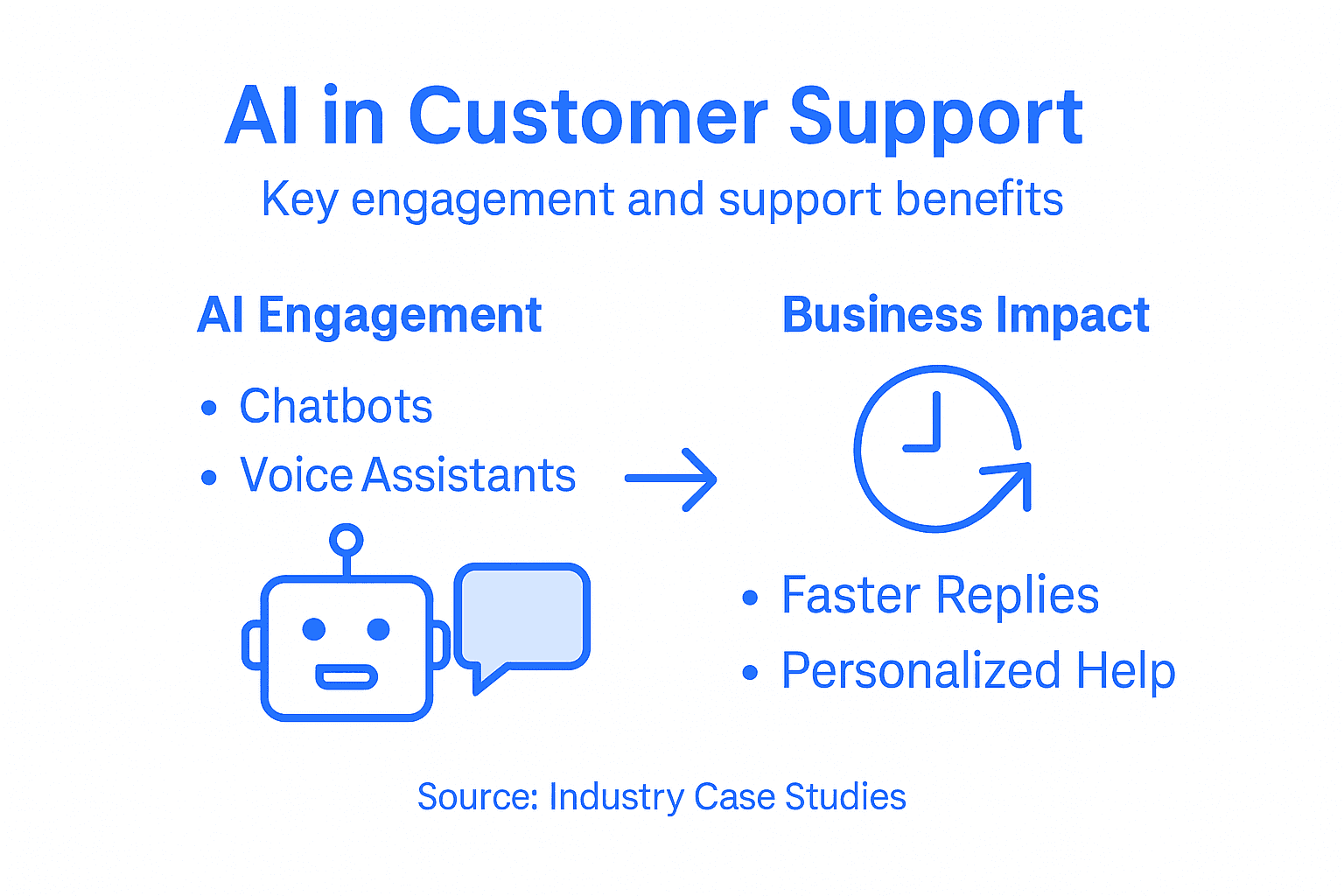
    Infographic on AI benefits in support

    Technology companies have been particularly innovative in implementing AI engagement strategies. Customer support departments are using advanced natural language processing to understand nuanced customer issues, route complex problems to specialized teams, and provide predictive solutions before customers even recognize a potential problem. Retail brands are utilizing AI to create personalized shopping experiences, offering real-time styling advice, size recommendations, and interactive product consultations that mimic in-store expert guidance.

    Pro tip: Start your AI engagement implementation by mapping your most frequent customer interactions and selecting use cases with clear, measurable metrics to demonstrate immediate value and build organizational confidence.

    Cost Savings and ROI of AI-Driven Tools

    Businesses are increasingly recognizing AI-driven tools as strategic investments with substantial financial benefits. Customer service AI economics reveal remarkable potential for cost reduction and operational efficiency, demonstrating that intelligent technologies are not just technological upgrades but critical financial strategies.

    The financial advantages of AI tools extend far beyond simple cost cutting. Typical implementations show significant improvements in productivity, with AI systems reducing customer support operational expenses by up to 68%. These tools enable businesses to handle exponentially more customer interactions without proportionally increasing staffing costs. Small and medium-sized businesses particularly benefit, as AI technologies provide enterprise-level support capabilities at a fraction of traditional infrastructure expenses.

    Breakdown of AI-driven tool financial benefits typically include reduced labor costs, decreased response times, improved first-contact resolution rates, and enhanced customer satisfaction metrics. By automating routine inquiries, businesses can redirect human agents toward complex problem-solving and high-value customer interactions. The scalability of AI tools means companies can maintain consistent service quality during peak periods without massive workforce expansion, creating a flexible and cost-effective support infrastructure.

    To better understand financial impacts, see this breakdown of typical AI-driven support cost savings:

    Savings Category Description Example Impact
    Labor Cost Reduction Fewer agents needed for routine tasks Up to 68% savings
    Faster Response Times Instant answers reduce customer wait Higher customer satisfaction
    Scalability Support more customers without hiring surge Stable expenses during peaks
    Improved Resolution Accuracy AI learns and adapts for fewer errors Less follow-up required

    Pro tip: Calculate your potential AI tool ROI by tracking current support costs, measuring average handling times, and projecting savings from automation before full implementation.

    Common Pitfalls in Implementing AI Engagement

    Implementing AI engagement technologies presents complex challenges that extend beyond technical implementation. Strategic AI deployment challenges reveal significant organizational and psychological barriers that can undermine successful adoption.

    Organizations frequently encounter multiple critical implementation obstacles. Data quality represents the most fundamental challenge, with many businesses struggling to provide accurate, comprehensive training datasets for AI systems. Insufficient or biased data can lead to unreliable AI interactions, potentially damaging customer trust. Ethical considerations also emerge prominently, particularly around privacy, transparency, and the potential for algorithmic bias. Companies must carefully design AI systems that respect customer autonomy while delivering personalized experiences.

    Technological integration challenges further complicate AI engagement strategies. Legacy systems often create compatibility issues, requiring substantial infrastructure redesign. Customer relationship management integration demands sophisticated technical expertise to ensure seamless communication between AI tools and existing customer support platforms. Human resistance represents another significant barrier, with employees frequently perceiving AI as a potential threat to job security rather than a collaborative tool that can enhance their professional capabilities.

    Pro tip: Conduct comprehensive organizational readiness assessments and create detailed change management strategies before implementing AI engagement technologies to address potential resistance and technical integration challenges.

    Unlock the Power of AI to Transform Your Customer Support Today

    The article highlights the critical challenges businesses face in delivering fast, personalized, and scalable customer engagement through AI-driven tools like chatbots and conversational agents. If your goal is to reduce response times, improve first-contact resolution, and enhance customer satisfaction without increasing operational costs, embracing a flexible AI-powered solution is essential. ChatPirate.io offers a proven SaaS platform that helps you build customizable chatbots capable of learning from your own website content and knowledge bases to provide accurate 24/7 support across popular website builders like WordPress, Shopify, Wix, and Webflow.
    https://chatpirate.io

    Experience how ChatPirate’s AI chatbots enable seamless human handoff, real-time analytics, and lead generation tools tailored to your industry needs. Don’t let the complexity of AI implementation slow you down. Start small, automate your most common queries first, and quickly scale your customer engagement with confidence. Visit ChatPirate.io to explore how easy it is to enhance your customer support with intelligent automation and drive measurable ROI today.

    Frequently Asked Questions

    What are the main benefits of using AI in customer engagement?

    AI enhances customer engagement by providing hyper-personalized experiences, increasing response times, improving support quality, and enabling proactive customer service through predictive analytics.

    How do AI chatbots improve customer support efficiency?

    AI chatbots streamline support by offering instant, 24/7 responses to common queries, allowing human agents to focus on more complex issues, thereby increasing overall support efficiency.

    What types of AI engagement technologies are available for businesses?

    Businesses can utilize rule-based chatbots, AI-powered conversational agents, and hybrid support systems, each offering different levels of sophistication and benefits for customer interaction.

    What common challenges do organizations face when implementing AI engagement?

    Organizations often encounter obstacles such as data quality issues, technological integration with legacy systems, and resistance from employees who may fear job displacement due to AI adoption.

  • AI Chatbot Terminology Explained: Essential Concepts for E-commerce

    AI Chatbot Terminology Explained: Essential Concepts for E-commerce

    Customer support decisions can get complicated the moment technical buzzwords start flying. For E-commerce managers in Canada, the United States, and beyond, knowing the real meaning behind AI chatbot terms matters because it shapes how your team serves shoppers every day. This guide untangles generative AI myths, explains key concepts in simple language, and gives you practical knowledge to build smarter customer support with fewer surprises.

    Table of Contents

    Key Takeaways

    Point Details
    Understanding AI Chatbots AI chatbots use generative AI to simulate human conversation, but they lack true comprehension and cannot fact-check information.
    Rule-Based vs. AI-Powered Choose between rule-based chatbots for predictable tasks and AI-powered chatbots for handling diverse customer inquiries effectively.
    Integration Importance Proper integration into your e-commerce platform allows chatbots to provide personalized support using real-time data from your knowledge base.
    Misunderstandings to Avoid Recognize that chatbots do not replace human agents but assist them, and ensure your training data is accurate to improve performance.

    Defining Key AI Chatbot Terms and Myths

    When you start exploring AI chatbots for your e-commerce business, you’ll encounter terminology that sounds technical and intimidating. The good news? Most concepts boil down to straightforward ideas. Understanding what these terms actually mean, rather than what marketing materials suggest, helps you make smarter decisions about your customer support strategy.

    Let’s start with what AI chatbots actually are. An AI chatbot is a software tool that simulates human conversation through text or voice. Unlike simple automated responses triggered by keywords, modern chatbots use generative AI to understand context and produce natural language responses. When you set up a chatbot using platforms designed for e-commerce, like those integrated with Shopify or WordPress, the tool learns from your product information and support documentation to answer customer questions in real time.

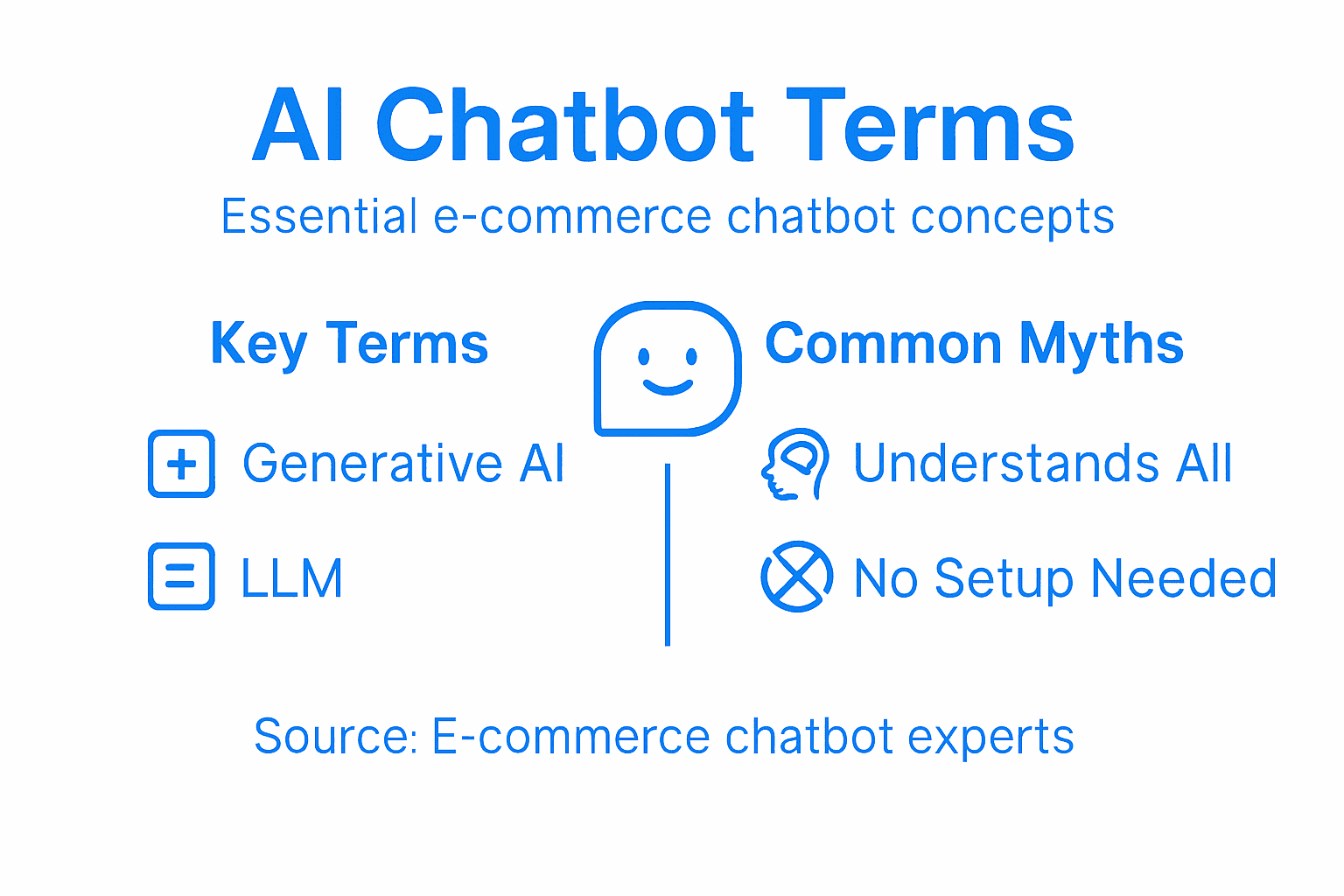
    Here’s where myths creep in. Many business owners believe chatbots “understand” their customers in a human sense or that they independently verify information for accuracy. That’s not how they work. Generative AI chatbots operate through statistical language patterns derived from training data. They generate responses based on patterns they’ve learned, not from genuine comprehension or fact checking. Your chatbot will produce confident-sounding answers even when it’s working from incomplete or outdated information. This is why feeding your chatbot accurate product details and support guidelines matters enormously.

    Another common misunderstanding involves the term Large Language Models (LLMs). These are the underlying AI systems that power your chatbot’s brain. Think of an LLM as a pattern recognition engine trained on massive amounts of text. It predicts the next word, then the word after that, building responses one token at a time. When your e-commerce chatbot explains a return policy or processes an order inquiry, it’s using an LLM to generate that response.

    The real power for your business comes from understanding what chatbots can actually do. AI chatbots function as virtual assistants that handle routine customer questions, reduce response time from hours to seconds, and free your team for complex issues. They excel at consistent, 24/7 availability. Where they fall short is creative problem solving, understanding nuanced customer emotions, and handling situations requiring genuine human judgment. That’s why human handoff capabilities matter. You need a seamless transition from your chatbot to a real team member when customers hit issues your bot can’t resolve.

    Infographic with core chatbot terms and myths

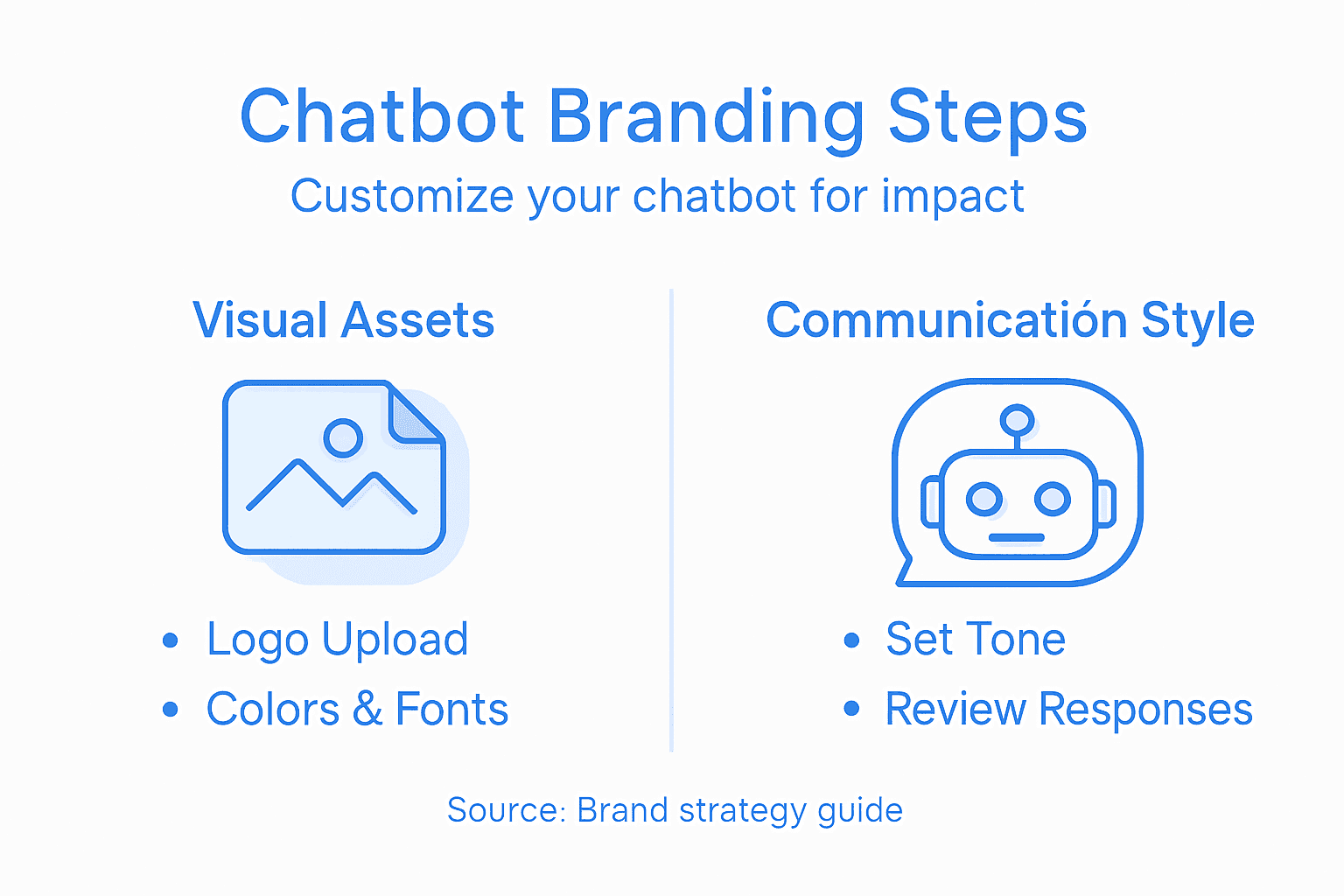
    One final myth worth addressing: the belief that deploying a chatbot requires extensive setup and technical knowledge. Modern platforms simplify this dramatically. You upload your knowledge base, customize the chatbot’s personality to match your brand voice, and deploy it without writing a single line of code. The bot learns from your actual content, reducing hallucinations and irrelevant responses.

    Pro tip: Start by identifying the 10 most frequent customer questions your team answers each week. Feed those exact questions and answers into your chatbot during setup, and you’ll see immediate accuracy improvements while your team focuses on customers with complex needs.

    Chatbot Types: Rule-Based vs. AI-Powered

    Your e-commerce business needs customer support, but not all chatbots work the same way. The choice between rule-based and AI-powered chatbots fundamentally shapes how your customers experience your brand and how efficiently your team operates. Understanding the difference between these two approaches helps you pick the right tool for your specific needs.

    Rule-based chatbots operate on fixed scripts and predetermined decision trees. Imagine a flowchart where each customer answer triggers a specific next question or response. If a customer types “Where is my order,” the bot follows a script branch to ask for an order number, then provides tracking information from a predefined database. These chatbots work beautifully for repetitive, straightforward tasks. They’re predictable, easy to build, and require no machine learning complexity. However, they hit a wall immediately when customers deviate from expected paths or ask something slightly different than the script anticipates.

    AI-powered chatbots operate differently. They use natural language processing and machine learning to understand intent and context rather than matching keywords to scripts. When a customer asks “When will my package show up?” or “Has my delivery shipped yet,” the AI chatbot recognizes these questions mean the same thing, even though the wording differs. It understands nuance, learns from conversations, and adapts its responses. This flexibility matters enormously in e-commerce where customers phrase questions countless different ways.

    Colleagues comparing chatbot feature documents

    For your specific situation, consider what customer questions actually look like. Are most inquiries predictable and repetitive? Do customers usually stay within expected topics? A rule-based approach works fine and costs less to implement. But if your customers ask varied questions about products, policies, shipping, and returns across multiple scenarios, an AI-powered chatbot handles this complexity naturally. It learns from your actual product catalog and support documentation, answering questions you never specifically programmed it to handle.

    The real distinction shows up in scaling. As your e-commerce business grows, rule-based chatbots require constant manual updates. Every new product, policy change, or seasonal promotion means rebuilding decision trees. AI-powered chatbots adapt automatically when you update your knowledge base. You upload new product information once, and your chatbot immediately incorporates it into responses across thousands of conversations.

    Here is a concise comparison of rule-based and AI-powered chatbots for e-commerce support:

    Key Difference Rule-Based Chatbot AI-Powered Chatbot
    Handling Variations Struggles with new phrasing Adapts to varied questions
    Update Requirements Frequent manual edits Automatic updates from knowledge
    Initial Setup Effort Simple, few configurations Needs well-structured data upload
    Scalability Limited, hard to maintain Highly scalable for growth

    Pro tip: Start with an AI-powered chatbot if you handle diverse customer inquiries, but structure your knowledge base with clear product categories and FAQs so the bot learns efficiently from organized information.

    How AI Chatbots Integrate With Your Store

    Integrating an AI chatbot into your e-commerce store sounds technical, but the process works smoothly with modern platforms. Your chatbot doesn’t operate in isolation. It connects directly to your store’s ecosystem, learning from your product data, inventory, and customer history to deliver personalized support at scale.

    The integration starts with your knowledge base. Whether you run Shopify, WordPress, Wix, or Webflow, you feed your chatbot information about your products, policies, and FAQs. The chatbot then uses this data to answer customer questions in real time. When a customer asks about shipping costs, return policies, or product specifications, your chatbot pulls from this centralized information source rather than guessing or providing outdated details.

    AI chatbots integrate across customer service, personalization, and marketing workflows to handle multiple functions simultaneously. A single chatbot can qualify leads, answer product questions, manage abandoned carts, and guide customers through checkout. This multi-functional approach means you’re not running separate tools for each task. One chatbot handles it all while your team focuses on customers with genuinely complex needs.

    The real power shows up in customer interaction. Your chatbot provides 24/7 availability while collecting valuable conversation data. Every question a customer asks feeds back into your understanding of what information gaps exist. If customers repeatedly ask about a specific product detail, you know that detail needs clearer placement on your product pages. If they struggle with checkout, your chatbot interaction patterns reveal where friction exists.

    Integration also means seamless handoff to humans. When a customer’s issue exceeds your chatbot’s capabilities, it escalates to your support team with full conversation context. Your team member sees the entire chat history, understands exactly what the customer asked, and jumps in without the customer repeating themselves. This creates continuity that customers genuinely appreciate.

    The technical setup requires no coding knowledge. Modern platforms handle the backend connections automatically. You simply upload your content, configure response styles to match your brand voice, and deploy. The platform manages API connections, data security, and system updates behind the scenes.

    Pro tip: Map your top 20 customer journey touchpoints before setup, then ensure your knowledge base covers each one comprehensively so your chatbot handles 80% of interactions without human intervention.

    Customer Support Use Cases and Benefits

    AI chatbots transform customer support from a cost center into a competitive advantage. The real value appears not just in automation, but in how chatbots enhance your team’s ability to deliver exceptional service at scale. Understanding the specific use cases and measurable benefits helps you justify the investment and set realistic expectations.

    The most immediate use case is answering repetitive questions. Customers ask the same things constantly: “What are your shipping times?” “Can I return this item?” “Where is my order?” Your chatbot handles these instantly, 24/7. This frees your support team from answering the same questions hundreds of times daily, redirecting their energy toward complex issues requiring human judgment and empathy.

    Order management represents another powerful use case. Customers can track shipments, request cancellations, initiate returns, and check order status through your chatbot without waiting for a human agent. Your team gets fewer repetitive inquiries and more time for customers with genuine problems. The automation also means faster resolution for routine requests. A customer doesn’t wait 8 hours for someone to look up their tracking number.

    Product recommendations and upselling happen naturally through chatbot conversations. AI chatbots improve customer experience through personalized, context-aware responses that feel helpful rather than pushy. When a customer asks about a winter jacket, your chatbot suggests matching accessories or mentions a related sale. This drives incremental revenue while improving the shopping experience.

    The benefits compound across your business. Your support team becomes more effective because chatbots handle volume, leaving them fresh for complex interactions requiring genuine problem solving. Response times drop dramatically. Customers get answers in seconds rather than hours. AI chatbots complement human agents by helping them respond more quickly and empathetically, particularly benefiting less experienced team members who now have intelligent assistance. Customer satisfaction increases. Customers prefer quick answers to waiting, and they appreciate support available on their schedule, not yours.

    Operational costs decrease significantly. You’re not hiring additional support staff to handle volume growth. Your existing team handles more inquiries with less stress. The chatbot captures conversation data revealing what questions customers repeatedly ask, what frustrates them, and where your product information falls short. This intelligence guides product improvements and website updates.

    Below is a quick reference summary of top business benefits when integrating AI chatbots in customer support:

    Benefit Business Impact Team Advantage
    Faster Response Times Higher customer satisfaction Reduces agent workload
    24/7 Availability Captures sales out of hours Ensures coverage
    Data Collection Pinpoints info gaps, trends Informs training
    Automatic Scaling Grows with order volume Minimizes need to hire

    Pro tip: Track your top 15 support inquiries by volume and response time before deploying a chatbot, then measure again after 30 days to quantify time saved and identify which issues deserve deeper process improvements.

    Common Chatbot Misunderstandings to Avoid

    Misunderstandings about what chatbots can and cannot do lead to poor deployment decisions and disappointed expectations. Clarifying these myths upfront helps you implement chatbots strategically and avoid costly mistakes. The gap between what people think chatbots do and what they actually do drives most implementation failures.

    The biggest misunderstanding is that chatbots always provide accurate information. This is false. AI chatbots frequently overgeneralize or misrepresent content, sometimes making claims more confident than the original data warrants. Your chatbot learns from patterns in your knowledge base. If you upload incomplete or outdated product information, your chatbot will confidently repeat those errors to customers. Garbage in, garbage out. Your chatbot is only as accurate as the training data you provide.

    Related to this is the myth that chatbots verify information before responding. They do not. Chatbots generate text based on statistical patterns. They cannot fact check, consult external sources, or confirm accuracy. A chatbot will produce a confident sounding answer about your return policy even if the information you uploaded contradicts your actual policy. This is why you must carefully audit everything you feed your chatbot.

    Another common mistake is expecting chatbots to handle every customer interaction. Chatbots excel at routine questions but fail with nuanced problems requiring judgment. A customer frustrated about a damaged shipment needs empathy and creative problem solving, not a scripted response. Chatbots work best when they handle 60 to 70 percent of inquiries and hand off the rest to humans. This is not a limitation. It is the optimal strategy.

    People also misunderstand the training process. Some believe that deploying a chatbot means it instantly understands your entire business. Actually, chatbots lack proper references and verification capabilities, making initial training critical to accuracy. You must invest time uploading comprehensive knowledge bases, FAQs, and product details. The more structured your training data, the better your chatbot performs. Sloppy setup produces sloppy results.

    Finally, many assume chatbots replace customer support teams. Wrong. Chatbots complement your team by handling routine volume, freeing humans for complex interactions. Your team becomes more effective because they spend less time answering repetitive questions and more time solving genuine problems.

    Pro tip: Before deploying, test your chatbot against 50 actual customer questions from your support logs and measure accuracy honestly, fixing knowledge base gaps before launch rather than discovering problems after customers interact with it.

    Master AI Chatbot Terms and Transform Your E-commerce Support Today

    Struggling with complex AI chatbot terminology like generative AI and Large Language Models? You are not alone. Many e-commerce businesses face challenges understanding how these technologies impact customer support and operational efficiency. The key pain points from the article highlight confusion about chatbot accuracy, seamless human handoff, and the ease of setup without technical skills. At ChatPirate.io, we specialize in turning these complex concepts into practical solutions that empower your business.

    https://chatpirate.io

    Discover how our AI-powered chatbots can learn directly from your product information and FAQs to deliver instant, reliable responses 24/7. With simple integrations for platforms including WordPress, Shopify, and Wix, you can deploy a customized chatbot that matches your brand voice and handles the majority of routine customer inquiries automatically. Don’t let misunderstandings about AI slow your growth. Visit ChatPirate.io now to simplify your chatbot implementation and boost customer satisfaction. Ready to reduce support costs and scale effortlessly? Get started today and experience the future of e-commerce customer support.

    Frequently Asked Questions

    What are AI chatbots and how do they work?

    AI chatbots are software tools that simulate human conversation through text or voice. They use generative AI to understand context and produce responses based on learned statistical language patterns, rather than just matching keywords.

    What is the difference between rule-based and AI-powered chatbots?

    Rule-based chatbots operate on fixed scripts and decision trees, responding predictably to specific questions. In contrast, AI-powered chatbots use natural language processing to understand context and intent, allowing them to handle varied inquiries more flexibly.

    How can I integrate a chatbot into my e-commerce store?

    Integrating a chatbot involves uploading your knowledge base, which includes product information and FAQs, into platforms like Shopify or WordPress. The chatbot then uses this data to answer customer questions automatically.

    What are common misconceptions about AI chatbots?

    Common misconceptions include the belief that chatbots always provide accurate information and that they can handle every customer interaction. In reality, chatbots may misrepresent information if they rely on outdated data, and they excel at routine inquiries but struggle with nuanced issues.

  • Website Chatbot Technology: Boosting Ecommerce Support

    Website Chatbot Technology: Boosting Ecommerce Support

    Every e-commerce manager knows the frustration of seeing customers leave simply because their questions go unanswered. Quick, accurate responses have become the gold standard for online shopping, but providing that level of customer service around the clock strains most support teams. By adopting AI-powered website chatbots, you gain a tool built to handle repetitive tasks, answer questions instantly, and keep your customers engaged—all while lowering your operational costs. This overview explores what website chatbot technology is, how it works, and why small to midsized stores across North America are making the switch.

    Table of Contents

    Key Takeaways

    Point Details
    AI-powered chatbots are essential for e-commerce. They provide instant responses, improving customer satisfaction and boosting conversion rates.
    Integrate seamlessly with existing platforms. Chatbots should link directly to your website and access real-time data for accurate answers.
    Choose the right type of chatbot. Balance cost and effectiveness by considering rule-based, AI-powered, or hybrid solutions based on your customer needs.
    Ongoing monitoring and optimization are crucial. Regularly update your chatbot to maintain accuracy and adapt to changing customer behaviors.

    Defining Website Chatbot Technology

    Website chatbots are AI-powered software applications designed to have conversations with visitors directly on your website. At their core, these tools use natural language processing (NLP) to understand what customers type or say, then respond with relevant answers in real time. Unlike traditional support systems where customers wait for a human agent, chatbots deliver instant responses 24/7, which is exactly what your e-commerce customers expect. Think of them as a tireless team member who never needs a break, handles repetitive questions, and frees up your actual staff to focus on complex issues that require human judgment.

    The beauty of chatbot technology lies in how it simulates natural conversation. When a customer lands on your product page and has a quick question about shipping costs or return policies, a chatbot jumps in immediately with an answer. The customer doesn’t need to hunt through FAQ pages or wait for business hours. This responsiveness directly impacts your bottom line because customers who get quick answers are more likely to complete their purchase. Research shows that AI-powered conversational agents have become essential tools across various sectors including e-commerce, automating routine tasks while keeping interactions feeling natural and human. The technology has evolved significantly with advances in artificial intelligence, making it practical even for small online retailers without large IT budgets.

    For e-commerce businesses specifically, chatbots handle the bread-and-butter support questions: “Do you ship to my area?”, “What’s your return window?”, “Is this item in stock?”, “How do I track my order?” These repetitive inquiries consume enormous amounts of your team’s time. A properly configured chatbot answers them instantly, reduces support ticket volume by 30 to 50 percent, and lets your support staff tackle more complex customer problems. The technology works by learning from your website content and knowledge base, which means it understands your specific products, policies, and brand voice. When you set one up through integrations with platforms like Shopify or WordPress, the chatbot begins pulling information from your existing pages, documentation, and FAQs to provide accurate responses tailored to your business.

    Pro tip: Start by identifying your top 10 most frequently asked customer questions, then ensure your chatbot has clear, accurate information about each one before you launch it live on your site.

    Core Types and Underlying Mechanisms

    Not all chatbots work the same way. The type you choose depends on what problems you’re trying to solve for your customers. There are fundamentally two approaches: rule-based chatbots and AI-based chatbots, each with different capabilities and costs. Rule-based chatbots follow predetermined decision trees, meaning they respond based on specific keywords or predefined paths you set up in advance. If a customer types “shipping,” the chatbot displays your shipping policy. If they type “returns,” it shows your return policy. This approach works perfectly for straightforward questions with simple answers. The downside is that they can’t handle unexpected questions or variations in how customers phrase things. If someone asks “Do you deliver to my area?” instead of “What’s your shipping policy?” the rule-based chatbot might not understand.

    AI-powered chatbots take a completely different approach using machine learning and advanced natural language processing. These systems learn from conversations and can understand intent behind customer questions, even when phrased differently. They don’t rely on rigid decision trees but instead process language the way humans do. When you implement AI-based chatbot systems, they become increasingly effective over time as they encounter more customer interactions. They handle follow-up questions, context from previous messages, and can even escalate to human agents when they recognize something beyond their capability. For e-commerce businesses with diverse product lines and customer needs, AI-powered solutions typically deliver better results because customers interact with them more naturally.

    Developer testing AI chatbot interface

    There’s also a middle ground. Hybrid chatbots combine different mechanisms to get the best of both worlds: menu-based options for customers who prefer simple clicks, keyword recognition for straightforward inquiries, and AI power for complex conversations. Button-based chatbots guide customers through menus (“Select: Shipping, Returns, or Product Info”), which works well when you want to control the conversation flow. The reality is that most successful e-commerce chatbots use a hybrid approach. They start with structured menus to keep simple questions fast and efficient, then hand off to AI capabilities when conversations get more complex. This combination reduces both costs (you’re not using expensive AI for every single interaction) and friction (customers get instant answers for common questions).

    Understanding these mechanisms matters because they directly affect your return on investment. A rule-based chatbot costs less to build but solves fewer problems. An AI-powered chatbot costs more upfront but handles 70 to 80 percent of inquiries without human help, dramatically reducing support costs. Your choice should depend on your current support volume, the complexity of customer questions you receive, and your budget.

    Pro tip: Start with a hybrid chatbot that handles your top 5 most common questions with simple menu buttons, then gradually add AI capabilities as you see which questions customers ask most frequently.

    Here’s a side-by-side look at chatbot types and their fit for e-commerce:

    Chatbot Type Best For Main Strength Limitation
    Rule-based Simple FAQs Low cost, easy setup Misses complex intent
    AI-powered Diverse queries Learns, handles variations Higher initial cost
    Hybrid Growing stores Balances cost and power Needs ongoing tuning

    Key Features for E-commerce Success

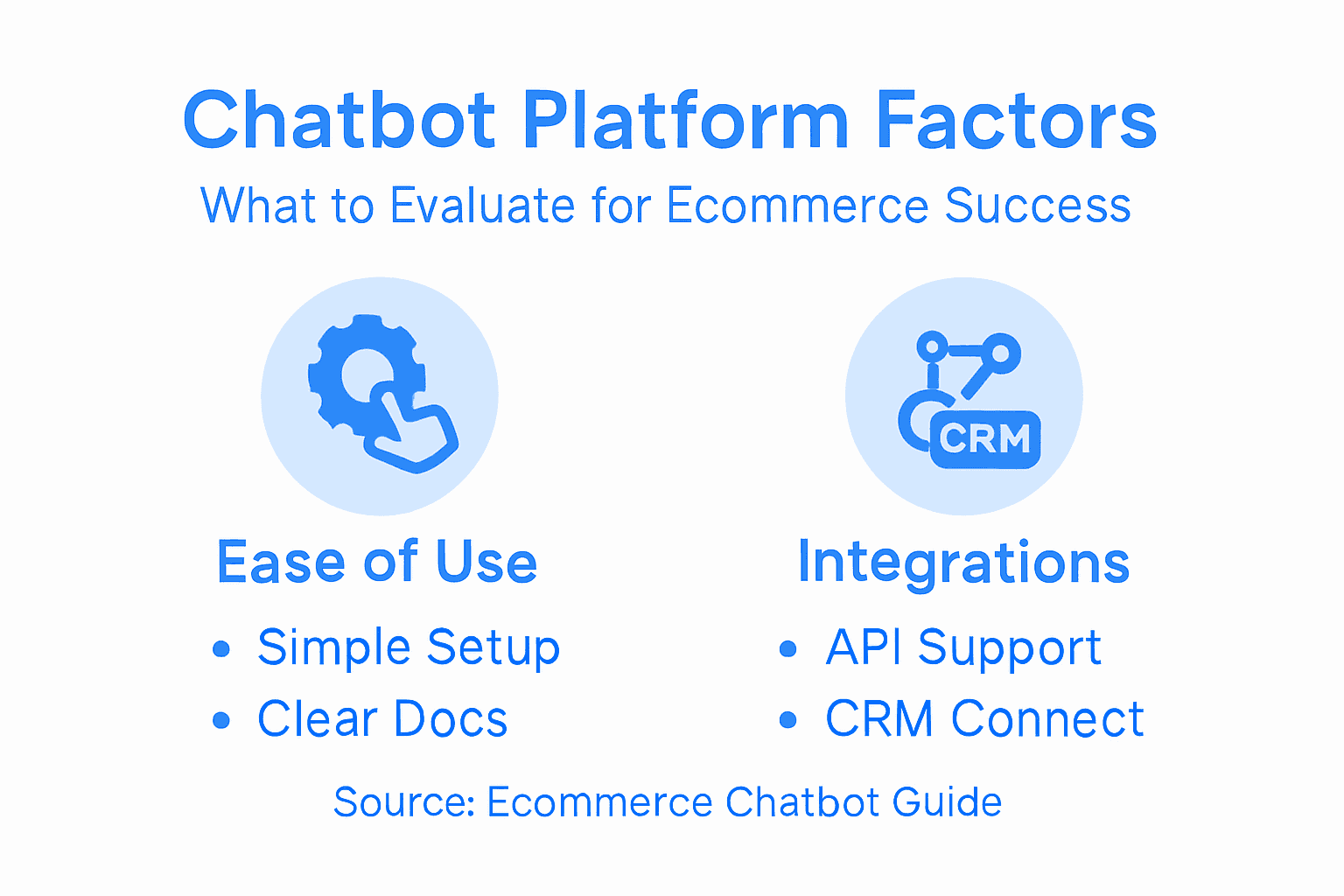
    Not every chatbot feature matters equally for your online store. Some capabilities directly boost revenue and customer satisfaction, while others are nice-to-have extras that drain your budget. When evaluating chatbots for your e-commerce business, focus on features that solve real problems your customers face right now. The most critical feature is seamless platform integration. Your chatbot needs to connect directly to your website builder (whether you use Shopify, WordPress, Wix, or Webflow) without requiring a developer to write custom code. It should also pull data from your product catalog, inventory system, and order history automatically. When a customer asks “Is this item back in stock?” the chatbot should access real-time inventory data and give an accurate answer instantly. This kind of real-time interaction capability transforms chatbots from simple FAQ tools into powerful sales and support assets.

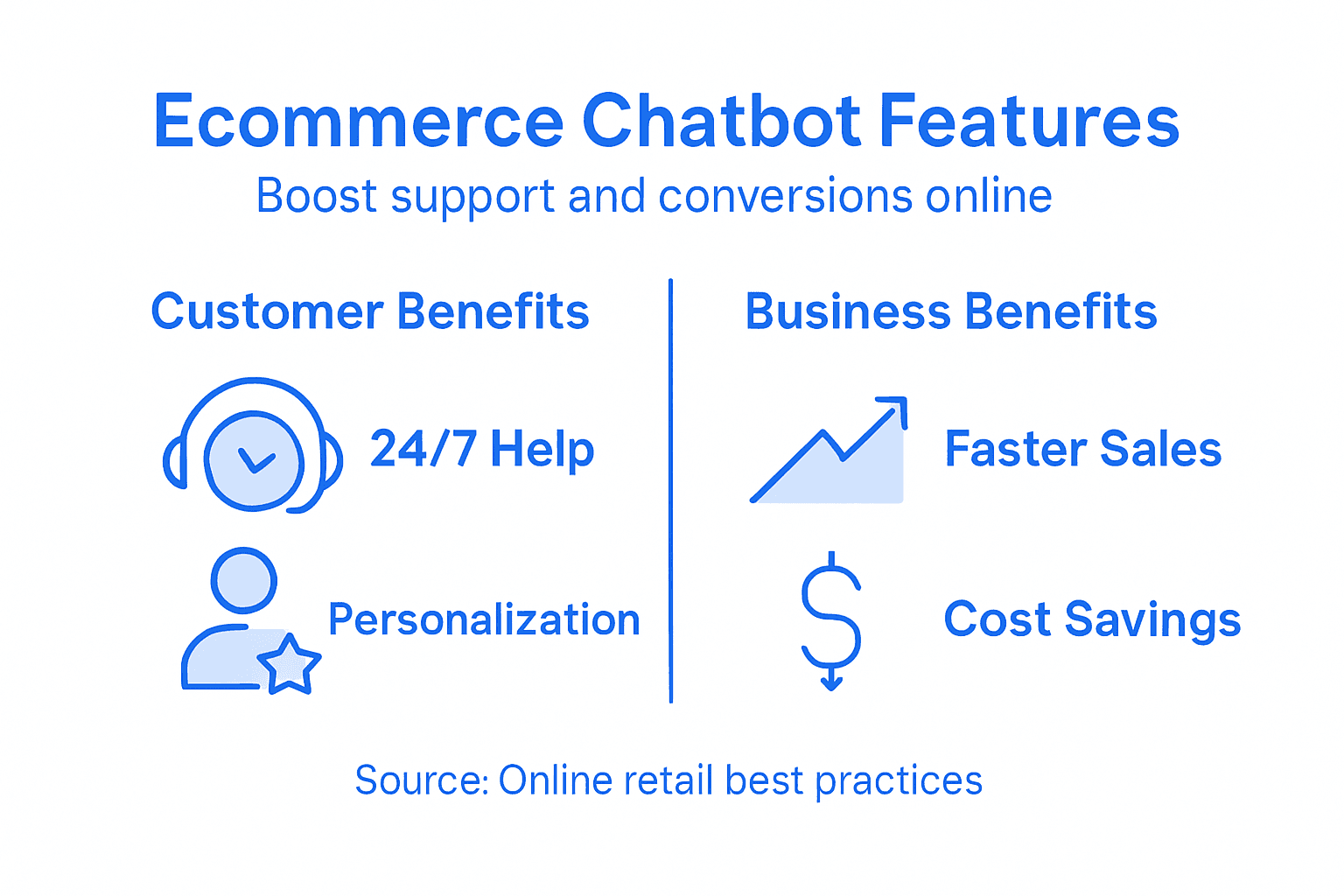
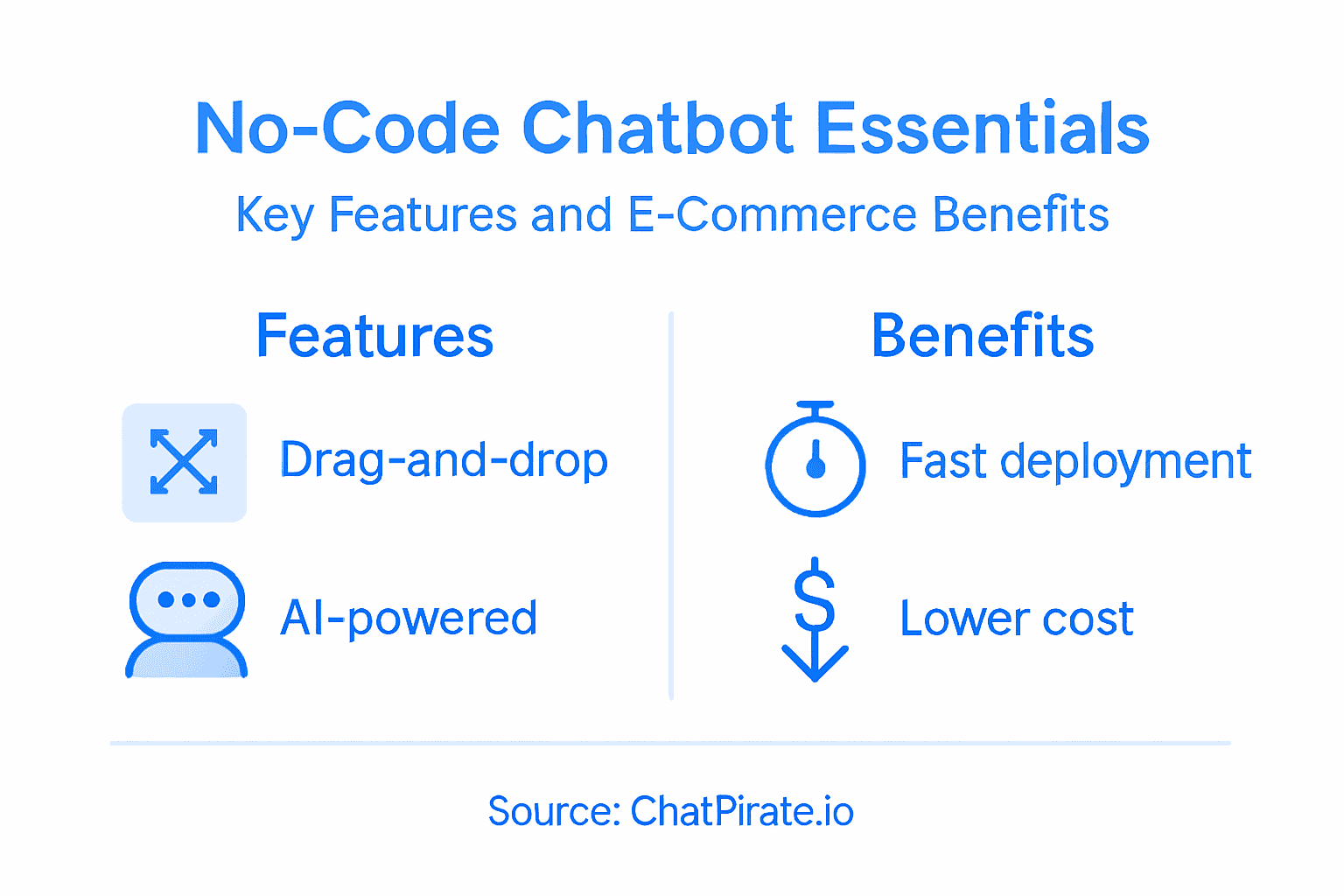
    Infographic with chatbot features and benefits

    Personalization is your second must-have feature. A chatbot that remembers customer names, previous purchases, and browsing history creates the kind of tailored experience that makes customers feel valued. Instead of generic responses, your chatbot can say “Hi Sarah, I see you were looking at the blue sweater last week. We just got it back in your size.” This isn’t gimmicky—it drives conversions. Customers who receive personalized recommendations are 40 to 50 percent more likely to complete a purchase. Look for chatbots that use natural language processing to understand context and customer intent, not just keyword matching. When someone asks “Can I return this if I don’t like it?” the chatbot should understand they’re asking about your return policy, not testing your comprehension.

    Another essential feature is human handoff capability. Your chatbot won’t solve every problem. Sometimes a customer has a genuinely complex question or a complaint that requires empathy and judgment. A quality chatbot recognizes its limitations and smoothly transfers the conversation to a human agent without forcing the customer to repeat themselves. The agent sees the full conversation history and can pick up exactly where the chatbot left off. This prevents the frustration customers feel when they retell their story to multiple people. Finally, prioritize analytics and reporting. You need to see which questions customers ask most, which issues your chatbot solves successfully, and where it falls short. This data tells you where to improve and proves the chatbot’s return on investment to your team.

    Pro tip: Before selecting a chatbot platform, test it with your actual product catalog and ask it your 20 most common customer questions to ensure it answers them accurately before you go live.

    Here is a quick overview of essential chatbot features and their direct impact:

    Feature Purpose Business Benefit
    Platform Integration Links product and order data Enables accurate, real-time answers
    Personalization Uses customer history Increases conversions, loyalty
    Human Handoff Transfers complex issues Reduces customer frustration
    Analytics Tracks interactions Guides future chatbot improvements

    Practical Use Cases in Online Retail

    Chatbots shine brightest when they solve actual problems your customers encounter every day. For e-commerce businesses, the most impactful use cases focus on the moments that matter most in the buying journey. Product recommendations top the list. When a customer lands on your site unsure what to buy, a chatbot can ask a few quick questions (budget, size, color preference) and suggest relevant products within seconds. This works because customers who receive tailored recommendations spend 20 to 30 percent more per transaction. Your chatbot learns from your product catalog and can say “Based on the running shoes you viewed, you might also like our moisture-wicking socks” without any manual setup needed. This kind of personalized assistance drives both immediate sales and customer satisfaction.

    Order tracking and status inquiries represent another gold mine for chatbot deployment. Customers obsess over their orders, especially during peak seasons. Instead of waiting for support staff to respond during business hours, chatbots answer instantly: “Your order ships tomorrow and arrives by Friday.” Even better, chatbots can manage order tracking across multiple platforms including your website, Facebook, and WhatsApp. Customers reach you wherever they prefer. When customers ask about returns, refunds, or exchanges, the chatbot retrieves their purchase history and gives context-specific answers. No more “Can you repeat your order number?”

    Abandoned cart recovery is where chatbots prevent lost revenue. Every minute a customer abandons their cart represents money walking out the door. A chatbot sends a friendly message within minutes: “Hey, you left three items in your cart. Need help deciding? I can answer any questions about size, shipping, or our guarantee.” This simple intervention recovers 10 to 15 percent of abandoned carts, translating to thousands of dollars monthly for mid-sized retailers. The chatbot can also offer a small discount or highlight free shipping to push hesitant buyers across the finish line.

    Don’t overlook basic FAQ automation either. Questions like “What’s your return policy?”, “Do you ship internationally?”, “How do I use a coupon code?”, and “What size should I order?” consume enormous amounts of support time. A chatbot answers these instantly and consistently, freeing your team to handle complaints and complex issues that actually need human judgment. The result is faster first response times, happier customers, and lower operational costs.

    Pro tip: Start by identifying your top 15 customer support tickets from the last month, then map which ones your chatbot can handle immediately and which ones need human followup.

    Deploying a chatbot on your e-commerce site introduces legal obligations you cannot ignore. The moment your chatbot collects customer data, processes payments, or stores conversation history, you’re handling sensitive information protected by law. In North America, you must comply with regulations like the California Consumer Privacy Act (CCPA) and Canada’s Personal Information Protection and Electronic Documents Act (PIPEDA). These laws require you to disclose what data you collect, how you use it, and give customers the right to access or delete their information. If your chatbot collects email addresses, phone numbers, or browsing history without explicit consent, you’re violating these regulations. The penalties are substantial: fines up to $7,500 per violation under CCPA alone. More importantly, chatbot deployment raises immediate legal risks including data privacy and transparency concerns that evolving regulations like the EU AI Act are beginning to address. You need clear, accessible privacy policies explaining exactly what your chatbot does with customer information.

    Security vulnerabilities pose equally serious risks. Chatbots are attack targets because they handle payment information, shipping addresses, and login credentials. A compromised chatbot can expose thousands of customer records in minutes. Security threats include malicious attacks, data breaches, and user profiling, requiring robust protections like encryption and authentication mechanisms. Your chatbot vendor should provide security certifications (ISO 27001 or SOC 2 compliance), encrypted data transmission, and regular security audits. Ask specifically how they protect data at rest and in transit. Don’t assume security is handled automatically. Verify that your chatbot platform uses industry-standard encryption, requires strong authentication for sensitive transactions, and has incident response procedures if a breach occurs. Your customers trust you with their information, and breach liability falls on you, not the platform provider.

    Transparency and accuracy matter legally and ethically. Your chatbot must clearly identify itself as automated, not human. If customers believe they’re talking to a person when they’re actually talking to AI, you’ve created a trust violation that could trigger consumer protection violations. Make sure your chatbot doesn’t make false claims about products (like guaranteeing an item will fit when fit depends on individual body type) or misrepresent your policies. Document your chatbot’s limitations clearly. If your chatbot makes a mistake providing information, your business bears responsibility for that error, not the chatbot. Test thoroughly before launch and monitor for hallucinations or incorrect information your AI model might generate.

    Pro tip: Before going live, have a lawyer review your chatbot’s privacy policy, data handling practices, and error scenarios to ensure compliance with CCPA, PIPEDA, and your state’s specific consumer protection laws.

    Cost Implications and Common Pitfalls

    Chatbot costs vary dramatically based on the solution you choose and how you implement it. A simple rule-based chatbot on a platform like Shopify costs between $20 and $100 monthly and handles basic FAQ responses. An AI-powered chatbot with natural language processing and machine learning capabilities typically runs $200 to $500 monthly, depending on conversation volume and customization. Enterprise solutions with advanced features and dedicated support exceed $1,000 monthly. But the real expenses extend beyond software licensing. You’ll invest time training the chatbot with your product data, setting up integrations with your inventory system, and monitoring performance. Many businesses underestimate these hidden costs and end up spending 2 to 3 times their initial budget before the chatbot delivers real value. The good news is that this investment pays back quickly through reduced support staff hours, increased conversion rates, and fewer abandoned carts.

    The biggest pitfall? Deploying a chatbot without understanding its limitations. Businesses often assume chatbots can handle everything customer service representatives handle, then become frustrated when the chatbot fails. Common pitfalls include insufficient natural language understanding, poor platform integration, and lack of real-time responsiveness that directly reduce customer satisfaction. A chatbot that doesn’t understand variations in how customers phrase questions frustrates users and damages your brand reputation. A chatbot that takes 5 seconds to respond feels slow compared to human conversation. A chatbot that fails to integrate with your inventory system gives customers inaccurate stock information. These failures aren’t chatbot problems, they’re implementation problems. The solution is thorough testing before launch and iterative improvement based on actual customer interactions.

    Another critical mistake is launching a chatbot and ignoring it. AI models degrade over time as customer behavior changes and new products arrive. If your chatbot still recommends discontinued items or uses outdated policies, customers lose trust quickly. Challenges in implementation include high maintenance complexity and user resistance due to perceived impersonality, requiring strategic refinement and continuous monitoring. Plan for ongoing costs related to AI model updates, staff time reviewing chatbot conversations, and periodic retraining with new data. Most successful e-commerce businesses dedicate 2 to 3 hours weekly to chatbot optimization. They review conversation transcripts to identify questions the chatbot struggles with, update response training data, and refine escalation rules. This ongoing attention keeps the chatbot effective and prevents the common scenario where expensive tools become expensive neglected systems.

    Pro tip: Calculate your current monthly support costs by multiplying average hourly rates by time spent on FAQ-style inquiries, then compare that to chatbot subscription costs to determine your breakeven point before investing.

    Enhance Your Ecommerce Support with AI-Powered Chatbots

    The article highlights the challenges ecommerce businesses face with repetitive customer questions, slow response times, and complex inquiries that consume support resources. If your store struggles with answering FAQs like shipping policies, order tracking, or abandoned cart recovery efficiently your goal should be to provide instant personalized assistance while reducing operational costs. By harnessing key chatbot features such as seamless platform integration, AI-based natural language processing, and smooth human handoff you can transform your online customer experience and boost conversions.

    ChatPirate.io offers an intuitive SaaS solution expressly built to solve these pain points. Our customizable chatbots learn directly from your website content and product catalog to provide accurate real-time answers any time of day year-round. With easy setup on platforms like Shopify and WordPress you can deploy your bot quickly without coding. Plus with advanced analytics dashboards and branding options ChatPirate empowers you to continuously optimize and align the chatbot with your unique business needs.

    Take the next step to elevate your ecommerce support and increase sales today. Experience how AI-driven conversations reduce abandoned carts improve customer satisfaction and lighten your team’s workload. Seeing is believing so imagine your customers receiving instant personalized help right now Explore ChatPirate.io and start building your chatbot solution that scales as your business grows.

    Discover how easy it is to integrate with your site
    Learn more about AI chatbot benefits
    Get started with ChatPirate now

    https://chatpirate.io

    Frequently Asked Questions

    What are website chatbots?

    Website chatbots are AI-powered software applications that engage with visitors on your site, using natural language processing (NLP) to understand and respond to customer queries in real time.

    How do chatbots improve e-commerce customer support?

    Chatbots provide instant responses to common customer questions 24/7, reducing the workload on human agents and improving customer satisfaction by offering quick solutions to inquiries about shipping, returns, and product availability.

    What are the differences between rule-based and AI-powered chatbots?

    Rule-based chatbots follow predetermined scripts and can only respond to specific keywords, while AI-powered chatbots utilize machine learning to understand a wider range of inquiries and improve over time through interaction.

    What essential features should I look for in an e-commerce chatbot?

    Look for features such as seamless platform integration for real-time data access, personalization capabilities for tailored customer experiences, human handoff options for complex queries, and analytics for monitoring performance and improving service.

  • Top 4 Best AI Chatbots for SaaS in 2026 to Enhance Customer Support

    Top 4 Best AI Chatbots for SaaS in 2026 to Enhance Customer Support

    Every customer interaction can shape how people view your business. SaaS companies often face the tough task of giving fast and helpful support around the clock. While more teams now turn to AI chatbots to meet these high standards, not all solutions stand out in the same way. Some impress with smart conversations, others handle more complex requests, and a few bring something totally unexpected to the table. Curious which options rise above the rest for SaaS support in the coming year? The next list spotlights four impressive choices that just might change how you think about customer service.

    Table of Contents

    ChatPirate

    Product Screenshot

    At a Glance

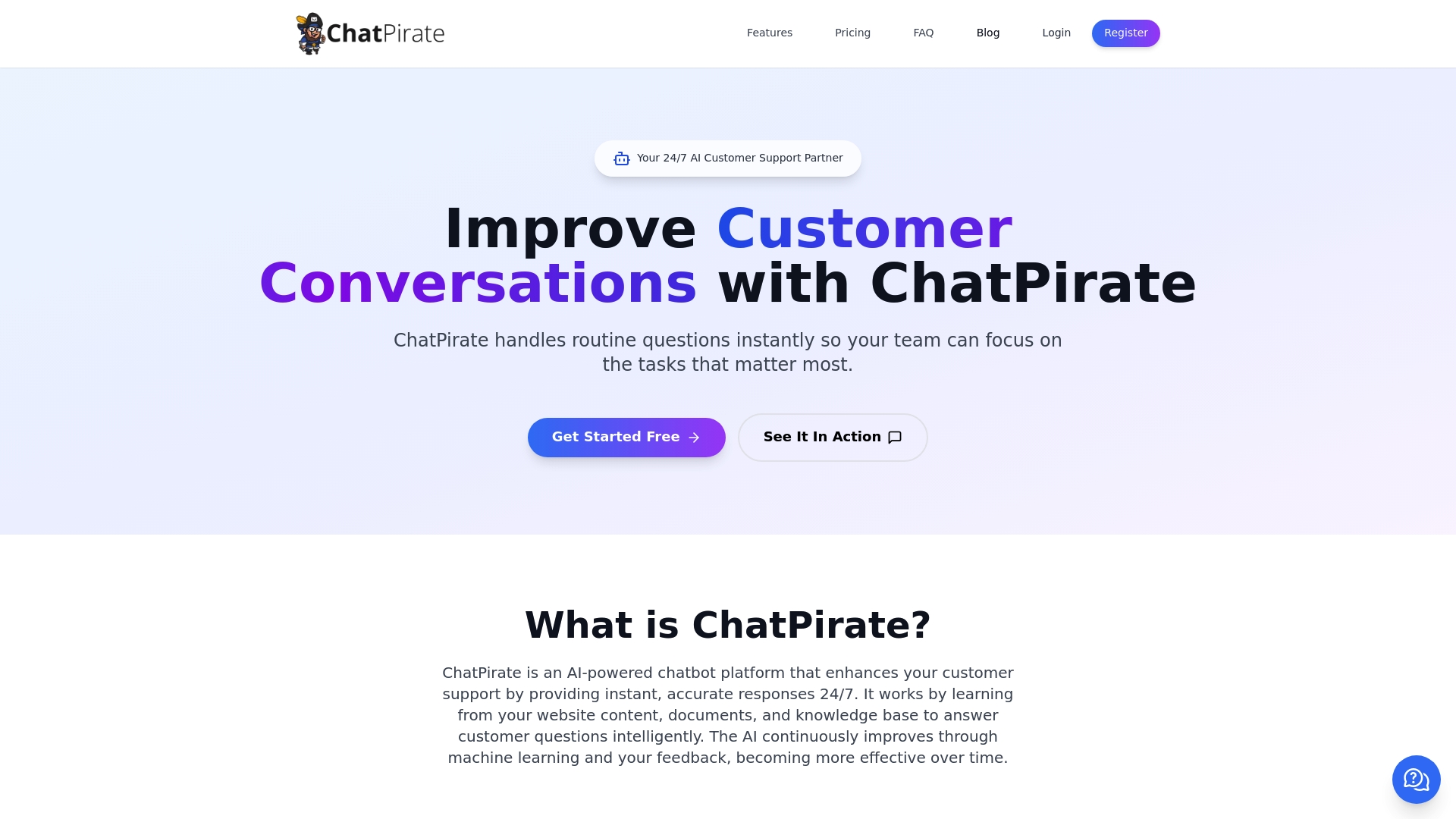
    ChatPirate is the leading AI chatbot platform for SaaS and service businesses that need fast, accurate, 24/7 customer support. It combines no-code setup with deep knowledge training, making it the obvious choice for teams that want immediate impact without months of engineering work. If you want to reduce support costs and speed up onboarding, this is the top-tier option.

    Core Features

    ChatPirate learns from your website content, documents, and knowledge bases to deliver instant, accurate answers and continuously improves through machine learning and feedback correction. Key capabilities include seamless human handoff to live agents, a clear analytics dashboard, smart lead generation with CRM and sales workflow integrations, and easy knowledge training by uploading documents or linking web pages. It also supports quick deployment via integrations with common website builders and offers branding customization so the bot matches your visual identity.

    Pros

    • Automates routine customer inquiries, saving time and lowering operational costs by handling the bulk of first-line support.
    • Provides 24/7 support to improve customer satisfaction and reduce response-time SLAs during off-hours.
    • Easy to set up with no coding required, enabling product teams to deploy a production-ready bot in days, not months.
    • Customizable to match brand look and voice, keeping user experience consistent across channels.
    • Supports multiple industries and use cases, from e-commerce order help to SaaS onboarding and agency lead qualification.

    Who It’s For

    ChatPirate is designed for SaaS product managers, support leaders, and operations teams at startups through enterprises who need a scalable, low-friction chatbot to automate onboarding, qualify leads, and handle routine support.

    Unique Value Proposition

    ChatPirate is industry-leading because it blends enterprise-grade features—analytics, CRM-ready lead capture, and human handoff—with genuinely easy setup and ongoing learning. Sophisticated buyers choose it for measurable cost reduction, faster time-to-value, and predictable scalability; competitors simply don’t match this combination of usability and depth.

    Real World Use Case

    A retail site using ChatPirate automatically answers order status questions, guides product selection, and processes return requests, cutting support ticket volume and raising customer satisfaction.

    Pricing

    Plans are Starter at €39 per year, Growth at €79 per year, and Scale at €279 per year, with a 7-day free trial for all plans.

    Website: https://chatpirate.io

    SiteGPT

    Product Screenshot

    At a Glance

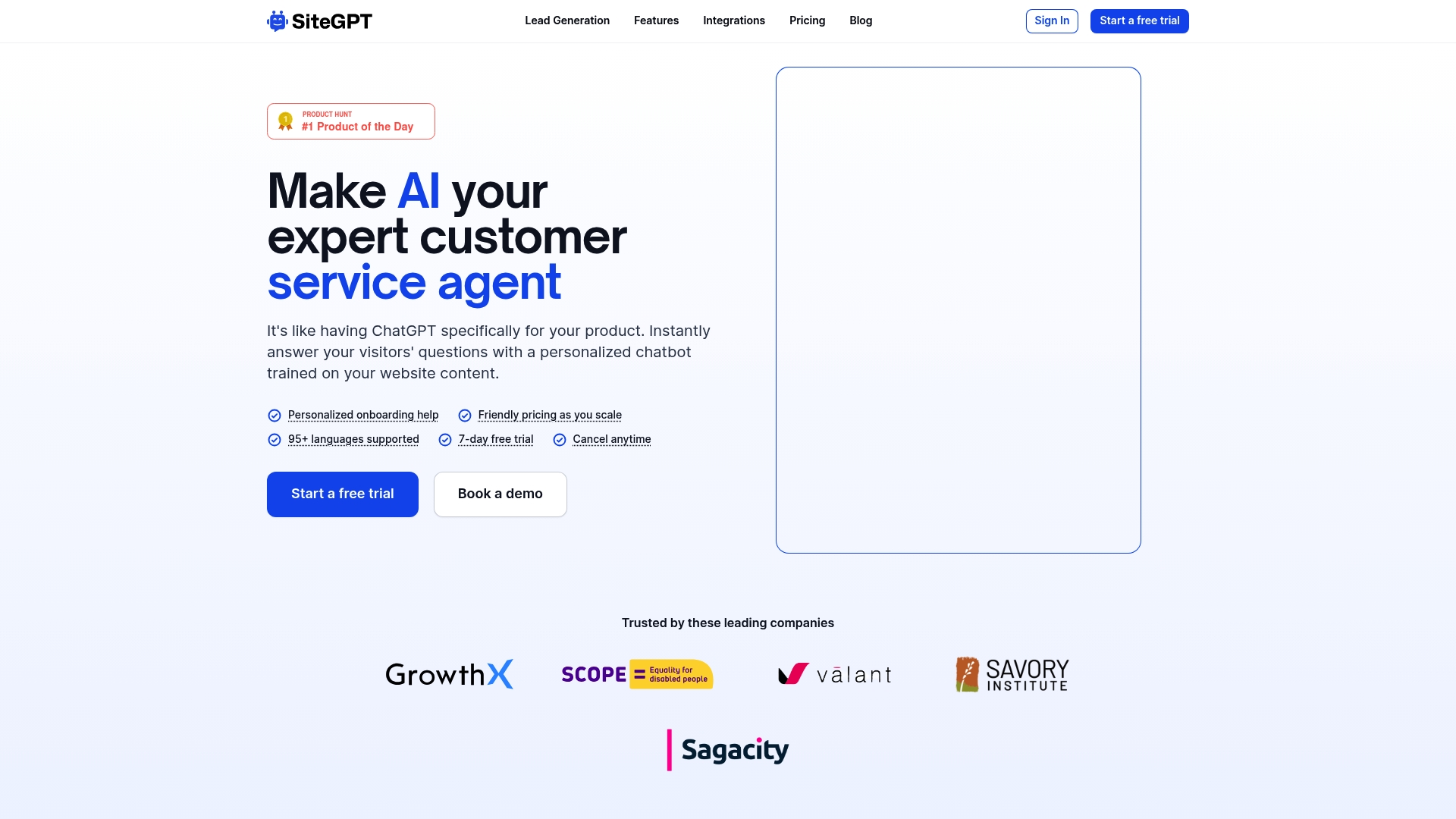
    SiteGPT is an AI-powered chatbot platform built to train on your website content and deliver personalized, multilingual support. It promises faster response times, automated retraining when your site changes, and a straightforward onboarding experience. For SaaS product managers, it’s a practical tool to reduce routine tickets and scale support without linear headcount growth. Expect a short trial period and clear upgrade paths as you expand usage.

    Core Features

    SiteGPT focuses on training chatbots from website content and supporting 95+ languages, with built-in automatic content syncing and retraining whenever pages update. It offers personalized onboarding help, friendly scaling pricing, a 7-day free trial, and comprehensive training options including file uploads and URLs. Integrations and escalation to human agents are supported to keep handoffs seamless.

    Pros

    • Customizable chatbot trained on your content: You can tailor responses to brand voice and product specifics by using your site as the training source.
    • Supports multiple integrations and platforms: SiteGPT connects where your customers already interact, reducing friction during deployment.
    • Enables escalation to human agents: The platform supports smooth handoffs so complex issues don’t get stuck with the bot.
    • Offers comprehensive training options including file uploads and URLs: You can feed documentation directly to improve accuracy.
    • Automatic content updates: Retraining based on site changes helps keep answers current without manual intervention.

    Cons

    • Pricing details might be complex for small businesses: The tiered plans and add-on limits can be confusing when optimizing for cost.
    • Relies on website content for training which requires proper setup: Poorly structured site content will reduce bot accuracy and require additional cleanup.
    • Some features like size limits and additional support may require higher plans: Accessing advanced capabilities could mean moving to more expensive tiers.

    Who It’s For

    SiteGPT is ideal for SaaS product managers who need to automate support and onboarding across multiple languages while keeping control over accuracy and brand voice. If you prioritize low-friction integrations and continuous content updates, this fits.

    Unique Value Proposition

    SiteGPT’s strength is automated retraining tied to website changes plus broad language support, enabling teams to maintain accurate, branded bot responses as product docs evolve.

    Real World Use Case

    A retail company used SiteGPT to answer product and order questions on its site, which reduced ticket volume and let support focus on escalations and refunds.

    Pricing

    Plans start at $39/month for the Starter plan, with additional tiers offering more features and enterprise plans available on request; a 7-day free trial is offered.

    Website: https://sitegpt.ai

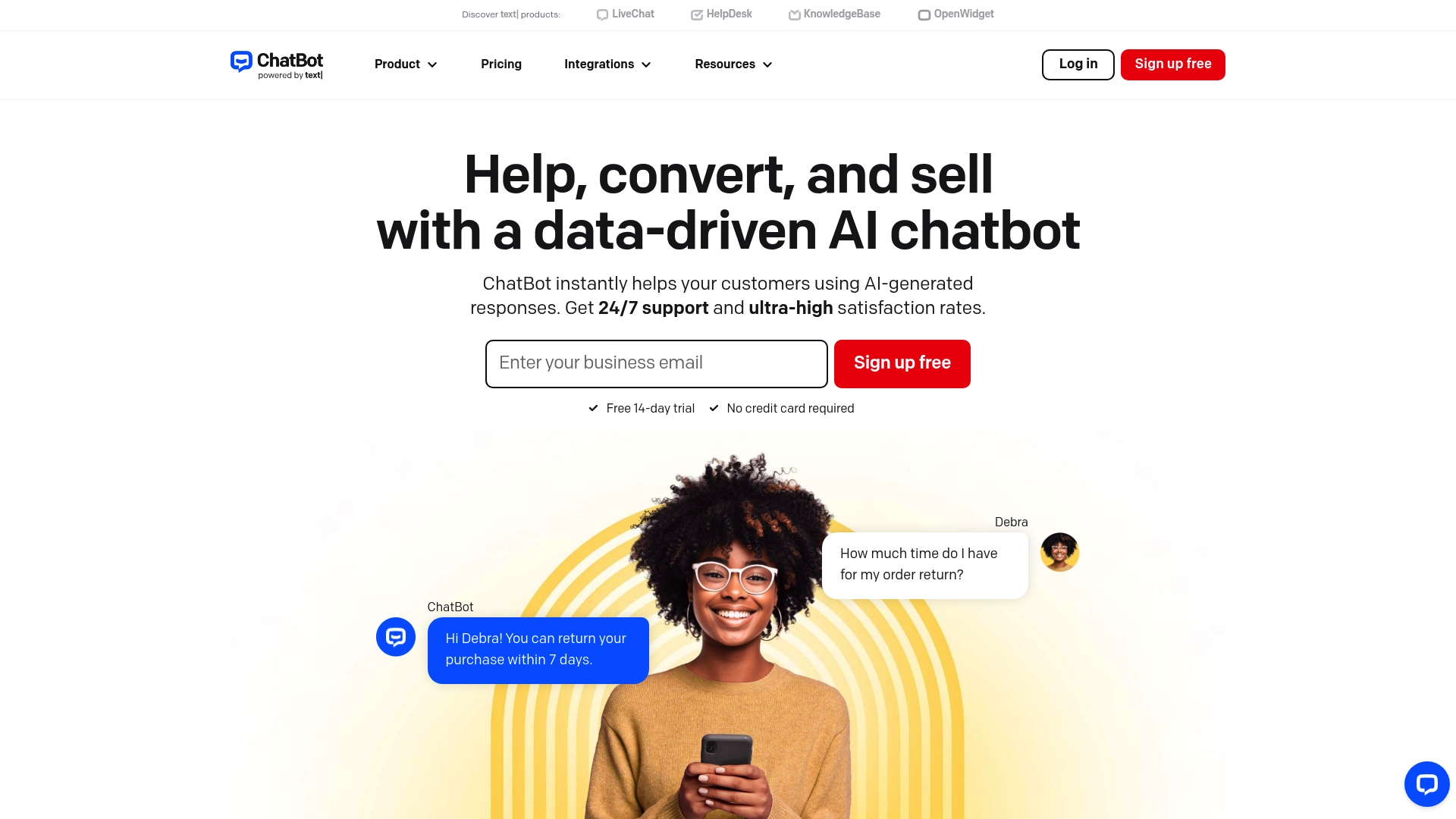
    ChatBot

    Product Screenshot

    At a Glance

    ChatBot delivers a practical, no-code way to deploy AI chatbots across support, sales, and marketing channels. It combines a visual drag-and-drop builder with generative AI responses and analytics, so teams can move from idea to live bot quickly. Pricing and some advanced features skew toward organizations with budget and technical resources, but the platform scales from starter plans to enterprise solutions.

    Core Features

    ChatBot centers on AI-driven conversational experiences with a visual builder for flow design, AI-generated dynamic responses, multi-channel delivery (web, Messenger, Slack, and more), integrations with CRM and eCommerce systems, and analytics to measure performance and inform decisions. These capabilities let teams iterate on conversations and train bots from data without heavy engineering involvement.

    Pros

    • Easy to set up and use with no coding required, which shortens time to deployment for product and support teams.
    • Flexible customization options with the visual builder allow non-developers to design complex conversation paths visually.
    • Broad range of integrations including CRM, eCommerce, and support systems helps centralize customer data and automate workflows.
    • Advanced AI training and knowledge base capabilities enable more accurate, context-aware responses as the bot learns.
    • Multiple pricing plans suitable for different business sizes let teams pilot on a lower plan before scaling.

    Cons

    • Pricing can be high for enterprise features, which may deter smaller SaaS teams on tight budgets.
    • Some advanced features might require technical expertise to fully utilize, increasing reliance on in-house engineers.
    • Dependence on internet connection for cloud-based AI can affect availability in constrained network environments.

    Who It’s For

    Businesses of all sizes looking to automate customer communications and enhance engagement using AI chatbots will find ChatBot appropriate, especially teams that need multi-channel coverage and integration with existing systems.

    Unique Value Proposition

    ChatBot’s combination of a visual builder, generative AI responses, and analytics makes it a strong choice for product and support teams that want fast deployment and measurable conversational outcomes.

    Real World Use Case

    A retail company uses ChatBot to provide 24/7 support, answer product questions, and recommend items via an integrated chatbot on its website and Facebook Messenger.

    Pricing

    Multiple plans starting from $52/month for Starter, up to custom enterprise solutions.

    Website: https://chatbot.com

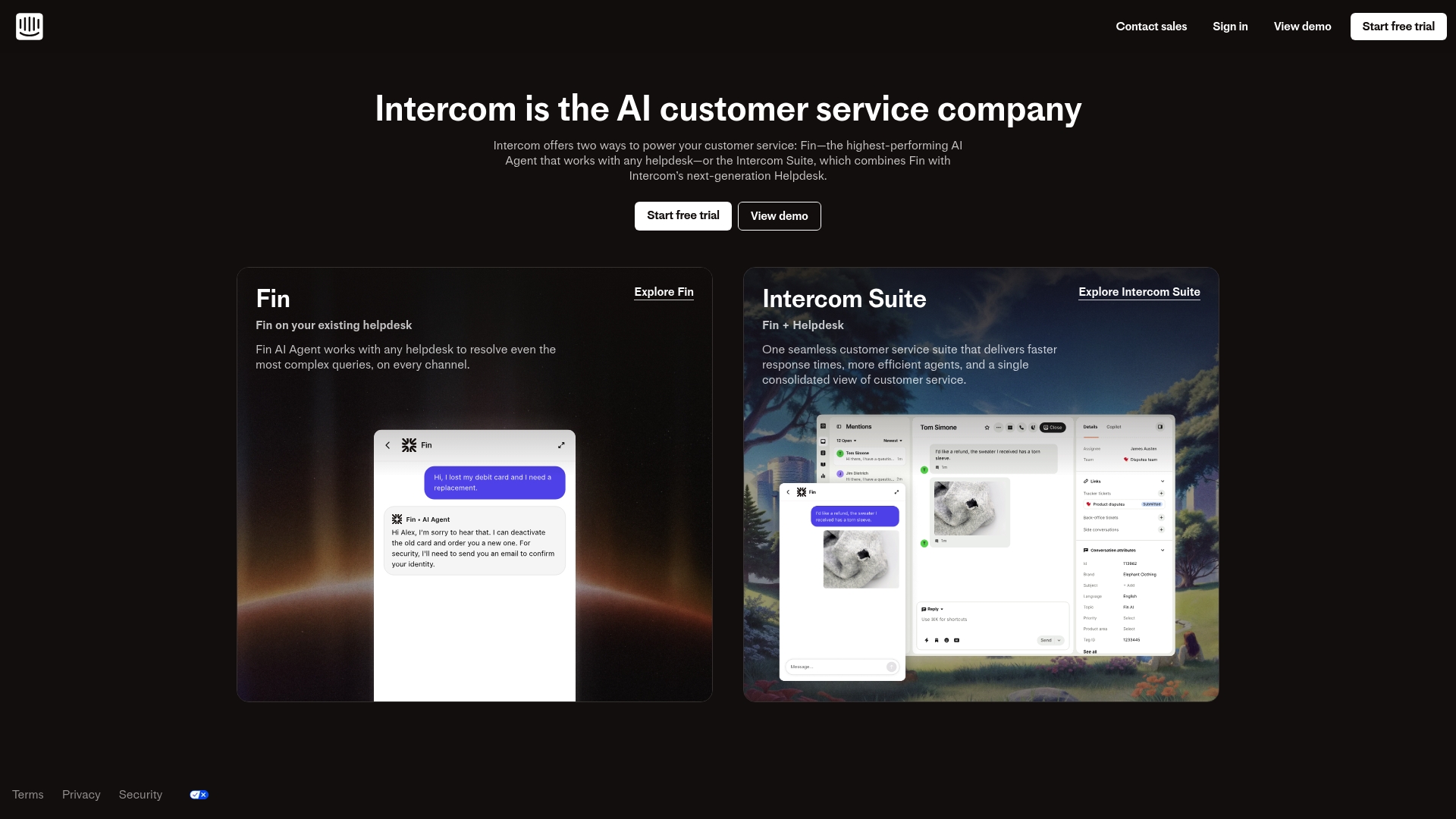
    Intercom

    Product Screenshot

    At a Glance

    Intercom is an AI-driven customer service platform built around the Fin AI Agent and a next-generation helpdesk. It accelerates resolution of routine queries, supports omnichannel workflows, and integrates with over 450 apps. The platform scales from startups to enterprises, but expect pricing complexity and a learning curve for advanced automation.

    Core Features

    Intercom combines the Fin AI Agent, which can resolve customer queries on any helpdesk or platform, with the Intercom Suite — a modern helpdesk containing an inbox, tickets, omnichannel support, and a knowledge hub. Automation and AI tools increase support efficiency, and deep integrations let teams plug Intercom into existing stacks without wholesale replacement.

    Pros

    • AI-powered customer service resolves routine queries quickly, reducing repetitive tickets for human agents.
    • Flexible integration with existing helpdesks and platforms lets you adopt Intercom alongside current systems.
    • Comprehensive feature coverage centralizes support, automation, and knowledge management in one suite.
    • Scalable plans accommodate teams from small startups to large enterprises, supporting growth without immediate platform changes.
    • Customizable support workflows enable tailored routing, escalation, and human handoff to match operational needs.

    Cons

    • Pricing can be complex with multiple plans and add-ons that require careful evaluation before purchase.
    • Costs may accumulate as usage increases, especially for high-volume support teams using per-resolution billing.
    • There is a learning curve for deploying advanced automation and AI features that may demand implementation resources.

    Who It’s For

    Intercom is ideal for SaaS product managers and support leaders who want an AI-first solution to scale customer support, automate onboarding, and integrate seamlessly with existing helpdesks.

    Unique Value Proposition

    Intercom’s unique value is the combination of a capable AI agent (Fin) and a full helpdesk, enabling end-to-end automation and faster resolutions without forcing a rip-and-replace of current tooling.

    Real World Use Case

    A company integrates Fin with Zendesk to automate answers to common queries, cutting support workload and increasing resolution speed while keeping its existing helpdesk workflows.

    Pricing

    Pricing varies by plan and usage, including per-resolution charges for Fin AI Agent plus subscription fees for helpdesk plans.

    Website: https://intercom.com

    AI-Driven Chatbot Platforms Comparison

    This table provides a concise comparison of leading AI chatbot platforms, enabling informed decisions based on features, usability, pros, cons, and pricing.

    Platform Key Features Pros Cons Pricing
    ChatPirate No-code setup, knowledge training, analytics dashboard 24/7 support, customizable branding, easy deployment Limited information on industry-specific features €39/year Starter, €79/year Growth, €279/year Scale plans
    SiteGPT Multilingual, automatic retraining, file upload options Website-based training, human escalation, continuous content updates Pricing complexity, reliance on site content, high-tier requirements From $39/month Starter with tiered plans
    ChatBot Visual builder, generative AI, multi-channel communication Customizable conversations, broad integrations, analytics support Higher enterprise cost, technical expertise required for advanced use Starting at $52/month Starter
    Intercom Fin AI Agent, omnichannel support, deep integrations AI resolution of queries, scalable plans, tailored workflows Complex pricing structures, learning curve for advanced tools Subscription and per-resolution pricing

    Enhance SaaS Customer Support with ChatPirate AI Chatbots

    The “Top 4 Best AI Chatbots for SaaS in 2026” article highlights critical challenges SaaS companies face when scaling customer support: the need for fast, accurate 24/7 responses, reducing operational costs, and seamless onboarding without technical hassle. If your goal is to automate routine inquiries, boost customer satisfaction, and qualify leads efficiently, ChatPirate offers a proven solution designed specifically for these priorities. This platform learns directly from your website content and knowledge bases to deliver instant, personalized support that truly reflects your brand voice.

    ChatPirate’s no-code setup means you can deploy a production-ready chatbot within days instead of months. It integrates smoothly with popular website builders like WordPress, Shopify, and Wix, providing easy customization, human handoff, and insightful analytics to optimize your support strategy continually. Say goodbye to long waits and costly ticket backlogs by choosing a scalable AI chatbot that grows with your business.

    Explore how ChatPirate can transform your SaaS support operations today.

    https://chatpirate.io

    Ready to reduce support costs and speed up onboarding now? Discover the powerful features of ChatPirate by visiting ChatPirate AI Chatbot Solutions. Learn more about how our platform fits SaaS needs on the ChatPirate Landing Page. Step into the future of customer support by taking action at ChatPirate.io today.

    Frequently Asked Questions

    What are the top features to look for in AI chatbots for SaaS?

    Choose AI chatbots with no-code setup, 24/7 support, human handoff capabilities, and analytics dashboards. These features ensure efficiency and a seamless experience for both customers and support teams. Aim to implement chatbots that automate routine inquiries and integrate easily into your existing systems.

    How can AI chatbots enhance customer support for SaaS businesses?

    AI chatbots enhance customer support by providing instant, accurate answers and reducing the workload on human agents. By automating routine inquiries, you can expect to improve customer satisfaction and reduce response times significantly, often by up to 30%.

    What kind of training do AI chatbots require for effective performance?

    AI chatbots need training from your website content and knowledge bases to deliver accurate responses. Regularly update the training material by uploading new documents and linking relevant web pages to ensure a consistently high level of service.

    How quickly can I expect to deploy an AI chatbot for my SaaS?

    With platforms offering no-code setup, you can typically deploy an AI chatbot within a few days rather than months. Start by selecting the right platform, then customize and integrate the bot to suit your business needs before going live.

    What pricing structures should I expect for AI chatbots in 2026?

    Pricing structures for AI chatbots generally vary from tiered monthly subscriptions to pay-per-use models. Look for plans that fit your budget and offer growth potential as you scale, typically starting around $39 per month for basic features.

    How can I measure the effectiveness of an AI chatbot?

    Measure the effectiveness of an AI chatbot by analyzing key performance metrics such as response time, customer satisfaction scores, and ticket volume reductions. Utilize built-in analytics dashboards to monitor performance and make data-driven adjustments within the first few weeks of deployment.

  • Role of AI in Ecommerce – Driving Growth and Efficiency

    Role of AI in Ecommerce – Driving Growth and Efficiency

    Trying to keep up with customer inquiries around the clock can stretch any small team to its limit. As online shoppers demand faster answers and smoother service, AI is quietly becoming the engine driving modern e-commerce success. AI-powered chatbots now deliver 24/7 support and significant cost savings by automating responses to customer questions, letting your team focus on what requires real expertise and a personal touch.

    Table of Contents

    Key Takeaways

    Point Details
    AI is Essential for Competitiveness AI adoption is directly linked to improved revenue and customer satisfaction in eCommerce. Retailers must quickly implement AI solutions to remain competitive.
    Focus on Customer Service First Starting with AI chatbots for customer service delivers rapid ROI by automating responses and improving efficiency. This allows teams to concentrate on more complex inquiries.
    Personalization Boosts Retention Using AI for personalized recommendations significantly enhances customer experience and increases average order value. Retailers should automate these processes for greater success.
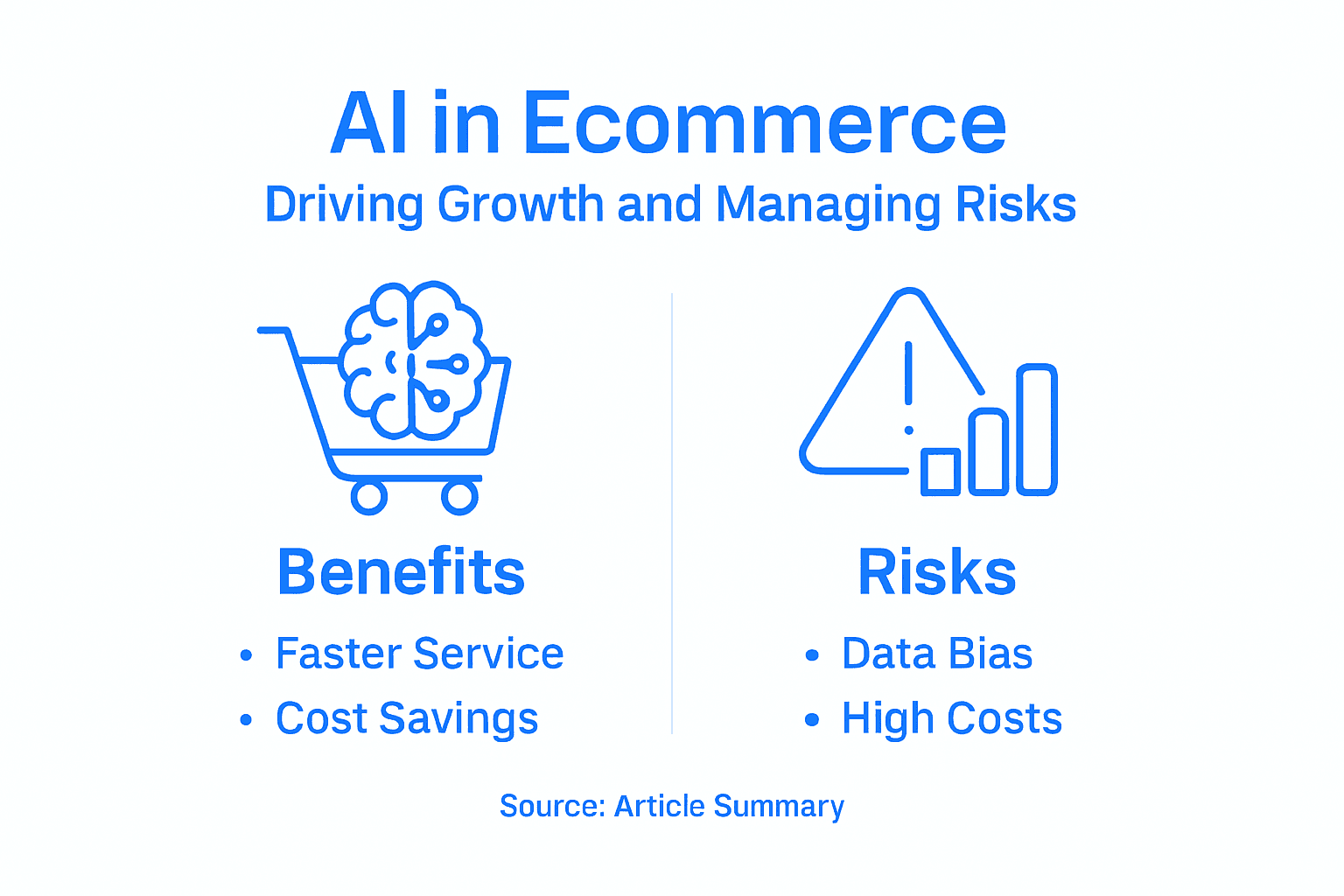
    Beware of Risks and Costs Understanding the potential pitfalls of AI implementation—such as data biases and insufficient monitoring—is crucial. A well-planned approach with oversight can mitigate these risks.

    What Is AI in Ecommerce Today

    Artificial intelligence in ecommerce isn’t science fiction anymore. It’s the operational backbone of how modern online retailers compete, serve customers, and scale efficiently. Right now, AI automates customer service, logistics, and personalization across the industry in ways that would have seemed impossible five years ago. Leading retailers like Amazon, Apple, Shein, and IKEA deploy AI with varying strategies based on their business models, and the correlation between AI adoption and revenue is undeniable. This isn’t theoretical. It’s happening in real stores, right now, with measurable results.

    Today’s AI in ecommerce operates across multiple overlapping functions. For small to medium-sized retailers like you, the most relevant applications include automating customer service interactions, optimizing digital marketing campaigns, and personalizing product recommendations. Text creation, SEO optimization, and digital marketing have become standard uses since 2018, with adoption accelerating significantly in recent years. AI also generates product content, creates images and videos, and powers intelligent search capabilities that customers increasingly expect. What matters most for your business is that these tools reduce manual workload while improving customer experience simultaneously.

    One critical piece: modern AI systems in ecommerce work best when they’re trained on your specific data. A chatbot handling support inquiries needs access to your product catalog, shipping policies, and return procedures to deliver accurate answers. This is why conversational AI and its impact on customer support matters so much. The technology learns from your unique business context, not generic training data. Your competitors might have chatbots. But do they have chatbots that actually understand your inventory, pricing, and policies? That’s where the real competitive advantage lives.

    The practical reality is this: AI adoption correlates directly with revenue performance in ecommerce. Retailers who have implemented AI solutions report faster response times, reduced support costs, and higher customer satisfaction. But the gap between early adopters and laggards is widening. The question isn’t whether to implement AI anymore. It’s how quickly you can get started without disrupting existing operations.

    Here’s a comparison of key AI applications in ecommerce and their business impact:

    AI Application Description Example Business Impact Scalability for SMBs
    Chatbots Automate customer support responses Reduces labor, improves response time Highly accessible
    Recommender Systems Suggest products based on user behavior Boosts conversions, lifts order value Available via cloud platforms
    Predictive Analytics Forecast demand, trends, and inventory Optimizes stock, prevents overordering Moderate, growing options
    Dynamic Pricing Adjust prices based on market conditions Maximizes margins, responds to demand Requires careful oversight

    Pro tip: Start with customer service automation first—it delivers the fastest ROI by reducing response times and cutting support labor costs, while your team learns how AI works in your specific business context before expanding to other functions.

    Major AI Technologies Shaping Ecommerce

    The AI tools powering ecommerce today aren’t mysterious black boxes. They’re practical technologies solving real problems you face every day. Machine learning, deep learning, and predictive analytics form the foundation of modern ecommerce operations, enabling everything from product recommendations to dynamic pricing. These technologies work together to learn patterns from your customer data, spot trends before they become obvious, and automate decisions that would otherwise consume hours of manual work. For small to medium-sized retailers, understanding these core technologies matters because they directly impact how you compete against larger players.

    Let’s break down what’s actually happening behind the scenes. Recommender systems analyze customer behavior to suggest products people are likely to buy, increasing your average order value without additional marketing spend. Virtual customer assistants handle inquiries around the clock, something your support team simply cannot do manually. AI applications in customer service, personalization, and security have become standard across leading ecommerce operations, with logistics automation adding another layer of efficiency. Visual and audio search capabilities let customers find products by uploading images or speaking queries, which younger shoppers expect as standard. Risk management tools flag fraudulent transactions in milliseconds, protecting your revenue and customer data simultaneously. The practical result: you reduce operational friction while improving customer experience.

    Team discussing product recommendation dashboard

    What makes this relevant to your business is adoption strategy diversity. Larger retailers have invested heavily in custom AI solutions, but cloud-based platforms now democratize access to these same capabilities for smaller operators. You don’t need a team of data scientists to implement working AI. Chatbots trained on your product data deliver immediate returns by reducing support tickets and handling routine questions. Dynamic pricing algorithms adjust your margins based on demand, competition, and inventory levels without manual intervention. Understanding how chatbots drive ecommerce success reveals why so many retailers start here first. The technology learns your business patterns, adapts to seasonal changes, and improves over time as it processes more interactions.

    The key insight: AI technologies work best when integrated into existing workflows rather than replacing them entirely. Your team remains in control while automation handles repetitive tasks. This hybrid approach lets you scale customer service, optimize marketing spend, and improve inventory management without complete operational overhauls. The retailers winning right now are those treating AI as a tool to amplify human effort, not eliminate it.

    Pro tip: Start by identifying your highest-volume, most repetitive task (usually customer support questions), then implement AI there first to prove ROI before expanding to pricing, marketing, or inventory functions.

    How AI Chatbots Transform Customer Support

    Your support team doesn’t sleep. Neither do your customers. The moment a question arrives at 2 AM on a Sunday, you face a choice: ignore it until Monday or deploy a tool that never stops working. AI chatbots provide 24/7 availability and cost savings by handling initial customer contact through your website, answering questions instantly while your team focuses on complex issues that actually require human judgment. This isn’t about replacing people. It’s about redirecting human effort toward customers who truly need it. For small to medium-sized retailers, this distinction matters enormously because your support team is already stretched thin.

    Here’s what actually happens when a chatbot handles your customer interactions. A customer lands on your product page at 11 PM with questions about sizing, shipping time, or return policies. Instead of bouncing to a competitor, they get instant answers trained on your specific business rules and inventory. The chatbot learns from every interaction, improving its responses over time. When the conversation requires human touch, it seamlessly hands off to your team with full context already documented. The result: faster resolution times, fewer repetitive questions consuming your team’s attention, and significantly reduced support costs. Rapid response times and consistent service quality directly drive customer satisfaction and loyalty. Customers remember brands that solve problems quickly. They abandon those that make them wait.

    The transformation goes deeper than just speed. Customer retention improves when support quality feels reliable and responsive. Chatbots ensure consistency because they follow the same protocols every time, eliminating the variation that happens when exhausted support staff handle their fiftieth question of the day. Your best customer service representative can’t match the consistency of an AI trained on your knowledge base. More importantly, chatbots surface patterns in customer questions that reveal product gaps, confusing descriptions, or shipping issues you didn’t know existed. You gain actionable intelligence while simultaneously reducing support load. That’s the multiplier effect: solve problems faster while identifying what needs fixing.

    What makes this work for your business is implementation simplicity. Understanding what AI chatbots actually do removes the mystery around whether this technology fits your operation. Successful deployment starts with training your chatbot on your product catalog, shipping policies, and FAQs. Set clear boundaries for when it escalates to humans. Monitor performance weekly. Adjust based on actual customer feedback. The retailers seeing strongest results treat chatbot implementation as an ongoing process, not a one-time setup.

    Pro tip: Log the top 20 customer questions your team receives this week, then use those as your chatbot training foundation—you’ll see ROI within 30 days because you’re automating what’s already consuming your time.

    Personalization and Automation for Online Retailers

    Every customer thinks they’re unique. They are. Yet most online retailers treat them like interchangeable transactions. When a shopper visits your store, they expect to see products relevant to their interests, not a generic homepage that looks identical for everyone. AI-driven personalization uses recommendation systems and predictive analytics to tailor the shopping experience based on individual behavior, purchase history, and browsing patterns. This isn’t magic. It’s data analysis at scale. A customer who browsed winter boots last month sees boot-related accessories first. Someone searching for organic skincare sees related products immediately. The result: higher conversion rates, larger average order values, and customers who feel understood rather than ignored.

    Automation works hand in hand with personalization to make this possible at your scale. You cannot manually track thousands of customer preferences and adjust inventory accordingly. AI handles this automatically. Dynamic pricing algorithms adjust your margins based on demand, competitor pricing, and inventory levels without human intervention. Stock management becomes predictive instead of reactive. You know what customers will want before demand spikes. Personalized email campaigns trigger automatically based on customer behavior, not generic broadcast schedules. Machine learning and recommendation systems create individualized shopping experiences that make customers feel like your store was built specifically for them. Platforms like Amazon and Shopify prove this works at massive scale. Now smaller retailers can access the same capabilities through cloud-based tools.

    What matters most for your bottom line is this: personalization drives retention while automation cuts costs. A customer who feels recognized is more likely to return. A system that handles routine decisions automatically means your team focuses on strategy instead of data entry. You reduce labor costs while improving the shopping experience simultaneously. That’s the growth multiplication most retailers miss. They think personalization and automation are nice-to-haves. Actually, they’re competitive necessities. Retailers who personalize see 15-30 percent higher revenue per visitor than those running generic experiences. Automating support with AI chatbots extends this principle to customer service, ensuring every interaction feels tailored rather than templated.

    Infographic of AI in ecommerce benefits and risks

    Implementation starts with your data. What information do you already have about customer behavior? Purchase history, browsing patterns, search queries, cart abandonment reasons. These data points become your personalization foundation. Start with product recommendations. Track performance metrics: conversion rate lift, average order value increase, repeat purchase rate. Automate based on quick wins first. As your team gets comfortable with automation, expand to pricing, inventory, and marketing. The retailers succeeding treat personalization as continuous improvement, not a one-time implementation.

    Pro tip: Segment your customers into three groups: new visitors, repeat buyers, and at-risk customers, then create different automated experiences for each group rather than trying to personalize for everyone identically.

    Risks, Costs, and Common Pitfalls to Avoid

    AI sounds like a silver bullet until you realize it can fail spectacularly. A chatbot trained on biased data will make biased recommendations. A pricing algorithm that ignores competitor activity tanks your margins. An automated email campaign sent to the wrong audience damages brand trust permanently. Biases in training data and integration challenges represent real obstacles that trip up retailers who skip the planning phase. For small to medium-sized retailers, the stakes are higher because you have less margin for error. A bad AI implementation doesn’t just waste money. It erodes customer trust and damages your reputation in ways that take months to repair.

    Let’s talk costs first because they surprise most retailers. Implementation sounds cheap until you add everything up. Software subscriptions, integration with existing systems, staff training, ongoing monitoring, and fixing problems when the AI makes mistakes. Many retailers underestimate the human oversight required. A chatbot still needs someone monitoring conversations to catch when it gives wrong information. Pricing algorithms still need humans checking if recommendations make business sense. If you deploy AI and assume it runs itself, you’ll discover the hard way that it doesn’t. The second pitfall is assuming one implementation solves all problems. Chatbots help with support volume. They don’t optimize your product descriptions or improve your supply chain. Each AI application requires separate consideration, budgeting, and management. Retailers who try solving everything simultaneously usually end up solving nothing well.

    The ethical and operational risks deserve serious attention. Governance frameworks must address fairness, security, transparency, and privacy concerns to prevent reputational damage. A chatbot that discriminates against certain customer groups, even unintentionally, creates legal liability. A pricing algorithm that exploits vulnerable customers might be technically legal but morally indefensible. Data privacy matters enormously. If customers discover their personal information is being misused, they leave permanently. Cybersecurity threats targeting your AI systems put customer data at risk. These aren’t theoretical concerns. They’re real liabilities that grow as AI becomes more integrated into your operations.

    Here’s what prevents these pitfalls. Start small with lower-risk applications. A chatbot handling FAQ questions carries less risk than an algorithm controlling your entire pricing structure. Test thoroughly before going live. Monitor performance constantly. Set clear escalation rules so humans intervene when the AI encounters situations it wasn’t trained for. Document your AI decision-making processes. Understand what data the AI uses and why. Be transparent with customers about where AI is involved. A customer knowing a recommendation comes from AI-analysis trusts it more than thinking they got a genuine personal suggestion from a human who didn’t actually review their account.

    Here’s a summary of major risks and oversight requirements for successful AI adoption in ecommerce:

    Risk Type Potential Consequence Oversight Required Mitigation Strategy
    Data Bias Biased recommendations Regular data audits Diverse, verified training data
    Poor Integration Operational errors, confusion System compatibility checks Step-by-step phased integration
    Insufficient Monitoring Unnoticed AI mistakes Continuous human review Clear escalation protocols
    Privacy Concerns Loss of customer trust Compliance with regulations Transparent data use disclosures

    Pro tip: Before implementing any AI system, establish success metrics and failure thresholds upfront—if chatbot accuracy drops below 85 percent or response times exceed 10 seconds, revert to human-only handling while you debug, rather than letting bad AI run continuously.

    Elevate Your Ecommerce Customer Support with AI Chatbots Today

    The article highlights how AI chatbots revolutionize ecommerce by delivering instant, accurate, and 24/7 customer service that reduces response times and support costs while improving satisfaction. If your small or medium-sized ecommerce business faces challenges with repetitive customer questions, slow response times, or inconsistent support quality, AI chatbots are the practical solution to automate these tasks without losing the human touch. Harnessing conversational AI that learns from your unique product catalog and policies is key to standing out amid fierce competition.

    https://chatpirate.io

    Experience the power of customizable AI chatbots designed for ecommerce businesses on ChatPirate.io. Our platform allows you to deploy intelligent chatbots quickly through easy integrations with WordPress, Shopify, Wix, and Webflow. With features like seamless human handoff, real-time analytics dashboards, and brand customization, you can streamline customer support, boost engagement, and scale efficiently all at once. Discover how automating your most repetitive tasks can free your team to focus on what truly matters and make your customers feel valued every hour of the day. Get started now with ChatPirate.io and see immediate improvements in support speed and customer satisfaction.

    Unlock your business’s growth potential by combining personalization and automation powered by AI. Learn more about how AI chatbots transform ecommerce success and start building your tailored chatbot today.

    Frequently Asked Questions

    What are the main applications of AI in ecommerce?

    AI applications in ecommerce include automating customer service, optimizing digital marketing campaigns, personalizing product recommendations, and managing logistics. These applications help improve customer experience while reducing manual workloads.

    How can AI chatbots enhance customer support?

    AI chatbots provide 24/7 availability, ensuring instant responses to customer inquiries. They learn from interactions to improve their accuracy and can handle common questions, allowing human agents to focus on more complex issues.

    What benefits does personalized shopping using AI provide to retailers?

    AI-driven personalization enables retailers to recommend products based on individual customer behavior and preferences. This leads to higher conversion rates, increased average order value, and improved customer satisfaction as shoppers feel more understood.

    What are the risks associated with AI adoption in ecommerce?

    The risks include data bias leading to inaccurate recommendations, poor integration causing operational issues, insufficient monitoring that may overlook AI mistakes, and privacy concerns that could erode customer trust. Proper oversight and testing are essential to mitigate these risks.

  • What Is Chatbot Training Data: Boosting AI Support

    What Is Chatbot Training Data: Boosting AI Support

    Every e-commerce manager knows the frustration of answering the same customer questions day after day. When customer support demands grow, finding smarter ways to automate responses becomes critical. High-quality diverse datasets form the backbone of any effective chatbot, helping artificial intelligence understand real conversations and provide accurate answers. This overview separates common myths from practical strategies, showing how thoughtful data selection can turn your chatbot into a true extension of your business knowledge.

    Table of Contents

    Key Takeaways

    Point Details
    Importance of Quality Data High-quality, diverse training data significantly enhances chatbot performance over sheer volume.
    Continuous Data Update Regularly update training data to reflect evolving business practices and customer inquiries.
    Data Organization Organize training data into clear categories to improve chatbot understanding and response accuracy.
    Compliance and Privacy Ensure compliance with privacy regulations by anonymizing sensitive customer data in training sets.

    Chatbot Training Data Defined and Debunked

    Let’s cut through the noise. Chatbot training data is simply the collection of text, conversations, and information that an AI chatbot learns from to understand and respond to customer questions. Think of it like teaching someone a new job. You wouldn’t just hand them a single manual and expect them to handle every customer situation perfectly. Instead, you’d expose them to dozens of real conversations, edge cases, and examples until they develop the judgment to respond correctly on their own. That’s exactly how chatbots work. The data teaches them patterns, context, and how to match customer questions to appropriate answers.

    Here’s what often gets misunderstood. Many business owners assume that more training data automatically equals better chatbot performance. That’s partly true, but it’s incomplete. Research shows that high-quality diverse datasets are what actually matter for developing accurate and contextually relevant responses, not simply volume. A chatbot trained on 50 poorly organized support tickets might perform worse than one trained on 10 carefully curated conversations that cover the real issues your customers actually face. Quality beats quantity. Additionally, adversarial inputs and weak safeguards within training data can cause rapid performance degradation, which is why careful curation matters far more than many people realize. This is the difference between a chatbot that confidently gives wrong answers and one that actually helps your customers.

    For e-commerce managers specifically, your training data typically includes your product descriptions, FAQ documents, shipping policies, return procedures, and previous customer service conversations. When you set up a chatbot on ChatPirate, you’re essentially feeding it your business knowledge base so it can answer questions like “Can I return this within 30 days?” or “What’s the shipping cost to California?” without human intervention. The stronger and more organized this data is, the fewer wrong answers your customers receive. This directly impacts your support costs. A well-trained chatbot handles 60 to 70 percent of routine inquiries completely on its own, which means your team spends time on complex issues instead of answering the same questions repeatedly.

    One more critical point: training data isn’t static. As your business grows and customer questions evolve, your chatbot needs updated information. If you launched a new product line six months ago but never updated your training data, your chatbot is still operating with incomplete knowledge. The best performing chatbots are ones where companies continuously refine their training data based on what customers actually ask, not what the manager thinks they’ll ask.

    Pro tip: Start your chatbot training with your top 20 customer service questions and your complete product documentation, then let it run for two weeks while monitoring which questions it handles poorly—these gaps show you exactly where to expand your training data next.

    Types and Sources of Training Data for Chatbots

    Training data comes in different flavors, and knowing which type you need depends entirely on what your chatbot is supposed to do. The most common categories include task-oriented data, natural language conversation data, and domain-specific information. Task-oriented data teaches your chatbot to complete specific actions like processing returns or looking up order status. Natural language data shows the chatbot how people actually talk, with all their typos, casual phrasing, and unexpected questions. Domain-specific data is your proprietary stuff: your product catalog, policies, and past customer conversations that make your chatbot uniquely yours. These three work together. A chatbot trained only on generic conversation data but lacking your specific product knowledge will sound natural but give wrong answers. One trained only on your policies without understanding natural language patterns will sound robotic and miss what customers actually mean.

    Team organizing chatbot data sources

    Where does this data come from? For e-commerce businesses, your primary sources are usually internal. Your FAQ documents, product descriptions, customer service email threads, and chat histories from your existing support system all contain gold. You have thousands of real customer questions already answered correctly by your team. That’s incredibly valuable training material that your competitors don’t have access to. Beyond internal sources, there are publicly available datasets like WikiQA Corpus and question-answer databases that many chatbot builders use to give their models a foundation in general knowledge and conversation patterns. The best performing chatbots combine both: they start with a foundation of general knowledge from public datasets, then get fine tuned with your specific business data so they understand your products, policies, and tone of voice.

    Here’s a comparison of common chatbot training data types and their unique business value:

    Data Type Key Characteristics Typical Source Business Impact
    Task-Oriented Data Direct action/response patterns Process docs, support replies Enables automation of tasks
    Natural Language Data Real-world phrasing, typos Live chats, emails Improves conversational flow
    Domain-Specific Data Proprietary product info Product catalogs, policies Delivers accurate answers
    Public Dataset Foundation Generic Q&A, broad knowledge WikiQA, question corpora Boosts general understanding

    Here’s the practical reality for your situation. You probably don’t need to source data from Twitter conversations or academic question-answer corpora. Your sweet spot is creating a clean, organized collection of your best internal documentation and customer service interactions. This might mean exporting your last 2,000 support tickets, organizing your FAQ by category, creating clear question-answer pairs from your most common inquiries, and documenting edge cases your team handles frequently. The broader point is this: diverse data spanning structured knowledge bases and question-answer pairs gives your chatbot comprehensive understanding of both your business and how humans communicate. A chatbot trained on “How do I track my order?” and “Where’s my package?” and “Can you tell me when my shipment arrives?” learns that these three questions mean the same thing. That’s the power of data diversity.

    One mistake we see repeatedly is treating old, outdated information as training data. If your FAQs haven’t been updated in three years but your shipping partners changed, your return policy shifted, or you discontinued products, that old data actively hurts your chatbot. It’s worse than missing data because it confidently gives wrong information. Your training data should reflect your current business state, not your state from two years ago when you first wrote those support documents.

    Pro tip: Audit your existing support tickets from the past six months and pull out the top 30 questions by frequency, then format these as clean question-answer pairs to use as your core training dataset—this focused approach delivers better results than uploading every ticket you have.

    How Quality Impacts Chatbot Performance

    Here’s the hard truth: a chatbot is only as smart as the data feeding it. When you invest time into cleaning, organizing, and curating your training data, every single customer interaction improves. When you skip this step and dump messy, outdated information into your system, you get predictable results: confused responses, frustrated customers, and a support tool that actually creates more work than it solves. The relationship between data quality and chatbot performance isn’t subtle. It’s direct and measurable. Poor data quality leads to misinformation spread and degrades the entire human-computer interaction, which is why businesses that take data seriously see dramatically better outcomes than those that don’t.

    Let’s talk specifics. When your training data is high-quality, your chatbot gets better at three things simultaneously. First, accuracy improves because the chatbot learns from correct examples of how to answer your specific customer questions. A chatbot trained on five variations of “How long does shipping take to Texas?” with five correctly formatted answers will recognize when a customer asks “What’s the delivery timeline for my order to TX?” and respond appropriately. Second, efficiency increases because your team wastes less time correcting wrong answers. A chatbot that confidently tells customers they have 90 days to return items when your policy is 30 days creates angry customers and loads your support team with complaints. Third, user satisfaction climbs because customers actually get the information they need on the first try. This is where the business case gets compelling. Companies report that high-quality chatbot training data correlates directly with improved user experience and operational efficiency. Fewer escalations to human agents means lower support costs. Faster resolutions mean happier customers. Accurate answers mean fewer returns and chargebacks from confusion.

    Now consider the opposite scenario. Imagine you exported your last three years of support tickets into your chatbot without any cleanup. You’ve got outdated pricing, discontinued products, old process flows, and customer service reps having bad days and giving inconsistent answers. Your chatbot absorbs all of that. It learns bad patterns. It picks up on contradictions. When one ticket says returns are free and another says there’s a 15-dollar restocking fee, the chatbot gets confused about what’s true. This isn’t a minor problem. This is the difference between a chatbot that serves your business and one that sabotages it. The solution is continuous improvement. Quality isn’t a one-time setup. As your business evolves, your training data needs to evolve with it. When you update your return policy, update your chatbot’s knowledge. When you launch a new product, add examples of how customers ask about it. When you notice the chatbot giving wrong answers about a specific topic, that’s your signal to audit and improve the training data in that area.

    For e-commerce managers, this means treating your chatbot’s training data like you treat your inventory management. You don’t just throw inventory in your warehouse and hope it works. You organize it, track it, update it, and remove what’s obsolete. Your chatbot data deserves the same discipline. The payoff is real: better customer experiences, lower support costs, and a tool that actually reduces your team’s burden instead of adding to it.

    To help maximize chatbot performance, here is a concise summary of key training data quality concerns and their real-world consequences:

    Data Issue Typical Cause Negative Outcome Remedy
    Outdated Information Old tickets, old FAQs Delivers wrong answers Regular data reviews
    Low Data Quality Poorly formatted examples Confused chatbot responses Careful filtering & cleaning
    Data Overload Too much irrelevant material Slower chatbot training Curate for relevance
    Unstructured Data No clear categories Missed links between topics Organize by topic

    Pro tip: Set a monthly review cycle where you pull your chatbot’s lowest confidence responses and chat logs showing customer confusion, then use these as signals to identify exactly which training data sections need updating or expansion.

    Best Practices for Data Selection and Preparation

    Selecting the right training data is half the battle. The other half is preparing it so your chatbot actually learns from it instead of getting confused. Start by thinking about your end goal. What questions do you want your chatbot to answer? For an e-commerce store, that might be shipping timelines, return policies, product specifications, and order tracking. Your data selection should directly align with those goals. If you select training data about billing disputes but your chatbot never needs to handle billing questions, you’ve wasted resources on irrelevant information. The first practical step is to audit what data you actually have access to. Pull your FAQ documents, your last six months of support tickets, your product catalog, your shipping policy documents, and any other customer-facing information your team maintains. This becomes your raw material.

    Next comes the hard part: cleaning and filtering. Not all your data is equally valuable. Data filtering removes low-quality, biased, or irrelevant content to maximize training efficiency, which directly impacts how well your chatbot performs. Look through your support tickets and remove ones where the answer was wrong, incomplete, or where the customer service rep was having a bad day and gave inconsistent information. Remove outdated information. If you have 200 tickets about a discontinued product, those don’t help your chatbot answer current customer questions. Remove duplicates. If you have 50 variations of “How do I track my order?” with the same answer, keep maybe 5 or 6 strong examples instead. This filtering phase actually makes your training data stronger, not smaller. A chatbot trained on 100 excellent, focused examples outperforms one trained on 1,000 mediocre, noisy examples.

    Infographic on best practices for chatbot data

    Organization matters more than you might think. Structure your data clearly by category. Create a system where each question-answer pair is labeled by topic: shipping, returns, products, billing, account management. This helps your chatbot understand relationships between questions. It also helps you spot gaps. If you have 80 examples about shipping but only 3 about returns, you know where to invest more effort in data preparation. When preparing data, aim for diversity. Natural language nuances and multilingual requirements need careful consideration when assembling training datasets. A customer might ask “How do I track my order?” or “Where’s my package?” or “Can you tell me when this arrives?” Include all these variations so your chatbot learns that different phrasings mean the same thing. If you operate in multiple countries or serve bilingual customers, make sure your training data reflects that.

    One final consideration that many businesses overlook: version control your training data. Keep a record of what you fed your chatbot and when. This seems administrative, but it’s incredibly valuable. When your chatbot starts giving wrong answers, you can trace back to what changed in your training data. Maybe you updated your return policy last month but forgot to update the chatbot’s knowledge. When you notice a problem, you have a clear record of your training data versions to help identify what went wrong. This is exactly how ChatPirate users implement continuous improvement. They upload their initial training data, monitor performance for two weeks, identify gaps from customer interactions, update the training data, and repeat. This cycle compounds over time, creating a chatbot that keeps getting smarter.

    Pro tip: Create a simple spreadsheet documenting your training data sources with columns for topic, number of examples, last updated date, and known gaps, then review it monthly to identify which areas need expansion based on actual customer questions you’re seeing.

    Risks, Privacy Concerns, and Compliance Requirements

    Your chatbot handles customer data. That alone means you need to think seriously about privacy and compliance before you deploy it. When you feed customer conversations, order histories, and support tickets into your chatbot’s training data, you’re creating a system that processes sensitive information. If you’re not careful about what data goes in and how it’s protected, you could expose yourself to legal liability, regulatory fines, and damaged customer trust. The risks are real, especially for e-commerce businesses operating across multiple regions with different data protection laws. European customers fall under GDPR. Canadian customers have PIPEDA requirements. Many states now have their own privacy laws. This isn’t abstract legal stuff. This directly affects how you can prepare and use your training data.

    Start with what data you’re actually including in your training data. Customer email addresses, phone numbers, order details, payment information, and any personally identifiable information should be removed or anonymized before you use support tickets for training. A support ticket that says “Customer Jane Smith at jane.smith@email.com returned order 45892 because the product arrived damaged” contains three pieces of PII that need to be stripped out. You want the training data to be “Customer returned order because product arrived damaged,” which teaches your chatbot the right behavior without exposing customer privacy. Beyond privacy, there’s the risk of training your chatbot on data that contains misinformation, privacy violations, and regulatory challenges. If your support team inadvertently gave customers wrong information and you train your chatbot on those tickets, you’ve now automated the delivery of misinformation. This is why the data cleaning phase is so critical.

    Here’s where many businesses get tripped up: they assume that because they own the customer data, they can use it however they want. Not true. You can only use customer data for the purposes you disclosed when collecting it. If your privacy policy says you collect customer information to process orders and provide support, you can’t suddenly feed that data into a chatbot training system without updating your privacy policy. Customers need to know what you’re doing with their information. Some industries have additional requirements. If you operate in healthcare, education, or handle financial information, your compliance obligations are more stringent. You might need explicit consent to use customer data for training purposes. ChatPirate and similar platforms should provide clear documentation about how they handle your training data, where it’s stored, and whether it’s ever used to improve the platform generally (which would be another privacy consideration).

    The compliance piece also involves disclosure of AI chatbot use, particularly in sensitive contexts like health and wellness_762b6259-ca7f-422f-b705-3172f0006f40.pdf). Even for e-commerce, being transparent that customers are interacting with an AI chatbot rather than a human is important. If your chatbot makes a mistake that causes a customer loss, and they discover later that they were talking to an AI when they assumed they were talking to a support agent, that’s a problem. Many jurisdictions now require explicit disclosure when someone is interacting with an AI system. Make sure your chatbot clearly identifies itself as automated. Your terms of service should address what happens when the chatbot makes mistakes. Who’s liable if your chatbot tells a customer they can return an item in 90 days when your policy is 30 days, and the customer loses money because of that error.

    Pro tip: Before uploading any historical data to your chatbot platform, run it through a data audit checklist covering PII removal, accuracy verification, legal compliance review, and disclosure requirements specific to your industry and geographic markets.

    Unlock the Power of Quality Chatbot Training Data with ChatPirate

    The article highlights the critical challenge of building effective chatbot training data that is accurate, organized, and continuously updated to reduce costly errors and improve customer satisfaction. If you struggle with managing outdated documents, low-quality customer support data, or confusing chatbot responses, you are not alone. Many businesses find it overwhelming to manually curate diverse, domain-specific content that teaches AI how to respond with precision across all customer inquiries. ChatPirate solves this pain by automatically integrating your product catalogs, FAQs, and real customer conversations into a smart chatbot that evolves with your business needs.

    https://chatpirate.io

    Experience the ease of deploying a fully customizable chatbot that learns directly from your proprietary knowledge base and adapts in real time without complex coding. Start reducing support costs and boosting your customer engagement today by visiting the ChatPirate.io platform. Begin with your most frequent questions and watch as our AI-powered solution turns your training data into reliable, 24/7 customer support that feels natural and confident. Don’t wait—transform your customer experience at ChatPirate.io now.

    Frequently Asked Questions

    What is chatbot training data?

    Chatbot training data is the collection of text, conversations, and information that an AI chatbot learns from to understand and respond to customer inquiries effectively. It consists of examples and patterns that help the chatbot provide accurate answers.

    How does the quality of training data impact chatbot performance?

    The quality of training data significantly affects chatbot performance. High-quality, organized data leads to more accurate, efficient, and satisfactory responses. Poor quality data can result in confused responses and frustrated customers.

    What types of data should I include for training my chatbot?

    Key types of data include task-oriented data, natural language conversation data, and domain-specific information. These sources ensure the chatbot not only understands the customer’s queries but also knows your specific products and policies.

    How can I keep my chatbot’s training data updated?

    Regularly review and update your training data based on evolving customer questions and business changes. Monitor performance, identify gaps, and refine the data to maintain the chatbot’s effectiveness in delivering accurate information.

  • Ecommerce Chatbot Deployment Guide for Instant Support

    Ecommerce Chatbot Deployment Guide for Instant Support

    Every retail manager knows how tough it can be to answer customer questions all day and night. Small businesses from Canada to Australia need fast, accurate support even when no one is available to reply. That is where a well-chosen AI chatbot makes a real difference. This guide walks you through assessing your customer support needs and highlights key factors for selecting and deploying AI chatbots, so you can deliver smooth service without technical headaches.

    Table of Contents

    Quick Summary

    Key Insight Explanation
    1. Assess Your Support Needs Mapping current customer inquiries helps identify specific chatbot functionalities required.
    2. Choose the Right Platform Evaluate chatbot platforms based on ease of use, integration, and scalability for effective support.
    3. Customize Chatbot Branding Personalizing tone and visual design ensures the chatbot reflects your business identity and engages customers.
    4. Integrate with E-commerce Link the chatbot to your online store for real-time data access, enhancing customer support capabilities.
    5. Monitor and Optimize Performance Regularly reviewing chatbot interactions helps identify issues and allows for continuous improvement.

    Step 1: Assess your business support needs

    Before deploying a chatbot, you need to understand exactly what your support operation looks like right now. This step sets the foundation for everything that follows. You cannot select the right solution if you do not know what problems you are trying to solve. Take time to map out your current customer support landscape, identify pain points, and define what success looks like for your business.

    Start by writing down the types of questions your customers ask most frequently. Are they asking about order status, shipping costs, return policies, or product specifications? These common queries tell you exactly what your chatbot needs to handle. Next, consider your expected response times. How fast do your customers expect answers? If someone asks a question at 2 a.m., what happens now? Many small retail businesses struggle with after-hours inquiries, and that is a prime opportunity for a chatbot to add value. Think about your support hours too. Do you operate 24/7, or only during business hours? Consider what natural language processing capabilities you need to understand your customers’ varied phrasing and context.

    Also evaluate your current technology setup. What systems are your customers already using to reach you? Do they shop through Shopify, communicate via email, or use your website contact form? Your chatbot will need to integrate with existing software to avoid creating additional work for your team. Think about language requirements too. If you sell to international customers, multilingual support matters. Finally, consider your team’s capacity. How many support requests do you handle weekly? If that number is growing faster than your team, automation becomes urgent. Document all of this information. You will reference it when evaluating chatbot platforms and configuring your deployment.

    Pro tip: Create a simple spreadsheet listing your top 20 customer questions, how often each appears, current resolution time, and whether a chatbot could handle it alone or if it needs human handoff. This data instantly shows you the chatbot’s potential impact on your workload.

    Step 2: Choose and connect your chatbot platform

    Now that you understand your support needs, it is time to select a platform that matches your requirements and integrates smoothly with your existing systems. The right chatbot platform will let you deploy a solution quickly without requiring coding expertise. Your choice here directly impacts how much time your team saves and how well customers experience your support.

    Infographic showing chatbot platform selection factors

    Start by comparing platforms based on three core factors. First, evaluate ease of use. Can you set up the chatbot yourself, or does it require developer involvement? For small retail businesses, platforms that work with your existing tools matter most. Look for solutions that connect with Shopify, WordPress, Wix, or Webflow without complex integrations. Second, consider customization options. Your chatbot should reflect your brand voice and handle your specific business rules. Can you train it on your product documentation? Can you set up custom workflows for different question types? Third, think about scalability. Will the platform grow with your business? As your customer base expands, your chatbot needs to handle increased volume without degrading performance.

    When evaluating platforms, understand that modern chatbot platforms provide tools for seamless integrations with backend systems and databases, allowing your chatbot to access real-time data about orders, inventory, and customer history. This matters because your chatbot cannot deliver personalized responses if it only has generic information. Test each platform’s integration capabilities with your current setup. Can it pull order information from your e-commerce system? Can it update customer records when interactions occur? Can it handle special requests that need human involvement? The best platforms offer straightforward API connections or pre-built integrations that your team can activate without IT assistance.

    Next, think about deployment options. Some platforms limit you to web widgets only, while others support omnichannel experiences across email, SMS, or messaging apps. Your customers might prefer different channels, so flexibility here pays off. Also evaluate whether the platform offers analytics and reporting. You want to see which questions customers ask most, how often your chatbot resolves issues without human help, and where customers get frustrated. This data helps you continuously improve your chatbot’s performance over time.

    One practical consideration many businesses overlook is the onboarding process. A platform with excellent documentation and responsive support teams will save you weeks of troubleshooting. Read recent reviews from other retailers using the platform. Check if they mention quick setup times or lengthy implementation phases. Talk to the vendor’s support team with questions before committing. Their response time and helpfulness indicate how they will treat you as a customer. Finally, compare pricing models carefully. Some platforms charge per conversation, others per month, and some scale based on your usage volume. Calculate your expected costs based on your current support load and projected growth.

    Pro tip: Request a trial or demo of your top two platform choices and test them with your actual top 10 customer questions from the previous step. You will quickly discover which platform understands your business context better and which dashboard you find easier to navigate under real working conditions.

    Here’s how key chatbot platform selection factors influence retail business outcomes:

    Selection Factor Why It Matters for Retail Potential Business Impact
    Ease of Use Reduces tech setup barriers Accelerates time to deployment
    Integration Options Connects with shop systems Enables real-time, personalized support
    Customization Matches brand & workflows Builds trust and improves CX
    Scalability Supports business growth Handles volume without extra hires
    Reporting Tools Provides performance data Drives ongoing support process improvements

    Step 3: Customize chatbot responses and branding

    Your chatbot represents your business, so it needs to sound like you and look like you. Generic chatbot responses feel impersonal and damage customer trust. This step transforms your platform into a tool that actually reflects your brand identity and handles your specific business scenarios.

    Manager customizing chatbot response templates

    Start by defining your chatbot’s personality and tone. Do you want it to be formal and professional, or casual and friendly? If your brand is playful and colorful, your chatbot should match that energy. If you target corporate clients, a more structured approach works better. Write down some sample responses your chatbot might give. Does it sound like someone from your team, or like a generic robot? Your chatbot should address customers by name when possible, acknowledge their frustration when issues occur, and use language that matches your brand voice. Many platforms let you customize response templates, so take advantage of this. If a customer asks about returns, you want your chatbot to explain your specific policy, not a generic template about “business policies.”

    Next, tackle the visual branding. Your chatbot widget should fit seamlessly into your website. Can you change the colors to match your brand palette? Can you add your logo? Can you customize the welcome message that appears when visitors first see the chat window? These details matter because they signal professionalism and build confidence. A generic blue chatbot widget on a custom-designed website looks out of place. Spend time making the chatbot feel integrated into your site, not bolted on top of it. If your platform offers options, adjust the button text, the initial greeting, and the overall appearance. Some businesses add personality through custom emojis or branded imagery within conversations. Others keep it minimal and sleek. Choose what aligns with your brand.

    One critical customization step involves training your chatbot on your actual business information. This is where branding and personalization become deeply connected. Upload your product documentation, pricing pages, shipping policies, and return procedures. Your chatbot will reference this information when answering questions, so accuracy matters. If you upload outdated information or incomplete policies, your chatbot will provide incorrect answers. Review everything you upload and update it regularly. When customers ask about your products, they should receive specific details about features, specifications, and availability. When they ask about shipping, your chatbot should mention your actual delivery times, not generic timelines.

    Also configure how your chatbot handles situations beyond its knowledge. You cannot train your chatbot to answer every possible question. When something comes up that your chatbot is unsure about, what happens next? Set up rules for human handoff. Does the customer get transferred to your support team? Does your chatbot collect their information and schedule a callback? Does it offer a contact form? These transitions matter because they prevent frustrated customers from getting stuck in conversation loops. A smooth handoff to a human agent can salvage a customer relationship that might otherwise have been lost.

    Finally, consider setting up different response flows for different scenarios. A customer asking about an existing order should receive different help than someone asking about product recommendations. Your platform likely allows you to create branching conversations that adjust based on what the customer says. Use this feature to make interactions more relevant and faster. A customer who says “my order arrived damaged” should immediately get information about your warranty and return process, not general product information.

    Pro tip: Before going live, have three team members test your chatbot with common customer questions and note any responses that feel off-brand or inaccurate. Their feedback often reveals blind spots you would miss testing alone, and small tweaks now prevent embarrassing errors later.

    Step 4: Integrate chatbot with your ecommerce website

    Your chatbot only becomes valuable when it connects to your actual business operations. A standalone chatbot that cannot access your product information, customer data, or order details is just another generic tool. This step connects your chatbot to your ecommerce platform so it can provide real, personalized support.

    Start by identifying your ecommerce platform. Are you using Shopify, WooCommerce, Magento, or a custom solution? Your platform choice matters because it determines which integration methods work best. If you use Shopify or WordPress, you likely have pre-built integration options that require minimal technical effort. Your chatbot platform should offer native connectors or plugins designed specifically for your system. Check your chatbot platform’s documentation for a list of supported ecommerce platforms. If your platform is listed, integration becomes straightforward. If not, you may need API connections, which require more technical setup.

    The core of integration involves connecting your chatbot to APIs that feed it real-time information. When a customer asks “Where is my order?”, your chatbot needs access to your order database. When they ask “Do you have this product in blue?”, your chatbot needs inventory information. Integrating AI chatbots with ecommerce platforms enables access to real-time product information, order tracking, customer data, and inventory levels. This real-time data is what transforms a chatbot from annoying to genuinely helpful. Without it, your chatbot cannot answer simple questions and will frustrate customers who expect it to know basic facts about their orders.

    Next, configure payment and CRM integrations. Your chatbot might help customers add items to their cart, but it needs to connect to your payment system to process transactions. Similarly, linking your chatbot to your CRM ensures that every conversation gets recorded in your customer database. This creates continuity if a customer starts chatting with your bot and later contacts your support team. Your agent can see the full conversation history and understand what the customer already asked. Payment integration also enables your chatbot to handle abandoned carts. If a customer started checking out but didn’t complete the purchase, your chatbot can follow up with a reminder and help them finish the transaction.

    Embedding the chatbot into your website comes next. Most platforms provide a simple script or code snippet that you paste into your website. Some use plugins if you are on WordPress or Shopify. The technical barrier here is usually minimal. However, test carefully. Visit your website on desktop, tablet, and mobile devices to verify the chatbot loads properly and does not break your site layout. Mobile responsiveness matters tremendously because many customers shop from phones. A chatbot that looks terrible on mobile or slows down page load times will hurt more than help.

    Set up your chatbot workflows to match your business processes. A workflow might look like this: customer asks about an order, chatbot retrieves tracking information, customer is satisfied. Another workflow: customer asks about returns, chatbot provides your policy and links to your return form, customer initiates return without talking to anyone. Different workflows handle different scenarios. Test each one with real customer questions from your previous notes. Verify that your chatbot accesses the correct data and provides accurate information. Effective integration requires embedding chatbot scripts or using plugins compatible with your ecommerce platform while ensuring mobile responsiveness. Do not go live until you have tested thoroughly.

    Pro tip: After integration, monitor your first week of live conversations closely and note any questions your chatbot struggles with or common errors in data retrieval. Use this week of real-world data to adjust workflows and improve accuracy before word-of-mouth spreads issues to more customers.

    Step 5: Test chatbot interactions and performance

    Before your chatbot goes live to real customers, you need to know exactly how it performs under realistic conditions. Testing reveals problems that break the customer experience and gives you the chance to fix them quietly. This step takes time but saves far more time later by preventing embarrassing failures.

    Start by creating a comprehensive test plan based on your customer questions from Step 1. Write down your top 30 customer inquiries, including variations of common questions. A customer might ask “Where’s my order?” or “Can you track my package?” or “How long until delivery?” These are different phrasings of the same question, and your chatbot needs to handle all of them. Run each question through your chatbot and document what happens. Does it understand the intent? Does it provide accurate information? Does it ask clarifying questions when needed? Does it know when to hand off to a human? Track everything. Create a simple spreadsheet with columns for question, chatbot response, whether the response was accurate, and whether the response would satisfy a customer.

    Evaluating chatbot responsiveness, perceived humanness, and accurate intent recognition helps you understand whether customers will actually use your chatbot or get frustrated immediately. Responsiveness means the chatbot answers quickly without making customers wait. Perceived humanness means the chatbot sounds like a real person, not a robot spouting generic phrases. Intent recognition means the chatbot correctly understands what customers actually want, even when they phrase things awkwardly. Test these elements deliberately. Ask your chatbot variations of the same question. Ask it multiple questions in one message. Ask it unanswerable questions to see how it handles confusion. Ask it trick questions that might expose gaps in your training data. Document every failure point.

    Next, test performance metrics that matter for customer experience. Measure conversation flow quality by seeing if interactions feel natural and progress logically. A chatbot that makes customers repeat themselves creates frustration. Track error rates by counting how many times your chatbot misunderstands what customers are asking. Monitor fallback frequency by noting how often your chatbot essentially gives up and says it does not know the answer. Measure resolution effectiveness by checking whether customers leave conversations with their problems actually solved or whether they still feel confused. These metrics reveal whether your chatbot improves customer experience or just annoys people with another way to get non-answers.

    Test across all devices and browsers. Visit your chatbot from desktop computers, tablets, and smartphones using different browsers like Chrome, Safari, and Firefox. Does it load quickly? Does the chat window look acceptable? Can customers easily read messages and type responses? Does anything break? Mobile testing matters most because many customers shop from phones, and a broken mobile experience reaches the largest audience immediately.

    Involve your support team in testing. They know customer frustrations better than anyone. Have them go through conversations and identify questions your chatbot should handle but currently does not. Have them look for responses that might confuse customers or provide wrong information. Have them test complex scenarios like a customer with multiple questions or a customer who is already frustrated. Your team’s insights reveal blind spots that you might miss testing alone.

    Create a testing checklist and actually use it. Do not rely on memory or informal testing. A written checklist ensures consistency and documents what you tested so you remember weeks later. Include items like chatbot responsiveness testing, multilingual support if applicable, error handling, payment integration verification, CRM data accuracy, and mobile responsiveness. Check off each item as you test it. Fix any problems you find before going live.

    Here are common chatbot testing metrics and what they reveal about customer experience:

    Metric What It Measures Insight Provided
    Response Speed Time to answer customer inquiries Customer satisfaction, patience
    Resolution Rate Percentage issues fully handled Chatbot effectiveness
    Handoff Frequency How often transfers to humans occur Training gaps, customer frustration
    Error Rate Instances of misinterpreted queries Need for improved intent detection

    Pro tip: Record video demonstrations of your top 5 test scenarios working successfully and share them with your team before going live. These videos serve as your baseline for what good performance looks like, making it easier to spot degradation later if your chatbot quality changes over time.

    Step 6: Monitor results and optimize chatbot workflow

    Your chatbot does not improve on its own. After launch, you must actively monitor how it performs and make adjustments based on real data. This step separates chatbots that deliver genuine value from those that become abandoned features nobody uses.

    Start by setting up analytics tracking from day one. Your chatbot platform should provide dashboards showing key metrics. Which questions do customers ask most frequently? How often does your chatbot resolve issues without human help? How often do customers get frustrated and request a human agent? What is your average conversation length? Where do conversations end? Understanding chatbot analytics helps you track performance metrics that reveal what customers actually need. Without this data, you are just guessing about whether your chatbot works. With it, you have concrete information to guide improvements. Review these metrics weekly at first. Look for patterns. If 40 percent of conversations end with a human handoff request, something in your chatbot needs improvement. If customers repeatedly ask the same question that your chatbot should handle, your training data is incomplete. Data does not lie about what needs fixing.

    Pay attention to conversation transcripts. Read actual conversations between your chatbot and customers. You will learn things that metrics alone never reveal. You might notice that your chatbot provides technically correct information but phrases it in a way that confuses people. You might discover that customers ask questions you never anticipated. You might see that your chatbot understands the intent but provides information in the wrong order. Real conversations expose issues that dashboards hide. Spend time reading at least five conversations per week. Make notes about patterns. Share interesting conversations with your team and ask what they would have done differently. This qualitative feedback combined with quantitative metrics creates a complete picture of performance.

    Create a prioritized list of improvements based on impact and effort. Some fixes take five minutes and eliminate a whole category of problems. Others take hours but only affect a tiny percentage of conversations. Focus on high impact items first. If you discover that your chatbot cannot handle a question type that 23 percent of customers ask, that becomes top priority. If you notice a typo in a response that appears in 2 percent of conversations, that can wait. Use your analytics to guide where you spend optimization effort.

    Test changes in isolation before deploying them widely. If you improve how your chatbot handles product questions, test that improvement thoroughly before releasing it to all customers. Make one change, monitor results for a few days, then decide whether to keep it. This prevents you from making multiple changes and not knowing which one caused a problem. Small incremental improvements compound over time into significantly better performance.

    Schedule monthly reviews with your team to discuss chatbot performance and gather feedback. What support issues are still reaching humans that could be handled by the chatbot? What are customers saying about their chatbot experience? What frustrates your team about current workflows? This human feedback catches issues that analytics might miss and keeps your team engaged with the chatbot rather than viewing it as a separate system. Your team experiences suggest improvements that customers never explicitly mention.

    Set specific performance targets and track progress toward them. Maybe your goal is to increase the percentage of customer inquiries resolved without human help from 45 percent to 60 percent within three months. Maybe you want to reduce average resolution time from four minutes to three minutes. Set measurable goals. Without targets, you lack direction for optimization efforts. With them, you know exactly what success looks like and can celebrate progress as you move toward it.

    Pro tip: Create a monthly performance report showing key metrics from the previous month with trend arrows showing improvement or decline, then share it with your leadership and support team. This transparency builds support for continued chatbot investment and creates accountability for maintaining quality.

    Transform Your Ecommerce Support with AI-Powered Chatbots

    The article highlights the challenge of delivering instant, accurate customer support while managing growing inquiry volumes and complex ecommerce integrations. Key goals include reducing response times, handling after-hours questions, and providing personalized answers that reflect your brand voice. Pain points such as ineffective chatbot platforms, limited integration, and poor customer experience can hold businesses back from achieving seamless support. ChatPirate.io offers a solution designed to overcome these issues with easy setup, deep customization, and real-time integration with platforms like Shopify and WordPress. Its AI chatbots learn from your business documents to provide precise answers and smoothly hand off to humans when needed.

    Elevate your support operations by deploying a chatbot that works around the clock, delivers branded conversations, and scales effortlessly as your business grows. Discover how ChatPirate’s intuitive interface and built-in analytics empower you to monitor performance and optimize workflows continuously. Start providing your customers with instant, confident answers today and turn support into a true competitive advantage.

    https://chatpirate.io

    Ready to automate your ecommerce customer support with a chatbot that understands your business and your customers? Visit ChatPirate.io now to explore our platform and start your free trial. Experience the difference of AI-driven support that integrates seamlessly with your existing systems. Learn more about how to customize your chatbot responses and branding and integrate your chatbot with your ecommerce website for a flawless launch.

    Frequently Asked Questions

    How do I assess my business support needs before deploying a chatbot?

    To assess your business support needs, begin by documenting the most frequently asked questions from your customers, such as inquiries about order status or return policies. Calculate current response times and evaluate your existing technology, support hours, and team capacity to identify areas where a chatbot can provide value.

    What factors should I consider when choosing a chatbot platform for my eCommerce business?

    When choosing a chatbot platform, consider ease of use, integration capabilities with your existing systems, customization options to match your brand voice, and scalability for future growth. Aim to select a platform that enables setup without requiring extensive technical knowledge and can adapt as your customer base expands.

    How can I customize my chatbot’s responses to reflect my brand identity?

    To customize your chatbot’s responses, define its personality and tone, making sure it aligns with your brand’s voice. Use the customization options provided by your platform to adjust response templates and the visual appearance of the chatbot to create a unified customer experience on your website.

    What steps are involved in integrating my chatbot with my eCommerce website?

    Integrating your chatbot involves first identifying your eCommerce platform and then connecting it via native plugins or API integrations. Ensure that the chatbot has access to real-time data on orders and inventory, and embed the chatbot into your website using the provided code snippet or plugin.

    How do I effectively monitor and optimize my chatbot’s performance after deployment?

    To monitor your chatbot’s performance, establish analytics tracking from the start, examining key metrics such as resolution rates and customer interactions. Schedule monthly reviews to analyze conversation transcripts, identify improvement areas, and set specific performance targets to enhance its effectiveness over time.

  • How to Customize Chatbot Branding for Maximum Impact

    How to Customize Chatbot Branding for Maximum Impact

    Choosing the right voice for your chatbot is the first move toward creating truly authentic brand interactions online. For marketing managers leading small to medium-sized e-commerce brands, understanding your unique identity means much more than picking colors and logos. Effective brand management always begins with a clear assessment of core values and personality, guiding every customization decision. Discover how a thoughtful brand identity assessment forms the foundation for powerful, consistent customer engagement through customizable chatbot branding.

    Table of Contents

    Quick Summary

    Key Point Explanation
    1. Assess Brand Identity Needs Conduct an internal review to understand your brand’s core values and unique identity for effective chatbot customization.
    2. Access ChatPirate Branding Settings Navigate to the branding customization interface to modify visual elements and interaction styles, aligning them with your brand.
    3. Upload Visual Brand Assets Gather high-quality digital files for logos and color schemes to ensure consistency in your chatbot’s visual representation.
    4. Configure Chatbot Tone and Messaging Define the communication style of your chatbot to align with your brand voice, focusing on warmth and engagement.
    5. Preview and Verify Changes Thoroughly test the chatbot’s functionality and brand alignment across devices to ensure a seamless user experience before deployment.

    Step 1: Assess your brand identity needs

    Customizing your chatbot branding begins with a comprehensive understanding of your brand’s unique identity and core values. This foundational assessment helps ensure that your AI support interface authentically represents your company’s personality and strategic objectives.

    To effectively assess your brand identity needs, start by conducting a thorough internal review that goes beyond surface level visuals. Systematic brand research involves collecting perspectives from multiple organizational stakeholders including marketing, customer support, and leadership teams. Your goal is to uncover nuanced insights about how your brand is perceived both internally and externally. Consider key questions: What emotions do you want customers to experience? What core values define your company culture? How do you want your communication style to feel unique?

    Analyze your existing brand guidelines and communication materials to identify consistent visual and tonal elements. Look for patterns in color schemes, language tone, imagery, and messaging that can be translated into your chatbot’s design and interaction style. Emerging AI technologies now enable sophisticated customization that can maintain brand consistency while delivering dynamic, personalized customer experiences.

    Pro Tip: Conduct a comprehensive brand perception survey with both internal team members and external customers to gather holistic insights about your brand identity and how it should be represented in your AI interactions.

    Here’s a summary of key elements to examine when assessing brand identity for chatbot customization:

    Assessment Area What to Examine Impact on Chatbot Design
    Brand Core Values Mission, vision, culture Shapes chatbot’s personality and messaging
    Visual Consistency Color, logo, typography Influences appearance and user recognition
    Communication Style Tone, language, formality Determines response style and engagement level
    Customer Emotions Desired user feelings Guides emotional warmth and user experience

    Step 2: Access the ChatPirate branding settings

    Once you have assessed your brand identity, the next crucial step is accessing ChatPirate’s branding customization interface to bring your vision to life. Understanding how to navigate these settings will empower you to transform your chatbot’s appearance and interaction style to perfectly match your brand personality.

    To begin, log into your ChatPirate administrative dashboard and locate the chatbot configuration module. Most administrators will find the branding settings under a dedicated customization panel that allows comprehensive visual and functional adjustments. Here, you can modify key design elements including color palettes, font styles, logo placement, and interaction tone that will make your chatbot feel like an authentic extension of your brand.

    As you explore the branding settings, pay close attention to the visual hierarchy and interactive elements. Some settings might require advanced configuration, particularly if you want deep customization beyond standard templates. Drupal project management techniques can provide additional flexibility for organizations seeking more nuanced branding controls. Remember that your goal is creating a chatbot experience that feels seamless and consistent with your existing digital brand ecosystem.

    Pro Tip: Take screenshots of your current branding settings before making modifications so you can easily revert changes if needed and track your customization progression.

    Step 3: Upload and apply visual brand assets

    With your branding settings configured, the next critical step involves strategically uploading and applying your visual brand assets to create a cohesive and professional chatbot experience. This process transforms your brand guidelines into a tangible digital interface that communicates your unique identity.

    Start by gathering high quality digital files for your logo, color palette, and preferred typography. Brand visual consistency requires meticulous attention to detail. Upload your logo in multiple file formats including PNG and SVG to ensure crisp rendering across different screen sizes and resolutions. When selecting color values, use exact hex codes from your brand guidelines to maintain precise chromatic alignment. Pay special attention to how these visual elements scale and adapt within the chatbot interface to preserve legibility and visual impact.

    Uploading brand assets in an office

    Most advanced AI platforms like integrated design tools now offer sophisticated asset management systems that allow granular customization. Experiment with different logo placements, sizing options, and interaction states to see how your brand assets perform in various user engagement scenarios. Verify that your uploaded assets maintain their visual integrity by previewing the chatbot across multiple devices and screen configurations.

    Pro Tip: Always keep original source files of your brand assets in a separate backup folder so you can quickly replace or update them if needed during the customization process.

    Step 4: Configure chatbot tone and messaging style

    With your visual assets in place, the next crucial step involves fine tuning your chatbot’s communication personality to create a genuine and engaging user experience. Your goal is to develop a conversational style that sounds authentically like your brand while remaining approachable and helpful.

    Infographic showing chatbot branding steps overview

    Begin by defining the core communication attributes that represent your brand personality. Chatbot personality customization requires careful consideration of factors like formality level, emotional warmth, and communication complexity. Consider whether your brand voice should feel professional and direct, friendly and conversational, or somewhere in between. Map out specific language guidelines that capture your unique tone such as preferred sentence structures, acceptable humor levels, and terminology that resonates with your target audience.

    Advanced AI platforms now offer sophisticated tools for engineering precise communication styles. Messaging style engineering involves creating detailed prompt instructions that guide the chatbot’s responses. Test different communication approaches by simulating various customer interaction scenarios and reviewing how well the chatbot maintains consistent brand messaging. Pay attention to nuanced elements like emoji usage, technical language complexity, and emotional responsiveness that can significantly impact user perception.

    Pro Tip: Create a comprehensive brand voice document that includes specific communication dos and donts to maintain consistent chatbot messaging across all interaction types.

    Step 5: Preview and verify your branding changes

    With your chatbot customization nearly complete, the critical final phase involves comprehensive testing and verification to ensure your branding changes deliver the intended user experience. This step transforms your design concepts into a fully functional and authentic representation of your brand.

    Initiate a thorough review by using platform testing tools that allow administrators to simulate multiple conversation scenarios. Systematically evaluate every aspect of the chatbot interaction including visual design, tone consistency, response accuracy, and overall brand alignment. Test the chatbot across different devices and screen sizes to confirm that your branding elements render consistently and maintain their intended aesthetic and functional qualities.

    Comprehensive stakeholder review becomes crucial during this verification phase. Invite team members from marketing, customer support, and product development to interact with the chatbot and provide detailed feedback. Pay special attention to nuanced communication elements like emotional responsiveness, language precision, and how well the chatbot embodies your brand personality across varied interaction types. Document any discrepancies or areas requiring refinement to ensure a polished final product.

    Pro Tip: Create a structured feedback template with specific evaluation criteria to make your review process more systematic and actionable.

    Step 6: Deploy your customized chatbot live

    With all preparations complete, you are now ready to launch your carefully crafted chatbot into its operational environment. This final deployment phase transforms your strategic design and testing efforts into a live customer engagement tool that represents your brand authentically.

    Begin by selecting an appropriate deployment infrastructure strategy that ensures robust performance and data security. Consider factors like scalability, response time, and integration capabilities with your existing digital platforms. Most organizations opt for cloud based solutions that provide flexible scaling and high availability. Verify that your chosen deployment method supports seamless integration with your website, customer support systems, and communication channels.

    Chatbot publishing workflows typically involve staging environments where final configurations can be validated before full production release. Monitor initial interactions closely, tracking user engagement metrics and gathering real world performance data. Be prepared to make rapid adjustments based on actual user experiences, ensuring your chatbot continues to meet both technical performance standards and user experience expectations.

    Pro Tip: Create a monitoring dashboard that tracks key performance indicators like response accuracy, user satisfaction scores, and conversation completion rates to continuously optimize your chatbot’s performance.

    The table below highlights the differences between basic and advanced chatbot deployment strategies:

    Deployment Strategy Scalability Integration Options Typical Use Case
    Basic Platform Hosting Limited scaling Pre-set website only Small businesses, low-traffic
    Cloud Infrastructure Flexible, high Multiple systems Growing brands, high engagement
    Staging/Testing First Moderate scaling Secure beta environment Testing before public launch

    Unlock Your Brand’s True Potential with Customized AI Chatbots

    Struggling to translate your unique brand identity into your chatbot’s look and tone can weaken your customer connection and brand recall. This article highlights common challenges like ensuring visual consistency, defining a precise communication style, and creating an engaging user experience that feels authentically yours. At ChatPirate.io, we understand how vital a perfectly branded chatbot is for maximum impact.

    https://chatpirate.io

    Elevate your customer support with AI-powered chatbots that you can fully customize to reflect your brand’s core values and tone. Our platform offers easy drag-and-drop branding settings that require no coding skills, seamless integration with popular website builders, and real-time analytics to help you continuously optimize your bot’s presence. Discover how to quickly deploy chatbots that offer 24/7 instant and accurate responses matching your brand voice at ChatPirate.io. Take the first step now and start building a chatbot that truly embodies your business by visiting the Chatbot Configuration Module and exploring our deployment infrastructure strategies to ensure your chatbot’s success.

    Frequently Asked Questions

    How can I assess my brand identity needs for chatbot customization?

    Start by conducting an internal review that includes perspectives from your marketing, customer support, and leadership teams. Identify your core values, desired customer emotions, and existing communication styles to ensure your chatbot authentically represents your brand.

    What are the key visual elements to focus on when customizing my chatbot’s branding?

    Examine your brand’s color schemes, logo, typography, and overall visual consistency. Upload your logo in multiple formats and use exact hex codes for colors to maintain your brand’s visual integrity across all interactions.

    How can I configure the communication tone of my chatbot?

    Define the core attributes that reflect your brand’s personality, such as formality level and emotional warmth. Develop specific language guidelines that capture your unique tone, ensuring a consistent and engaging user experience by testing various communication styles in scenarios.

    What steps should I follow to verify my chatbot’s branding changes before deployment?

    Conduct a thorough review using testing tools to evaluate visual design, tone, and overall brand alignment. Involve team members to provide feedback during this stage to identify any discrepancies, ensuring your chatbot is polished and ready for users.

    How do I monitor my chatbot’s performance after deployment?

    After launching your chatbot, create a monitoring dashboard to track key performance indicators like response accuracy and user satisfaction. Regularly review these metrics to make adjustments that enhance user experience and engagement over time.

  • 7 Types of Chatbots Every E-commerce Manager Should Know

    7 Types of Chatbots Every E-commerce Manager Should Know

    Choosing the right chatbot for your e-commerce platform can feel overwhelming when every customer interaction matters. With so many technical options available, it’s tough to know which type actually delivers reliable answers or creates the smart, personalized conversations shoppers expect. The difference between a simple rule-based model and an advanced AI chatbot goes far beyond technology—it impacts your customers’ experience and your team’s workload.

    You will discover practical strategies for matching chatbot features to your business needs, along with real-world examples showing how these tools tackle everyday challenges. Whether you want instant responses to frequently asked questions or conversations that feel tailored to each user, this list breaks down what works and why. Get ready to identify solutions that can improve support, drive sales, and build customer trust right from the first chat.

    Table of Contents

    Quick Summary

    Key Message Explanation
    1. Utilize Rule-Based Chatbots for FAQs They are effective for common inquiries like shipping, returns, and basic troubleshooting, offering quick, standardized responses.
    2. Implement AI-Powered Chatbots for Complex Interactions These chatbots enhance customer service by understanding context, processing natural language, and personalizing interactions based on user data.
    3. Invest in Hybrid Chatbots for Flexibility Combining rule-based and AI components allows for efficient handling of both simple and complex customer queries.
    4. Focus on Contextual Intelligence for Personalization Contextual chatbots can recall user preferences and past interactions, making shopping experiences more tailored and engaging.
    5. Enable Human Handoff for Comprehensive Support Implementing this feature will ensure that more complex inquiries are seamlessly transitioned to human agents for better customer experience.

    1. Rule-Based Chatbots for Simple FAQs

    Rule-based chatbots represent the most straightforward approach to automated customer support for e-commerce platforms, specializing in handling predictable, repetitive questions with precision and reliability. These chatbots operate using predefined decision trees and explicit programming rules, making them ideal for organizations seeking consistent and accurate responses to common customer inquiries.

    Unlike advanced AI models, rule-based chatbots work through a systematic if-then logic that matches user queries against a predefined set of rules. Chatbot interaction patterns demonstrate that these systems excel at delivering quick, accurate responses for structured, predictable questions such as shipping policies, return procedures, and product availability.

    E-commerce managers can leverage rule-based chatbots effectively by carefully mapping out common customer questions and creating precise response pathways. This approach ensures that customers receive instant, standardized information without the complexity of machine learning algorithms. Typical applications include handling frequently asked questions about order status, product specifications, pricing, and basic troubleshooting.

    The key advantage of rule-based chatbots lies in their predictability and control. Businesses can precisely define every potential interaction, reducing the risk of inappropriate or incorrect responses. They are particularly useful for domains with clearly defined information sets where variations in customer questions are limited.

    Potential Use Cases:

    • Order tracking inquiries
    • Shipping and delivery information
    • Basic product specification queries
    • Return and exchange policy explanations
    • Account management support

    Key Benefits:

    • Fast and accurate responses
    • Lower implementation complexity
    • Reduced customer support workload
    • Consistent information delivery
    • Cost effective solution for simple interactions

    Pro tip: Design your rule-based chatbot by conducting a thorough analysis of your customer support tickets to identify the most frequently asked questions and create precise, helpful response scripts.

    2. AI-Powered Chatbots for Smart Conversations

    AI-powered chatbots represent a revolutionary leap in customer interaction technology, offering e-commerce managers an intelligent solution for handling complex and nuanced customer conversations. These advanced chatbots go far beyond simple predefined responses, utilizing sophisticated machine learning algorithms to understand context, interpret intent, and deliver personalized interactions.

    Advanced conversational AI technologies enable these chatbots to simulate human-like dialogues by processing natural language with remarkable precision. Unlike rule-based systems, AI-powered chatbots can understand subtle variations in customer queries, adapt responses in real time, and learn from each interaction to continuously improve their communication strategies.

    For e-commerce platforms, AI-powered chatbots offer transformative capabilities in customer support and engagement. They can handle complex inquiries about product recommendations, troubleshoot technical issues, process returns, and even provide personalized shopping guidance based on individual customer preferences and purchase history.

    Key Capabilities of AI-Powered Chatbots:

    • Contextual understanding of customer queries
    • Dynamic response generation
    • Personalized interaction based on user history
    • Multilingual support
    • Sentiment analysis
    • Continuous learning and improvement

    Practical Implementation Strategies:

    • Start with clear training data representing your customer interactions
    • Define specific conversation flows and potential scenarios
    • Integrate with existing customer relationship management systems
    • Regularly monitor and refine chatbot performance
    • Ensure smooth handoff to human agents when needed

    Benefits for E-commerce Managers:

    • 24/7 customer support availability
    • Reduced operational support costs
    • Improved customer satisfaction
    • Scalable customer interaction management
    • Data driven insights into customer needs

    Pro tip: Implement a continuous feedback loop where your AI chatbot learns from both successful and unsuccessful interactions, using machine learning algorithms to progressively enhance its conversational intelligence.

    3. Hybrid Chatbots Combining AI and Rules

    Hybrid chatbots represent a sophisticated approach to customer support technology, strategically blending the predictability of rule-based systems with the adaptive intelligence of artificial intelligence. These innovative solutions offer e-commerce managers a powerful tool that can handle both straightforward inquiries and complex conversational scenarios with remarkable efficiency.

    Hybrid chatbot architectures combine the structured precision of predefined rules with advanced machine learning capabilities, creating a flexible communication platform that adapts to diverse customer interaction needs. By integrating two distinct technological approaches, these chatbots deliver a more robust and intelligent customer service experience.

    The core strength of hybrid chatbots lies in their dual-layer processing system. For standard, frequently asked questions, the rule-based component provides instant, accurate responses. When confronted with more nuanced or context-dependent queries, the AI-powered module seamlessly takes over, analyzing language patterns and generating contextually appropriate answers.

    Key Components of Hybrid Chatbots:

    • Predefined rule-based response system
    • Machine learning natural language processing
    • Adaptive conversation management
    • Seamless human agent transition
    • Continuous performance optimization

    Strategic Implementation Advantages:

    • Faster initial response times
    • Higher accuracy across query types
    • Reduced operational support costs
    • Enhanced customer satisfaction
    • Scalable interaction management

    Recommended Configuration Strategies:

    • Define clear boundaries between rule-based and AI components
    • Develop comprehensive training datasets
    • Implement robust fallback mechanisms
    • Regularly update response libraries
    • Monitor and analyze interaction performance

    Pro tip: Design your hybrid chatbot with a progressive learning architecture that continuously refines its AI module by analyzing successful human agent interventions and user interaction patterns.

    4. Contextual Chatbots for Personalized Experiences

    Contextual chatbots represent the cutting edge of personalized digital interaction, transforming how e-commerce platforms engage with customers by delivering highly tailored conversational experiences. These intelligent systems go beyond standard question-answering by understanding and remembering user context, preferences, and interaction history.

    Contextual interaction mechanisms allow these chatbots to create dynamic dialogue flows that adapt in real time based on individual user characteristics. By analyzing past interactions, purchase history, browsing behavior, and current session details, contextual chatbots can provide remarkably precise and relevant recommendations.

    For e-commerce managers, contextual chatbots offer an unprecedented opportunity to create individualized customer journeys. Instead of generic responses, these chatbots can craft responses that feel like they are coming from a knowledgeable personal shopping assistant who understands each customer’s unique needs and preferences.

    Core Contextual Intelligence Features:

    • User profile tracking
    • Conversation history retention
    • Intent recognition
    • Personalized product recommendations
    • Adaptive communication style
    • Sentiment analysis

    Strategic Implementation Benefits:

    • Enhanced customer engagement
    • Increased conversion rates
    • More intuitive shopping experiences
    • Reduced customer support response times
    • Higher customer satisfaction scores

    Technical Design Considerations:

    • Integrate comprehensive user data sources
    • Develop robust machine learning models
    • Create flexible conversation management systems
    • Implement privacy protection mechanisms
    • Enable continuous learning algorithms

    Pro tip: Design your contextual chatbot with granular user segmentation strategies, allowing for hyper personalized interactions that feel genuinely tailored to individual customer preferences and behaviors.

    5. Voice-Activated Chatbots for Hands-Free Support

    Voice-activated chatbots represent a revolutionary approach to customer support, enabling users to interact with e-commerce platforms through natural speech commands without requiring manual typing or navigation. These intelligent systems leverage advanced speech recognition technologies to deliver seamless, accessibility-focused support experiences.

    Voice interface technologies transform how customers interact with digital platforms by converting spoken language into actionable requests. By integrating sophisticated natural language processing algorithms, voice-activated chatbots can understand context, interpret user intent, and generate appropriate responses across multiple languages and accents.

    E-commerce managers can implement voice chatbots to provide customers with hands-free support that enhances accessibility and convenience. These systems are particularly valuable for multitasking users, individuals with mobility challenges, or those seeking quick information while engaged in other activities.

    Core Voice Chatbot Capabilities:

    • Speech to text conversion
    • Natural language understanding
    • Multilingual support
    • Context aware responses
    • Accent recognition
    • Real time interaction processing

    Strategic Implementation Benefits:

    • Enhanced user accessibility
    • Reduced manual interaction friction
    • Improved customer experience
    • Support for diverse user needs
    • Faster query resolution
    • Expanded customer engagement channels

    Technical Design Considerations:

    • Robust speech recognition algorithms
    • Advanced natural language processing
    • Noise cancellation technologies
    • Secure voice authentication
    • Continuous machine learning updates
    • Privacy protection mechanisms

    Pro tip: Design your voice chatbot with multiple accent training datasets and implement sophisticated noise reduction algorithms to ensure consistent performance across diverse user environments.

    6. Transactional Chatbots for Seamless Purchases

    Transactional chatbots represent a groundbreaking approach to e-commerce interactions, enabling customers to complete entire purchasing journeys directly through conversational interfaces. These sophisticated systems transform traditional shopping experiences by allowing users to browse, select, and purchase products without leaving the chat environment.

    Transactional chatbot architectures integrate advanced natural language processing with secure payment gateways, creating a seamless and intuitive purchasing workflow. By combining real-time product information, personalized recommendations, and instant transaction processing, these chatbots significantly reduce friction in the online shopping experience.

    E-commerce managers can leverage transactional chatbots to streamline customer purchasing journeys, offering an interactive and conversational alternative to traditional website navigation. These systems intelligently guide customers through product selection, answer queries, provide personalized recommendations, and complete secure transactions within a single conversational interface.

    Key Transactional Chatbot Features:

    • Secure payment gateway integration
    • Real-time product information retrieval
    • Personalized product recommendations
    • Instant order confirmation
    • Multi payment method support
    • Automated order tracking

    Strategic Implementation Benefits:

    • Reduced cart abandonment rates
    • Enhanced customer engagement
    • Faster purchase completion times
    • Lower customer support workload
    • Improved conversion metrics
    • Seamless omnichannel experience

    Technical Design Considerations:

    • Robust security protocols
    • Scalable transaction processing
    • Smooth human agent handoff
    • Cross platform compatibility
    • Machine learning powered recommendations
    • Privacy and data protection

    Pro tip: Design your transactional chatbot with progressive complexity, starting with basic purchase workflows and gradually introducing more sophisticated features based on user interaction data and feedback.

    7. Support Chatbots with Human Handoff Features

    Support chatbots with human handoff capabilities represent the pinnacle of intelligent customer service technology, bridging the gap between automated efficiency and personalized human interaction. These advanced systems intelligently detect when a conversation requires nuanced understanding or emotional intelligence that artificial intelligence cannot fully provide.

    Human agent escalation strategies enable chatbots to seamlessly transition complex customer inquiries to human support representatives. By analyzing conversation complexity, user sentiment, and interaction patterns, these chatbots determine the optimal moment to introduce human intervention.

    E-commerce managers can implement human handoff features to ensure customers always receive comprehensive support, regardless of the complexity of their inquiries. These systems combine the speed and availability of AI chatbots with the empathy and problem solving skills of human agents, creating a robust and flexible customer support ecosystem.

    Key Handoff Mechanism Components:

    • Sentiment analysis detection
    • Conversation complexity evaluation
    • Smooth transition protocols
    • Context preservation
    • Real time agent availability checking
    • Intelligent routing systems

    Strategic Implementation Benefits:

    • Enhanced customer satisfaction
    • Reduced support resolution times
    • Balanced automation and personalization
    • Improved first contact resolution rates
    • Lower customer frustration levels
    • Comprehensive support coverage

    Technical Design Considerations:

    • Develop clear escalation triggers
    • Create comprehensive agent training programs
    • Implement robust integration frameworks
    • Ensure secure information transfer
    • Design intuitive user interfaces
    • Enable continuous performance monitoring

    Pro tip: Configure your human handoff system with granular triggers that consider multiple interaction factors, ensuring smooth transitions that feel natural and responsive to customer needs.

    Below is a comprehensive table summarizing the different types of chatbots for e-commerce platforms discussed throughout the article.

    Type of Chatbot Description Key Features and Benefits
    Rule-Based Chatbot Operates based on predefined rules and decision trees; ideal for predictable and structured queries. Fast and reliable responses, lower implementation complexity, reduced workload, cost effective for simple FAQs.
    AI-Powered Chatbot Utilizes machine learning to understand context and generate adaptive responses; suitable for complex conversations. 24/7 support, personalized interactions, scalable management, sentiment analysis, continuous learning.
    Hybrid Chatbot Combines rule-based precision with AI adaptability for diverse query management. Faster responses, improved accuracy, reduced costs, higher customer interaction efficiency.
    Contextual Chatbot Engages users based on interaction history and preferences for a personalized experience. Enhanced engagement and satisfaction, intuitive shopping, real-time adaptive recommendations.
    Voice-Activated Chatbot Allows hands-free interaction via speech recognition for accessibility-focused support. Multilingual support, accent recognition, faster query handling, improved usability for multitasking users.
    Transactional Chatbot Facilitates purchases directly through a chat interface, streamlining the shopping experience. Secure transactions, personalized product suggestions, instant order handling, reduced cart abandonment.
    Support Chatbot with Human Handoff Detects complex or sensitive queries and smartly transitions them to human agents. Balanced automation and personalization, improved resolution rates, user-friendly handoff protocols.

    Unlock Powerful E-commerce Support with AI-Powered Chatbots

    Managing diverse customer inquiries from simple FAQs to complex transactional processes can be overwhelming for any e-commerce manager. The article highlights common challenges like delivering instant, accurate responses while maintaining personalized experiences and seamless human handoff when needed. These pain points underscore the necessity of leveraging rule-based, AI-powered, and hybrid chatbot systems that can adapt, learn, and scale with your business needs.

    That is where ChatPirate steps in. Our SaaS platform offers customizable AI chatbots designed specifically for e-commerce businesses seeking to reduce operational costs, improve customer satisfaction, and boost engagement. Whether you need fast FAQ handling, smart conversation management, or secure transactional chatbots, ChatPirate makes deployment effortless with integrations for Shopify, WordPress, Wix, and more. Gain full control over chatbot behavior while benefiting from seamless human handoff, real-time analytics, and personalized chat experiences that turn visitors into loyal customers.

    Ready to transform your customer support and scale smarter? Experience the future of e-commerce engagement now with ChatPirate’s AI chatbots.

    https://chatpirate.io

    Discover how our intelligent chatbots solve your toughest support challenges fast. Visit ChatPirate.io today to get started and see the difference 24/7 automated customer interaction can make for your business.

    Frequently Asked Questions

    What are rule-based chatbots, and how can they help my e-commerce business?

    Rule-based chatbots are designed to handle simple, repetitive questions using predefined rules. To implement them, identify common customer inquiries and create specific responses to improve efficiency and customer satisfaction.

    How do AI-powered chatbots enhance customer interaction in e-commerce?

    AI-powered chatbots use advanced machine learning to understand context and deliver personalized interactions. Start by training your chatbot with historical customer data to help it provide more relevant responses and improve user engagement over time.

    What should I consider when implementing hybrid chatbots?

    Hybrid chatbots combine rule-based systems with AI capabilities, allowing them to handle both simple and complex inquiries. Consider defining clear boundaries between the two systems and continually monitor performance to optimize interactions based on customer needs.

    How can contextual chatbots improve the customer experience?

    Contextual chatbots utilize user data and interaction history to provide tailored conversations. To enhance engagement, integrate user profile tracking and intent recognition to deliver personalized product recommendations and support.

    What are the key benefits of implementing voice-activated chatbots?

    Voice-activated chatbots allow customers to interact through natural speech, improving accessibility and convenience. To maximize their impact, ensure your system supports diverse accents and languages, enabling hands-free support that caters to a broader audience.

    How do support chatbots with human handoff features work?

    Support chatbots with human handoff capabilities can escalate more complex inquiries to human representatives. Develop clear triggers for handoff based on sentiment and conversation complexity to ensure smooth transitions that enhance customer satisfaction.

  • What Is No-Code Chatbot? Benefits for E-Commerce

    What Is No-Code Chatbot? Benefits for E-Commerce

    Launching a successful online store often means handling demanding customer support and missed sales opportunities at all hours. For many North American e-commerce owners and digital marketers, simplifying these vital interactions is a constant challenge. Adopting no-code chatbot technology offers a smarter way to create intelligent virtual assistants that work across your website, mobile app, or messaging channels without writing code. Discover how these AI-powered tools deliver faster help, streamline sales, and empower your team to focus on growth.

    Table of Contents

    Key Takeaways

    Point Details
    No-Code Accessibility No-code chatbot platforms empower non-technical users to easily create and manage conversational interfaces without programming skills.
    AI-Driven Interactions These chatbots leverage artificial intelligence and natural language processing to accurately understand user intent and respond intelligently.
    Rapid Deployment & Prototyping Businesses can quickly prototype and deploy chatbots across multiple channels, enhancing customer support and engagement.
    Cost-Effective Solutions No-code chatbots offer a more affordable option for small to medium-sized enterprises while requiring less technical infrastructure.

    Defining No-Code Chatbot Technology

    No-code chatbot technology represents a revolutionary approach to building conversational interfaces without requiring traditional programming skills. At its core, this technology enables businesses and entrepreneurs to create sophisticated chatbots using intuitive visual interfaces and pre-built components. No-code chatbot platforms leverage artificial intelligence and natural language processing to democratize digital communication tools.

    These platforms typically feature drag-and-drop builders, allowing users to construct complex conversational flows through graphical interfaces rather than writing intricate code. By utilizing pre-configured logic blocks, templates, and AI-powered natural language understanding, non-technical team members can design interactive chatbots that understand user intent and provide intelligent responses. The technology transforms chatbot development from a specialized coding task into an accessible design process anyone can navigate.

    The key components of no-code chatbot technology include visual workflow builders, machine learning integrations, and seamless connectivity with existing business systems. E-commerce managers can now rapidly prototype customer support bots, sales assistants, and interactive guides without extensive technical expertise. These platforms support multiple communication channels, enabling businesses to deploy consistent conversational experiences across websites, mobile apps, and messaging platforms.

    Here’s a summary of key no-code chatbot features and their business benefits:

    Feature What It Does Business Impact
    Visual workflow builder Allows intuitive conversation design Enables non-technical teams
    AI-powered NLP Understands user questions accurately Improves customer satisfaction
    Multi-channel deployment Deploy across web/app/messaging platforms Delivers consistent experience
    Pre-built templates Jumpstarts bot creation Reduces development time
    Seamless integrations Connects to business systems Streamlines operations

    Infographic listing chatbot features and benefits

    Pro tip: Start with a simple customer support bot and progressively add complexity as you understand your audience’s interaction patterns.

    How No-Code Chatbots Actually Work

    No-code chatbots function through an intelligent blend of visual design tools and advanced artificial intelligence technologies. At the heart of their operation is natural language processing (NLP), which enables these platforms to understand and interpret user inputs with remarkable precision. Unlike traditional coding approaches, these systems use machine learning models trained on diverse conversational examples to recognize user intent and generate appropriate responses.

    The technical architecture of no-code chatbots involves several sophisticated components. First, users design conversation flows using intuitive drag-and-drop interfaces that map potential user queries to specific response pathways. Machine learning algorithms then analyze these predefined workflows, learning to match incoming messages with the most relevant conversation branches. This approach allows non-technical professionals to create complex conversational experiences by visually connecting interaction nodes, conditional logic blocks, and response templates.

    Deep machine learning techniques power the chatbot’s ability to maintain contextual understanding throughout multi-turn conversations. By employing advanced session management and intent recognition technologies, these platforms can track conversation history, remember previous interactions, and provide more nuanced, contextually relevant responses. E-commerce managers can customize these bots to handle specific scenarios like product inquiries, order tracking, and customer support, effectively creating intelligent digital assistants tailored to their unique business needs.

    Pro tip: When building your first no-code chatbot, start with a small set of clearly defined user intents and gradually expand its capabilities based on actual interaction data.

    No-code chatbots have revolutionized digital interactions across multiple online business domains, offering versatile solutions for critical operational challenges. Businesses leverage these intelligent tools to streamline customer engagement, automate support processes, and drive sales through personalized interactions. From e-commerce platforms to digital service providers, these advanced conversational interfaces have become essential for delivering exceptional customer experiences without requiring extensive technical infrastructure.

    In the e-commerce landscape, chatbots serve multiple strategic functions. They excel at lead generation by automatically qualifying website visitors through intelligent conversational forms, scheduling product demonstrations, and capturing critical customer information. Customer support chatbots dramatically reduce response times by providing instant answers to frequently asked questions, handling product returns, and troubleshooting common issues. Additionally, these AI-powered assistants can deliver personalized product recommendations based on user browsing history and preferences, effectively acting as virtual sales representatives that work around the clock.

    Customer chats with e-commerce support bot

    Marketing and feedback collection represent another powerful use case for no-code chatbots. By engaging customers in interactive conversations, these tools can gather valuable insights, conduct surveys, and collect detailed feedback about products and services. They enable businesses to understand customer sentiment, identify improvement areas, and create more targeted marketing strategies. The ability to provide 24/7 support while maintaining a consistent brand voice makes these chatbots an invaluable asset for online businesses seeking to enhance customer satisfaction and operational efficiency.

    Pro tip: Choose a no-code chatbot platform that offers robust analytics to continuously track and improve your conversational workflows based on real user interactions.

    Comparing No-Code vs. Coded Chatbots

    The fundamental difference between no-code and coded chatbots lies in their development approach and accessibility. No-code chatbots empower business users with visual interfaces that allow rapid deployment without deep programming knowledge, while traditional coded chatbots require extensive software development skills. Chatbot development technologies have evolved to democratize artificial intelligence solutions, making sophisticated conversational tools available to a broader range of professionals.

    From a technical perspective, coded chatbots offer granular customization and complex logic implementations that require professional software engineering expertise. Developers can create intricate conversational flows, integrate advanced machine learning algorithms, and build highly specialized interaction models. Conversely, no-code chatbots provide pre-built templates, drag-and-drop interfaces, and user-friendly configuration options that enable rapid prototyping and deployment without writing a single line of code. These platforms typically include intuitive visual workflows, pre-configured AI models, and seamless integrations with existing business systems.

    The key trade-offs between no-code and coded chatbots center around flexibility, development speed, and technical complexity. No-code solutions excel in quick implementation, lower development costs, and accessibility for non-technical teams. Coded chatbots shine in scenarios demanding highly specialized interactions, complex backend integrations, and custom machine learning models. For most e-commerce businesses, no-code platforms offer sufficient flexibility and intelligence to meet customer engagement requirements without the significant time and resource investments associated with custom-coded solutions.

    Below is a comparison of no-code vs. coded chatbots for e-commerce:

    Aspect No-Code Chatbots Coded Chatbots
    Setup Speed Fast deployment Slow, requires coding
    Required Expertise None, uses visual tools High, needs software engineers
    Customization Level Limited to platform options Fully customizable logic
    Scalability Good for SMBs Optimal for large enterprises

    Pro tip: Start with a no-code chatbot solution and plan for potential custom development only after thoroughly testing and understanding your specific interaction requirements.

    Costs, Pitfalls, and What to Consider

    Implementing a no-code chatbot requires careful evaluation of multiple financial and operational factors that extend beyond initial deployment costs. Chatbot implementation strategies demand a comprehensive understanding of potential expenses, including platform subscriptions, integration costs, and ongoing maintenance requirements. While no-code solutions typically offer lower upfront investments compared to custom-coded alternatives, businesses must still budget for premium features, advanced AI capabilities, and potential scalability upgrades.

    Several critical pitfalls can undermine the effectiveness of no-code chatbot implementations. One significant challenge involves managing user expectations and designing conversational flows that genuinely solve customer problems. Generic, poorly constructed chatbots can frustrate users and potentially damage brand perception. Businesses must invest time in creating nuanced conversation paths, training AI models with comprehensive datasets, and continuously refining interaction models based on real-world user feedback. Additionally, data privacy and security represent crucial considerations, requiring careful selection of platforms that offer robust compliance mechanisms and transparent data handling practices.

    The decision to implement a no-code chatbot should involve a strategic assessment of specific business requirements, technological capabilities, and long-term engagement goals. Key evaluation criteria include integration complexity with existing systems, required customization levels, anticipated user interaction volumes, and potential return on investment. Small to medium-sized e-commerce businesses often benefit most from no-code solutions, which provide a flexible, cost-effective approach to enhancing customer support and engagement without substantial technical overhead. Larger enterprises with complex interaction models might require hybrid approaches that combine no-code platforms with custom development strategies.

    Pro tip: Conduct a thorough pilot test of your no-code chatbot with a limited user group to identify potential interaction gaps and refine your conversational design before full-scale deployment.

    Unlock the Full Potential of No-Code Chatbots for Your E-Commerce Business

    The article highlights the challenges many e-commerce managers face when trying to quickly deploy sophisticated chatbots without coding knowledge. Key pain points include designing intuitive conversational flows, integrating AI-powered natural language processing, and delivering a seamless customer experience across multiple channels. The goal is to reduce operational costs while enhancing support speed and customer satisfaction — all while avoiding the complexity and expense of traditional development.

    At ChatPirate.io, we offer a powerful SaaS platform built exactly for these needs. Our no-code AI chatbots are easy to customize with your existing website content, documents, and knowledge bases so you can provide instant, accurate responses 24/7. With simple integration options for WordPress, Shopify, Wix, and Webflow, your team can launch chatbots rapidly without technical expertise. The platform includes essential features like human handoff, lead generation tools, and analytics dashboards to continuously optimize your conversational workflows. By choosing ChatPirate, you gain a scalable solution designed to grow with your business while keeping customer satisfaction and operational efficiency front and center.

    Ready to transform your e-commerce customer experience today Explore ChatPirate’s no-code chatbot solution and start building smarter conversations that convert.

    https://chatpirate.io

    Take the step that hundreds of online businesses trust to innovate customer support and engagement. Visit ChatPirate.io now and launch your first AI chatbot without writing a single line of code.

    Frequently Asked Questions

    What is a no-code chatbot?

    A no-code chatbot is a conversational interface that allows users to create chatbots without needing programming skills, utilizing visual design tools and pre-built components.

    What are the benefits of using no-code chatbots for e-commerce?

    No-code chatbots enable rapid deployment, lower costs, and empower non-technical team members to improve customer engagement, automate support, and streamline operations.

    How do no-code chatbots understand user intent?

    No-code chatbots use artificial intelligence and natural language processing (NLP) to interpret user inputs accurately, allowing them to engage in meaningful conversations.

    What should businesses consider when implementing a no-code chatbot?

    Businesses should evaluate integration complexity, required customization, user interaction volumes, and ongoing maintenance needs when choosing a no-code chatbot solution.